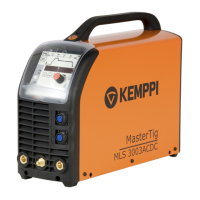
MasterTig 235ACDC, 325DC, 335ACDC, 425DC
Operating manual - EN
• "Memory channels view" on page40
• "Start & stop sequence view" on page41
• "Pulse view" on page44
• "Current mode view" on page45
• "Settings view" on page46
• "Info view" on page49
To navigate between different control panel views:
1. Press the menu button (2).
2. Browse to the target view by turning the control knob (1).
3. Select the view by pressing the knob (1).
Tip: You can switch between the home view and the previously used view by long pressing the menu button (2).
3.3.1 Home view
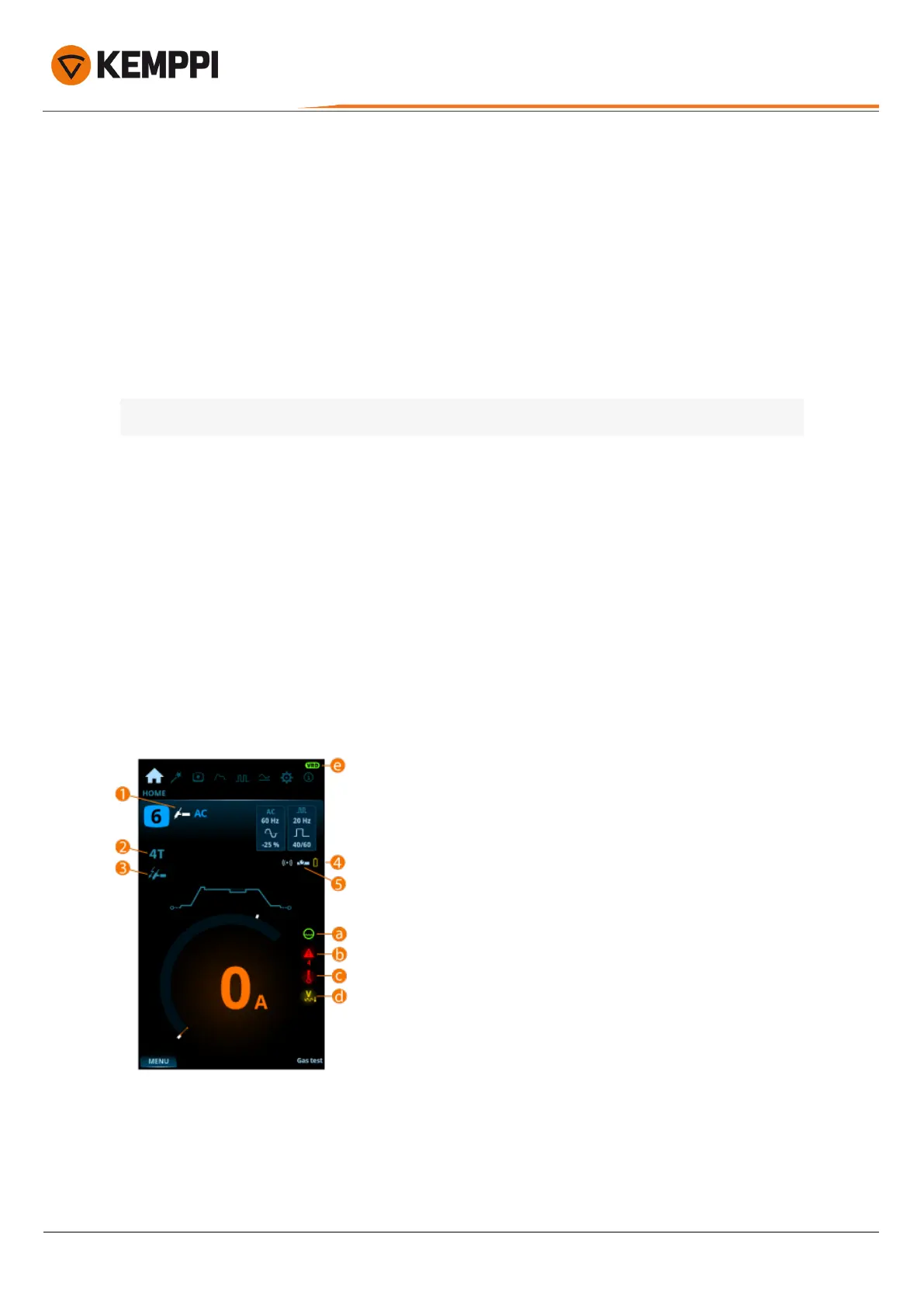
Home view is the control panel work mode after the initial machine and control panel start-up. When in Home view, the
welding current can be adjusted directly by turning the control knob.
Depending on your welding settings, the following are shown:
• Welding current(A)
• Current mode (AC, DC-, DC+, MIX)
• Pulse mode: Auto / Selected value Hz (manual)
• Start & stop diagram
• Welding mode indicated by the diagram shape: Continuous, Spot or MicroTack
• Memory channel used
• Selected trigger logic, ignition mode, remote mode and welding process
• Warning and notification symbols.
1. Welding process (TIG/MMA)
2. Trigger logic (2T/4T)
3. Ignition mode (Lift TIG ignition)
4. Wireless remote and its battery status
5. Remote mode (ON/OFF).
© Kemppi
36
1920900 / 2052


 To Next Page
 Loading...