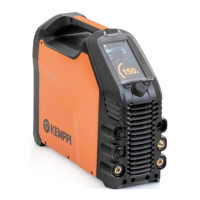
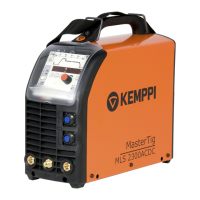
MasterTig 235ACDC, 325DC, 335ACDC, 425DC
Operating manual - EN
Control panel parameter adjustment:
• "Home" below
• "Start & stop sequence" below
• "Settings" on page32.
3.2.1 Home
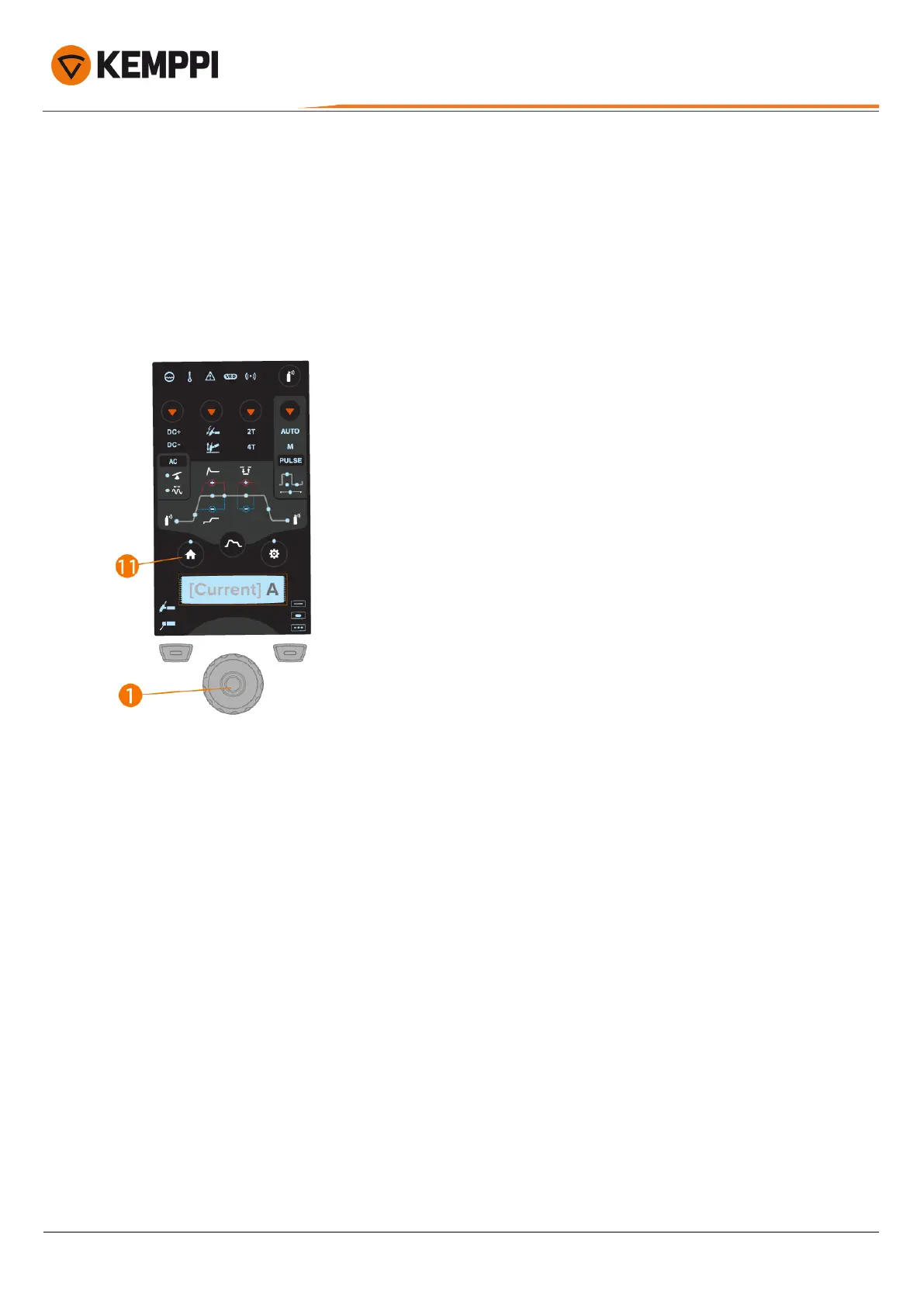
'Home' is the control panel work mode after the initial machine and control panel start-up. When Home is selected, the
welding current can be adjusted by turning the control knob.
To adjust welding current:
1. Press the Home button (11).
2. Turn the control knob (1)to adjust the current. Current (A) is shown on the display.
3.2.2 Start & stop sequence
The parameters diagram tool makes base parameter identification and setting easy. From pre-gas time to post-gas time
and everything in between, you can quickly select and adjust the parameter value.
© Kemppi
29
1920900 / 2052


 To Next Page
 Loading...