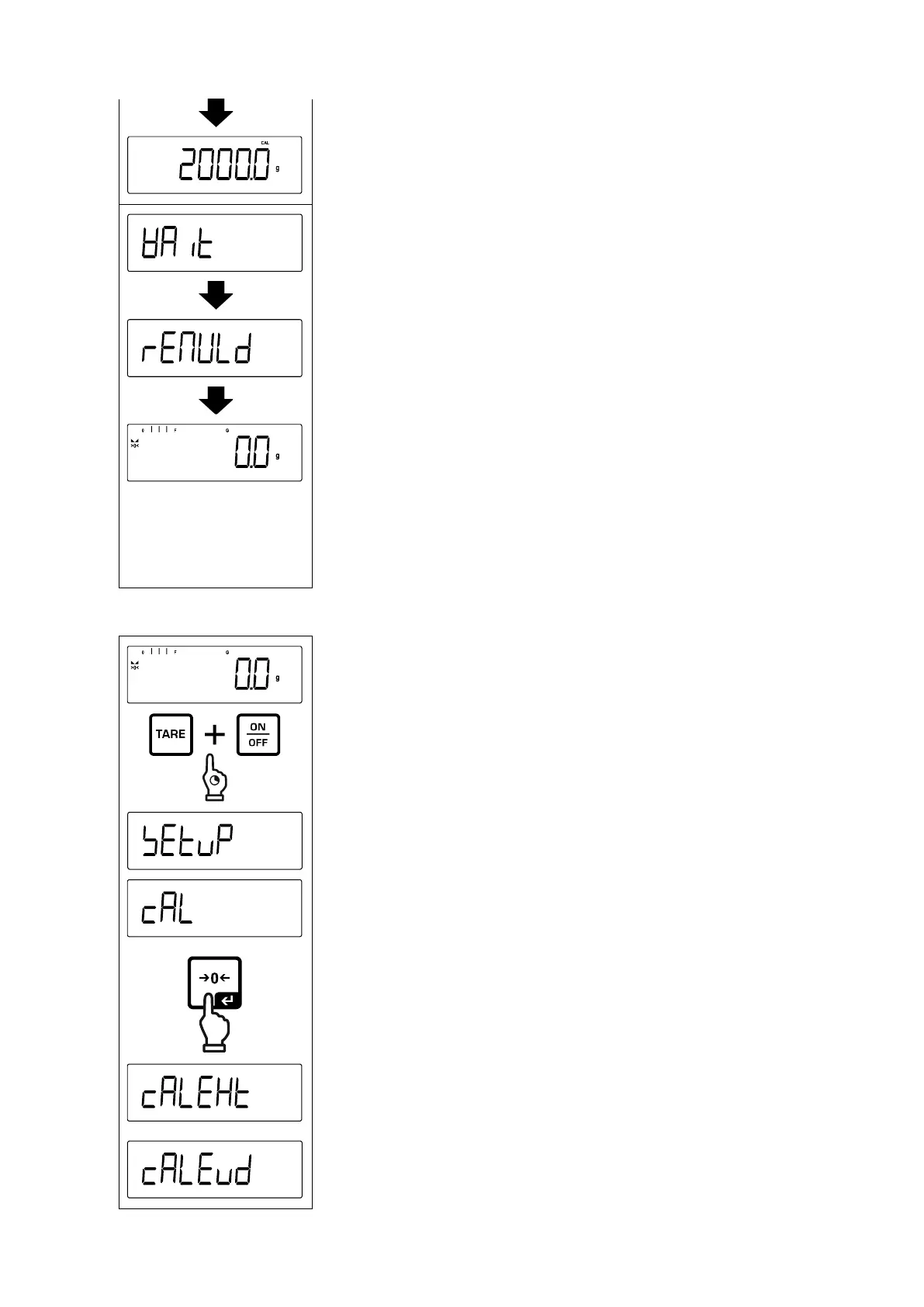
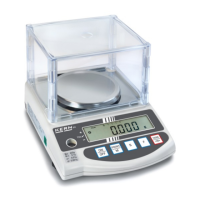
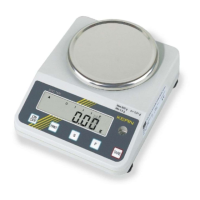
Place the adjustment weight.
< wait> followed by < reMvld> will be displayed.
Once < reMvld> is displayed, remove the adjustment
weight.
After successful adjustment the balance automatically re-
turns to weighing mode.
In case of an adjustment error (e.g. objects on the weigh-
ing plate) the display will show the error message <
wrong >. Switch off balance and repeat the adjustment
process.
Press and hold the TARE and ON/OFF buttons simulta-
neously to enter the setup menu.
Wait until the first menu item < Cal > is displayed.


 To Next Page