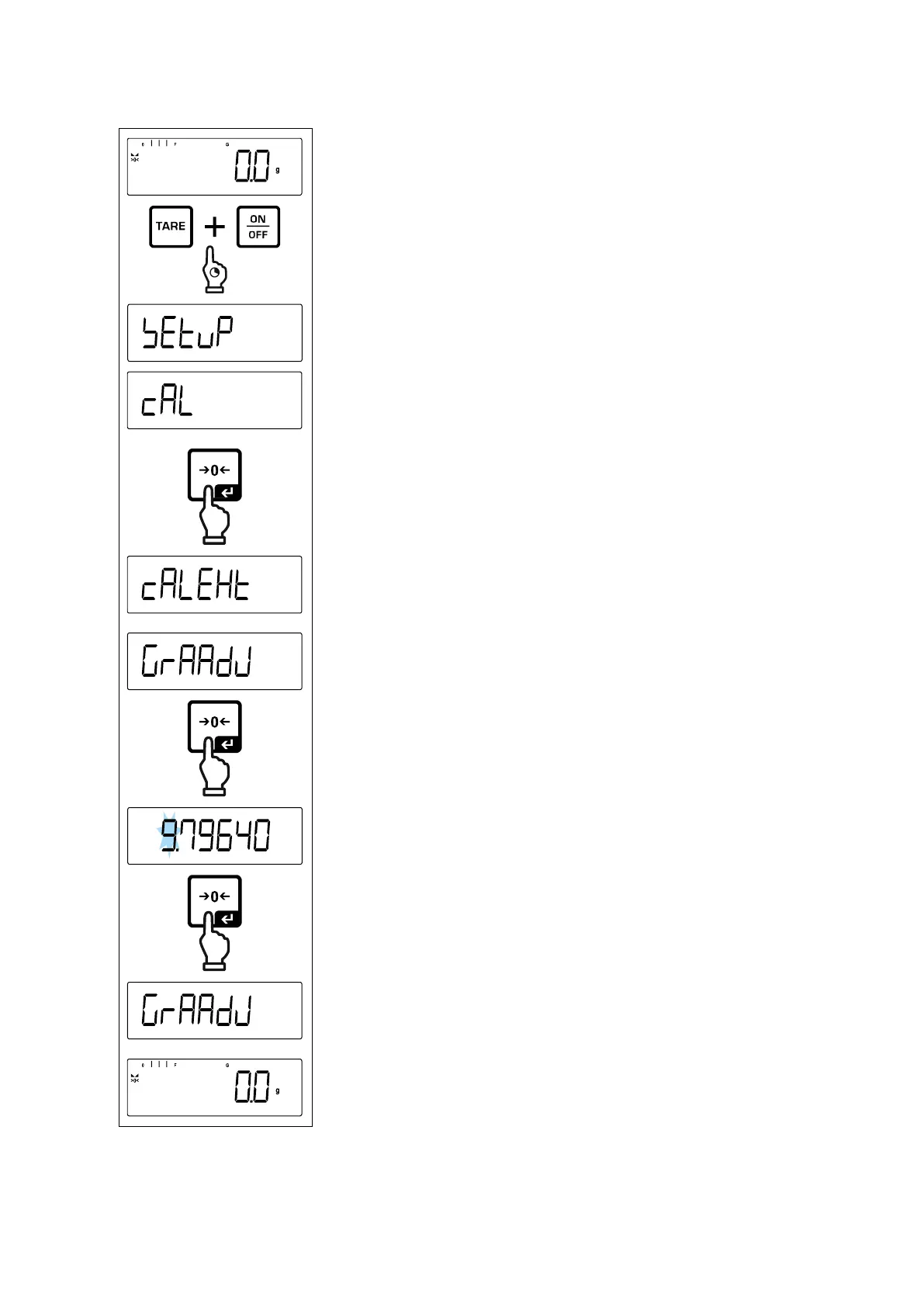
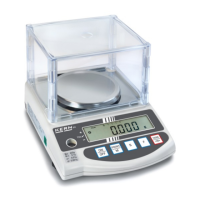
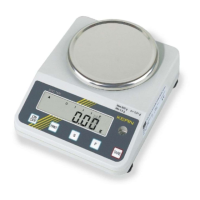
Press and hold the TARE and ON/OFF buttons simulta-
neously to enter the setup menu.
Wait until the first menu item < Cal> is displayed.
Use the navigation keys to select < graadj>.
Acknowledge using [ ] button, the current setting is dis-
played. The active digit is flashing.
Enter weight value and confirm using the [ ] button, nu-
merical input see chap. see chap. 3.2.2.
Weighing balance returns to menu.


 To Next Page