5 Local Operation
34 Keysight J7201A/B/C Operating and Service Manual
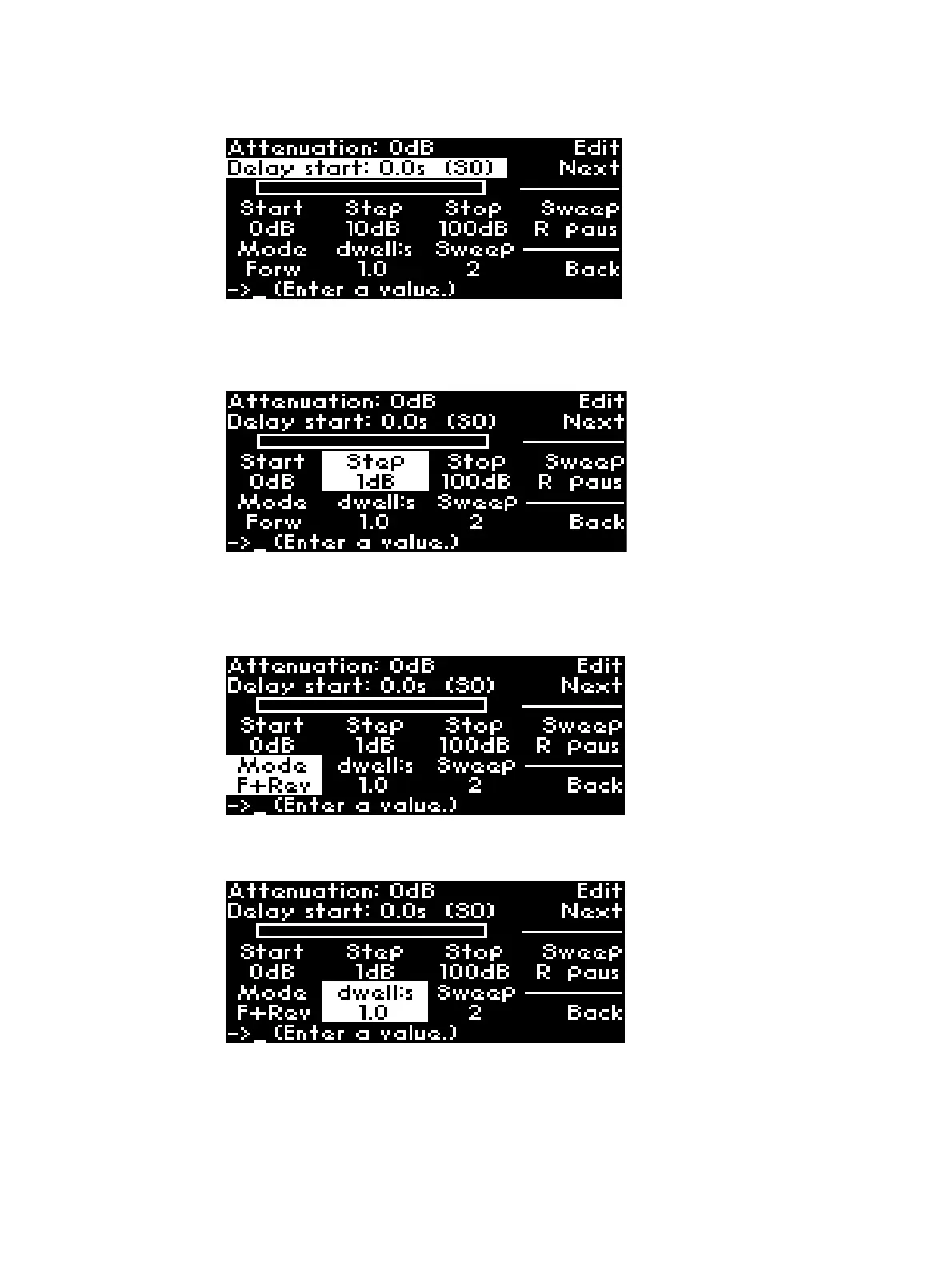
5 Scroll through the optionsusing softkey Ed it Next.
6 The illustration below shows that the J7201A/B/C is set to 1 dB step size by pressing Edit Next
softkey to highlight Step and key in the value through keypad or rotary knob.
7 You may also configure 2 kind of mode of operations: Forw and F+Rev. Forw allows this
instrument to sweep up from start attenuation to stop attenuation to complete 1 cycle.
Whereas for F+Rev (forward and reverse), it will sweep from start attenuation to stop
attenuation and reverse from stop attenuation to start attenuation to complete 1 cycle.
8 Next setting option is dwell time which ranges from 0.1s to 10s. For example, Dwell time in the
illustration below is set as 1.0s through keypad or rotary knob.
9 You may also choose manual dwell time, Man. To sweep attenuation manually, press Trigger
softkey. For example, the illustration shows stop attenuation is set to 5dB and current
attenuation display 1dB and trigger sweep manually by pressing on Trigger softkey.



 To Next Page