Local Operation 5
Keysight J7201A/B/C Operating and Service Manual 35
10 To stop sweeping, press Stop Sweep once.
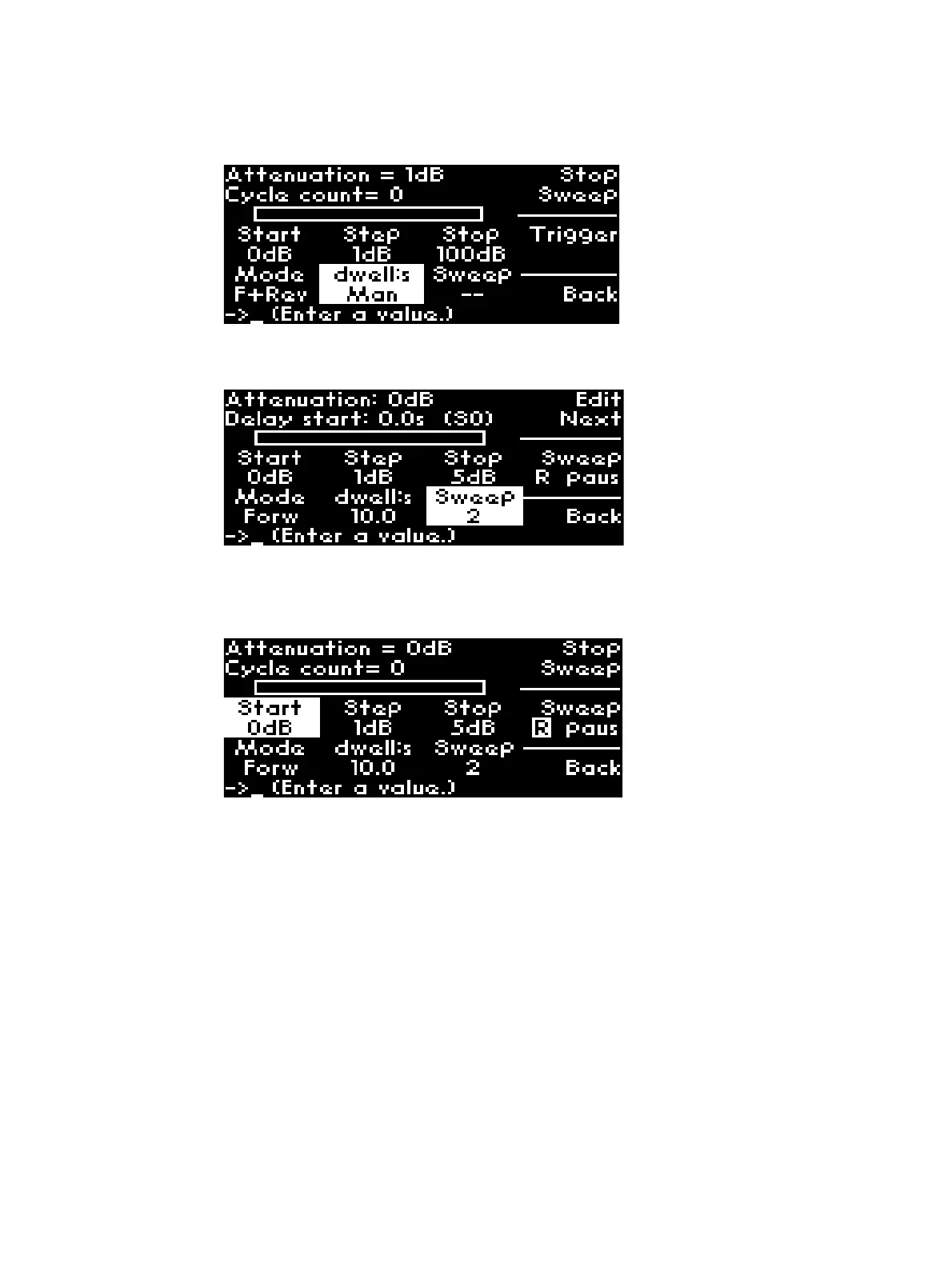
11 Next setting option is number of sweeps. For example, the illustration below displays number of
sweeps is 2. To cycle the attenuator, click Sweep softkey once.
12 Now, the symbol R is highlighted which indicates that J7201A/B/C is running.
13 You can also pause instrument’s cycling by selecting paus. Press R to continue cycling.
To halt the cycling, press Stop Sweep softkey once.
14 Back softkey directs you back to the previous menu.
15 The information of the last operation remains as illustrated and saved in program set 0 (S0).



 To Next Page