5 Local Operation
40 Keysight J7201A/B/C Operating and Service Manual
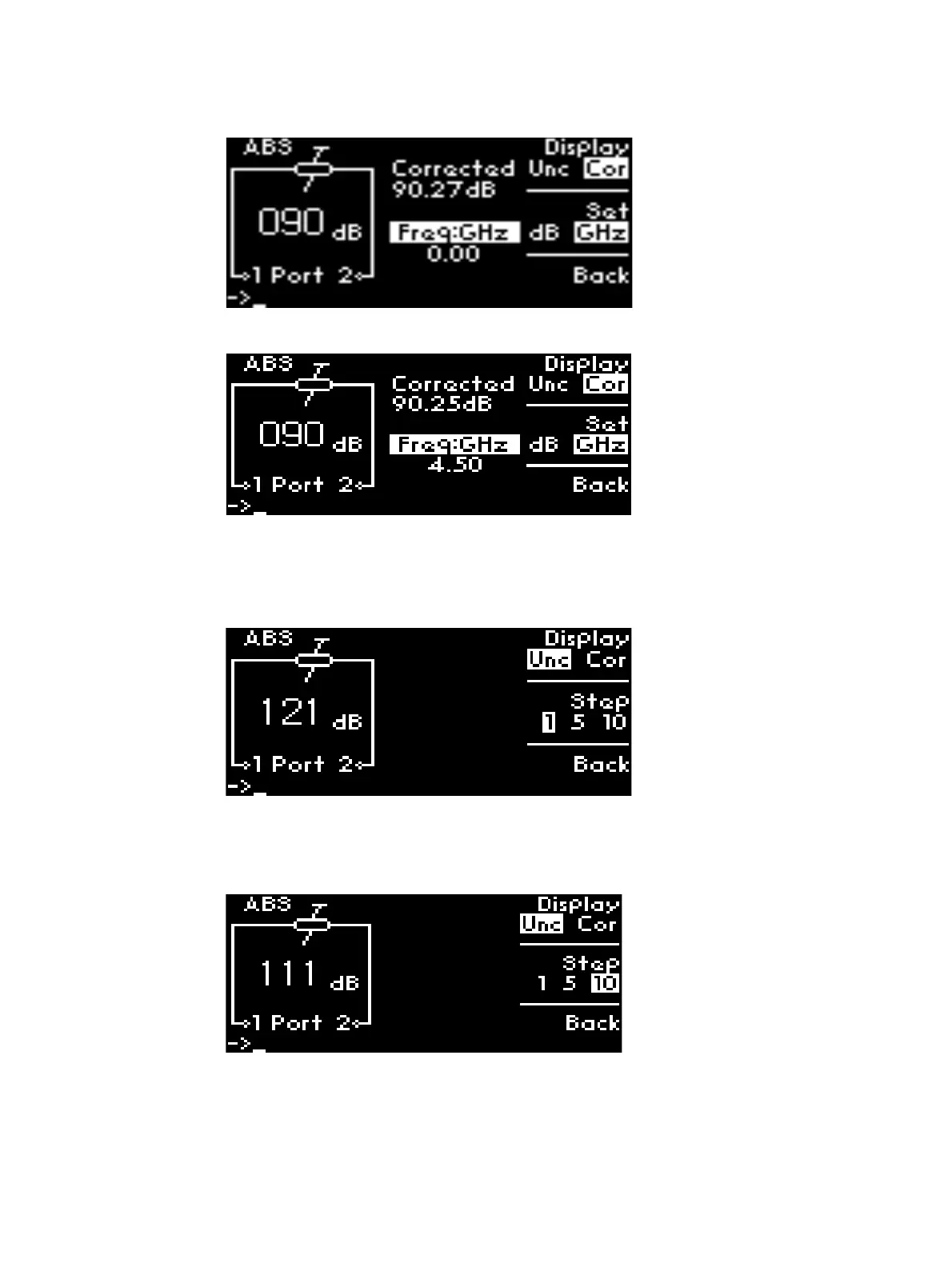
6 Now, 90 dB attenuation (shows 90.25 dB corrected value) and 4.5 GHz frequency are set.
Select Attenuation Step
To select attenuation step for suitable application:
1 Navigate to Step softkey, press once from step 1 to step 5.
2 To follow the example shown, press twice to select step 10.
3 Then, turn rotary encoder anticlockwise once
[1]
to see 111 dB display as a result of 10 dB step
down from 121 dB.
[1] Turn anticlockwise accordingly to obtain step down of decremental 10 dB such as 111 dB, 101 dB, 91 dB, 81 dB and so
forth. Maximum attenuation level for J7201C is 101 dB.



 To Next Page