Local Operation 5
Keysight J7201A/B/C Operating and Service Manual 39
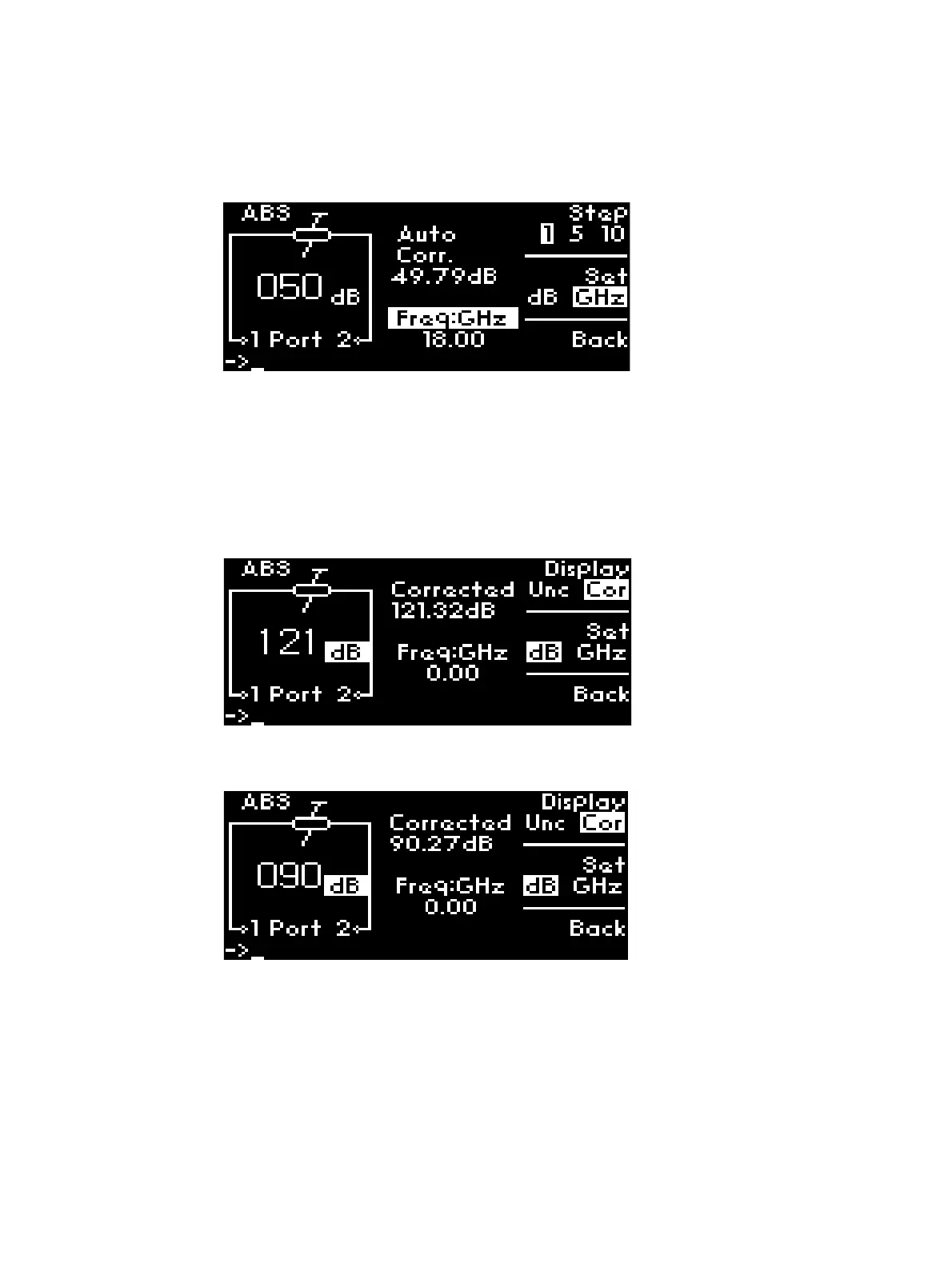
3 Now, screen will show the setting of 50 dB with dB highlighted.
4 Now, you observe attenuation accuracy is auto-corrected to 2 decimal places. For example,
Auto Corrected value of 49.79 dB in this case.
5 Press Back to return to previous main menu.
Select Frequencies and Attenuation Values
To navigate and select attenuation values:
1 Select Cor under Display using softkey.
2 Now, you observe attenuation accuracy is corrected to 2 decimal places. For example,
Corrected value of 121.32 dB in this case.
3 Enter digit 90 manually using keypad to select attenuation of 90 dB. Before setting 90 dB,
ensure dB is selected by pressing the Set softkey.
4 Now, screen will show the setting of 90 dB with Cor and dB highlighted.
5 Press Set softkey once, GHz is chosen. Enter required frequency using keypad or rotary knob.
For example, enter 4.5 GHz.



 To Next Page