N5186A MXG and X-Series SA Measurement Guide 19
Basic Measurements
Making Measurements
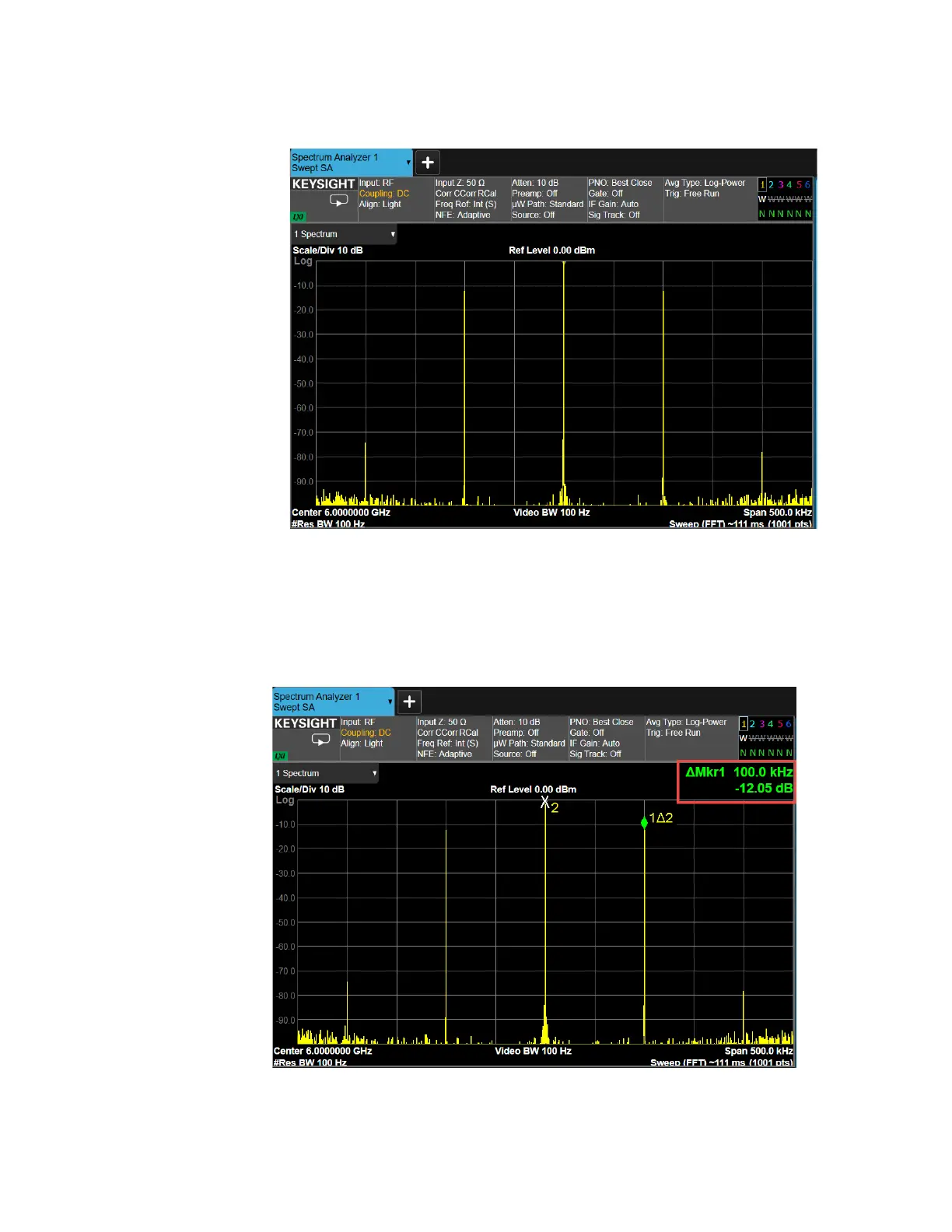
3. Select BW and set Res BW to 100 Hz.
4. Select Peak Search.
5. Use markers to measure sideband power relative to the center frequency
by selecting Marker Delta. Select Next Pk Right until the second marker is
at the next highest peak.
The Delta Marker should be approximately –12 dB for 50% AM.



 To Next Page