N5186A MXG and X-Series SA Measurement Guide 27
Basic Measurements
Making Measurements
On the Signal Analyzer:
1. From the Menu Panel (on the top right of the display), select Mode/Meas >
Analog Demod mode. Select Mode Preset to set Spectrum Analyzer mode
to a known state.
2. From the Menu Panel (on the top right of the display), select Mode/Meas >
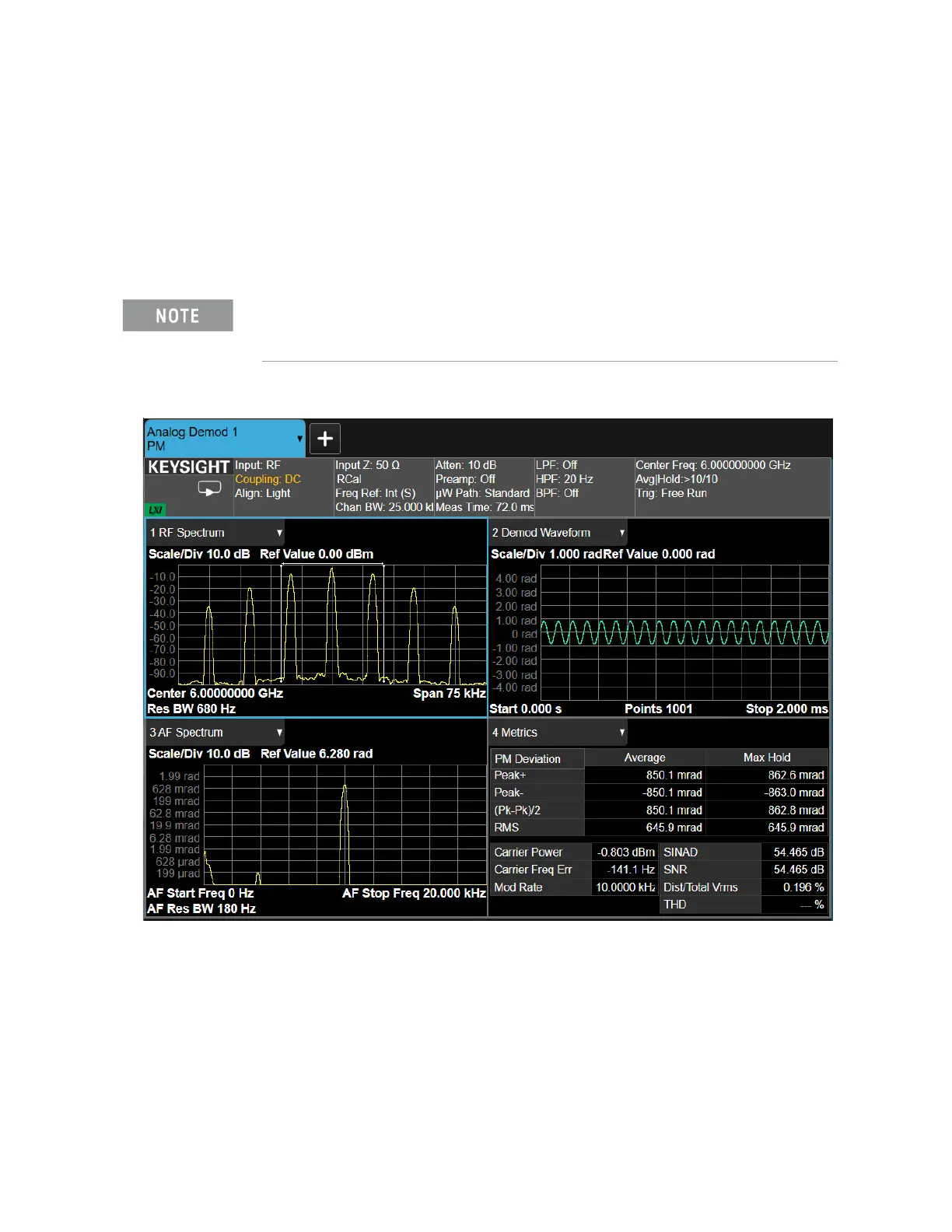
Analog Demod mode > PM Measurement > Quad View.
3. Select Frequency and set Center Frequency to 6 GHz.
If accessing the instrument via a Remote Desktop connection, select the
Screen tab (at the top of the display) to open the
Mode/Measurement/View Selector window.



 To Next Page