36 N5186A MXG and X-Series SA Measurement Guide
Basic Measurements
Making Measurements
On the MXG:
1. Select the Signal block to open the Vector Modulation Signal Setup.
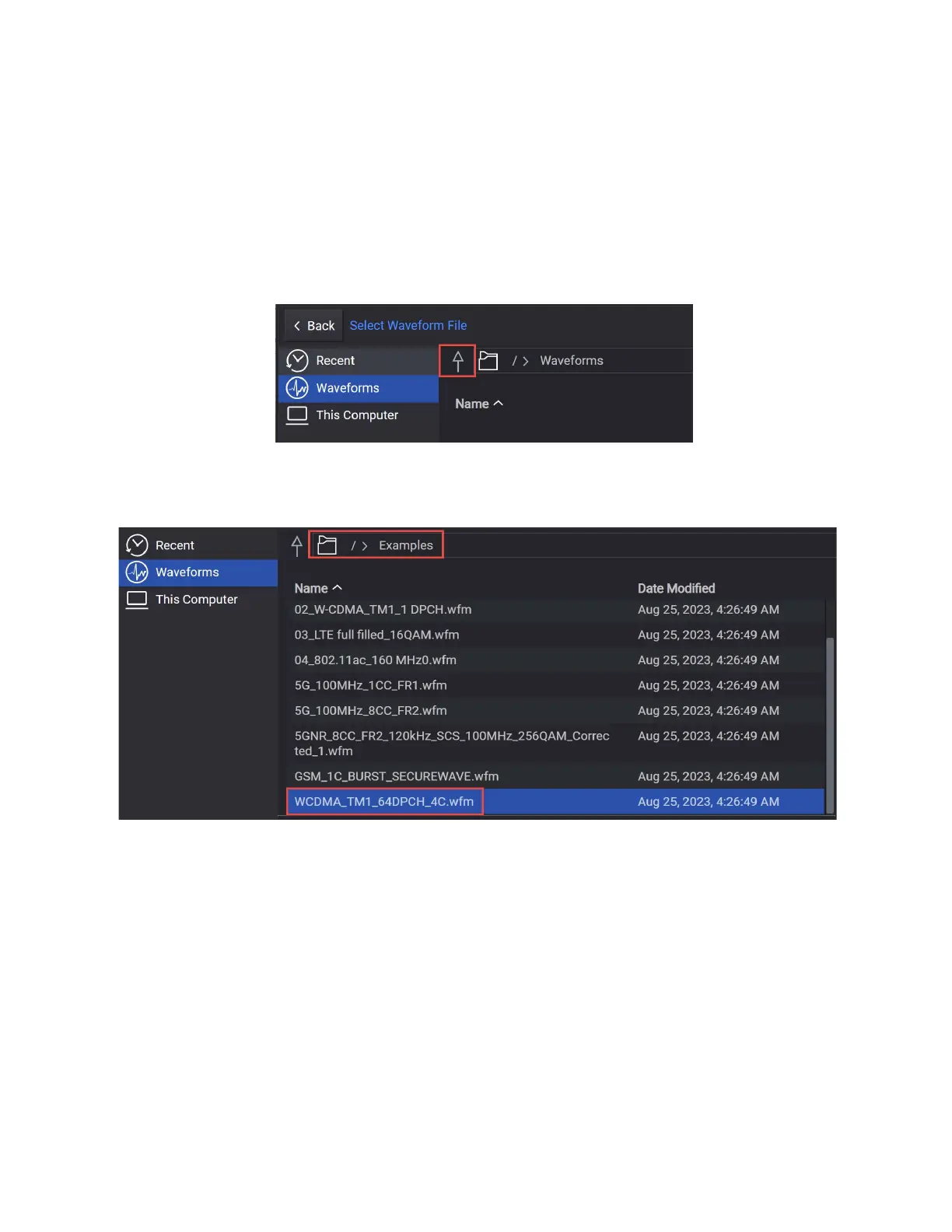
2. From the Waveform tab on the left side of the display, choose File Select
to navigate to the Waveforms folder.
3. Select the Up arrow icon to access the Examples folder.
4. Open the Examples folder and highlight WCDMA_TM1_64DPCH_4C.wfm,
then Select.



 To Next Page