Features of your vehicle
505
LCD display
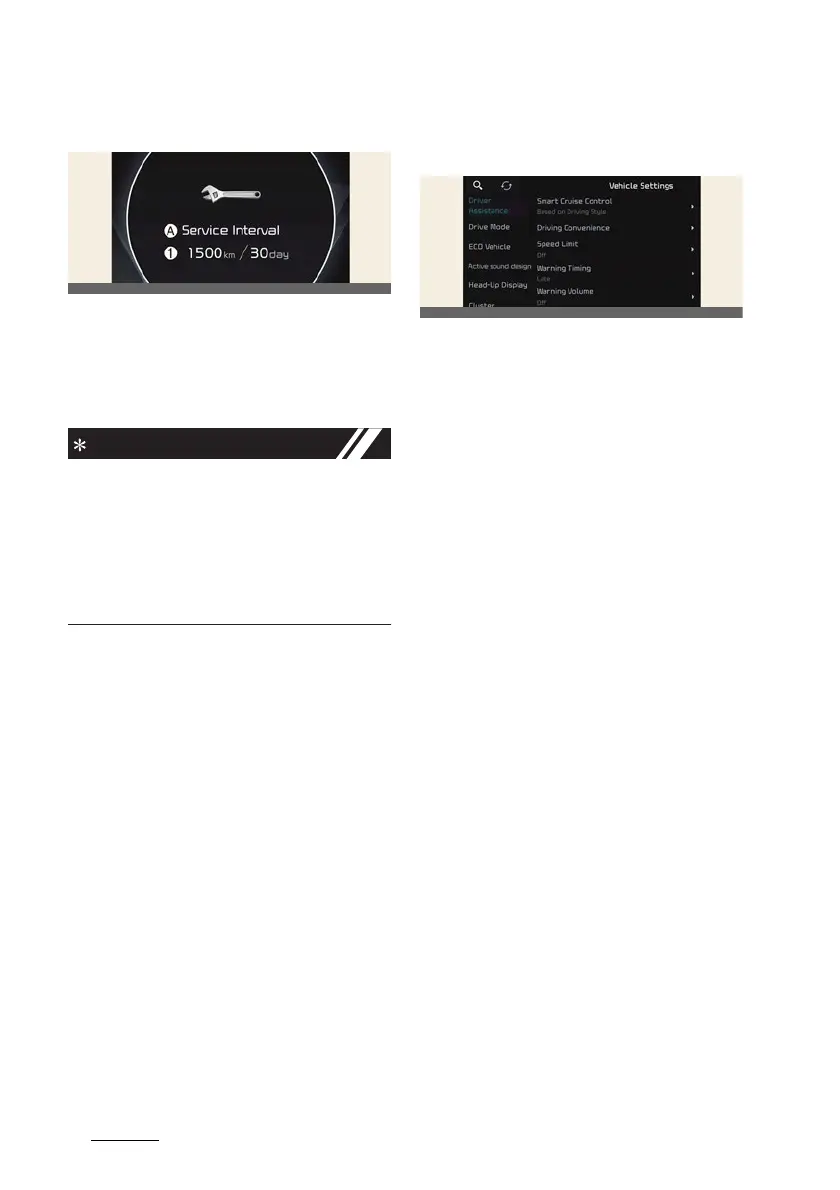
Service Interval
A:
Service Interval
1
Service interval schedule
To reset the service interval, select
Set
-
tings
→
Vehicle
→
Cluster
→
Service
Interval
→
Reset
.
Calculates and displays when you need
a scheduled maintenance service (mile
-
age or days). If the remaining mileage or
time reaches 1,500 km (900 miles) or 30
days, the message
Service in
is dis
-
played for several seconds each time
you set the vehicle to the ON position.
Driver assistance settings (info
-
tainment system)
select
Settings
→
Vehicle
→
Driver
assistance
on the infotainment system
screen to set the Driver Assistance func
-
tion.
僅
Driver assistance
-
SCC (Smart Cruise Control)
-
Driving Convenience
-
Speed limit
-
Warning timing
-
Warning volume
-
Haptic warning
-
DAW (Driver Attention Warning)
-
Forward safety
-
Lane safety
-
Blind-spot safety
-
Parking safety



 To Next Page