47
5
5
Features of your vehicle LCD display
LCD display
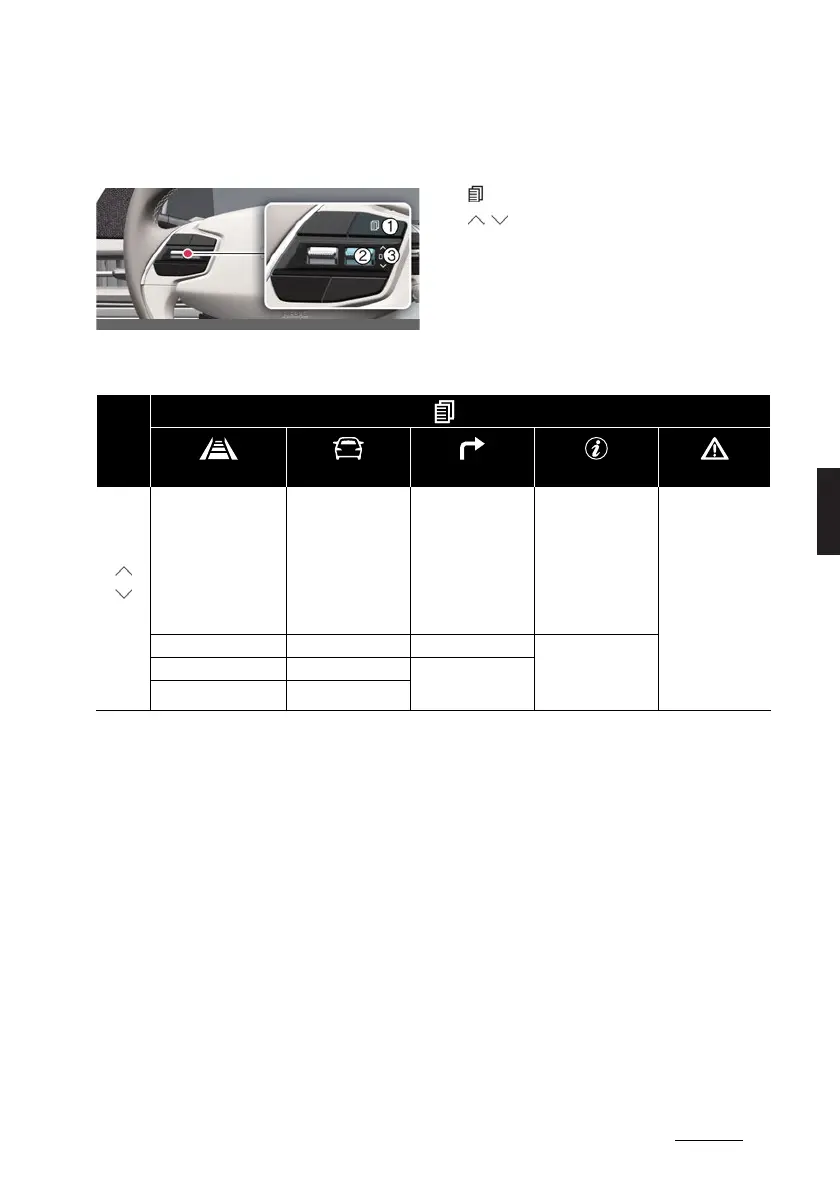
Changing LCD display modes
1. : MODE button for changing modes
2. / : MOVE switch for changing
items
3. OK: SELECT/RESET button for setting
or resetting the selected item
LCD display modes
Mode
Driving Assist Trip Computer Turn By Turn (TBT)* Information Master Warning
Up/
Down
Forward Collision-Avoid
-
ance Assist
Lane Keeping Assist
Blind-Spot Collision-
Avoidance Assist
Smart Cruise Control
Lane Following Assist
Highway Driving Assist
Drive Information Route Guidance TPMS
The Master Warn
-
ing mode displays
warning messages
related to the vehicle
when one or more
systems is not oper
-
ating normally.
Driver Attention Warning After Recharging Destination Info
Speed Limit System Accumulated Info
Energy Flow (4WD)



 To Next Page