Features of your vehicle
965
Infotainment system
僅When the vehicle is in the ACC posi
-
tion, only the infotainment system will
be activated.
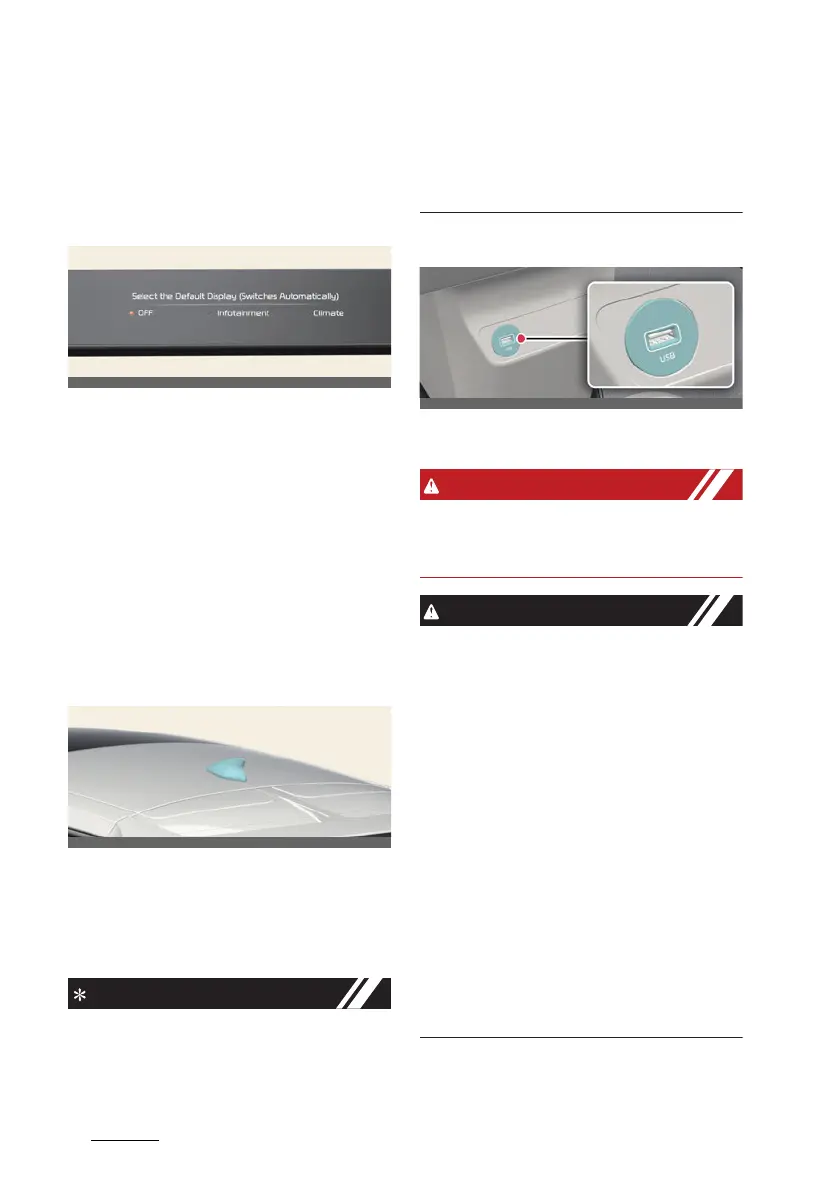
Setting the default mode
Press and hold the button to select the
default mode for the control panel.
僅 After the setting, the control panel will
return to the default mode after a cer
-
tain period of time even if the control
panel is switched to the different
mode.
僅 If the mode is set to 'OFF', the control
panel will display the mode used
recently.
Audio system
Sharkfin antenna
The roof antenna transmits and receives
wireless signals such as AM/FM, DAB,
GNSS, LTE etc.
* The signals which antenna can transmit
and receive vary by the vehicle option.
僅 If you install an aftermarket HID head
lamp, your vehicle's audio and elec
-
tronic device may malfunction.
僅 Avoid adding metallic coatings such
as Ni, Cd, etc. These can degrade the
receiving AM and FM broadcast sig
-
nals.
USB port
You can use an USB port to plug in the
USB.
Do not use a cellular phone while driv
-
ing. Stop at a safe location to use a cellu
-
lar phone.
僅 Depending on the size, length, or
shape of the USB stick, the USB
device may be damaged or deformed.
When the stick is stuck, forcibly pull
-
ing the USB stick can cause damage
to the port. If the USB stick does not
fit, do not forcibly push the USB stick
to the port and try another USB stick
with different specifications.
僅 When using a communication system
such as a cellular phone or a radio set
inside the vehicle, a separate external
antenna must be fitted. When a cellu
-
lar phone or a radio set is used with
only the internal antenna, it may inter
-
fere with the vehicle's electrical sys
-
tem and adversely affect the safe
operation of the vehicle.



 To Next Page