171
6
6
Driving your vehicle Remote Smart Parking Assist (RSPA)
5. If you need to change the vehicle's
position or location, manually com
-
plete parking your vehicle.
僅 When operating Remote Smart Park
-
ing function, make sure all smart keys
are outside of the vehicle.
僅 Remote Smart Parking function will
operate only when the smart key is
within 4 m (13 ft.) from the vehicle. If
there is no vehicle movement even
when the Remote Forward or Back
-
ward button is pressed on the smart
key, check the distance to the vehicle
and press the button again.
僅 The detecting range of the smart key
may vary depending on the surround
-
ings that are affected by radio waves
such as transmission tower, broadcast
station, etc.
僅 The parking location indicator is dis
-
played on Surround View Monitor
screen and is displayed until the vehi
-
cle enters the parking space for the
first time by Remote Smart Parking
function.
僅 Depending on parking environments,
if the vehicle is stopped by a stopper,
parking may be completed.
僅 When using Remote Smart Parking
function, make sure that all passen
-
gers have gotten out of the vehicle.
僅 After ending or turning off Remote
Smart Parking function, before leav
-
ing the vehicle, close windows and
sunroofs, and make sure the vehicle is
off before locking the doors.
Smart Parking function
僅 Operation status by the hazard warn
-
ing light may not be applicable based
on the regulation of your country.
僅 If the smart key is not within the oper
-
ating range from the vehicle (approxi
-
mately 4m (13 ft.)), the smart key LED
will not illuminate or blink. Use the
smart key within the operating range.
How to turn off Parking function
while operating
僅 Press the Parking Safety ( ) button
or select
Cancel
on the infotainment
system screen to turn off.
僅 Press the Parking Safety ( ) button in
Searching for parking space and
Select parking type stage.
僅 Shift the gear to R (Reverse) in the in
Searching for parking space, Select
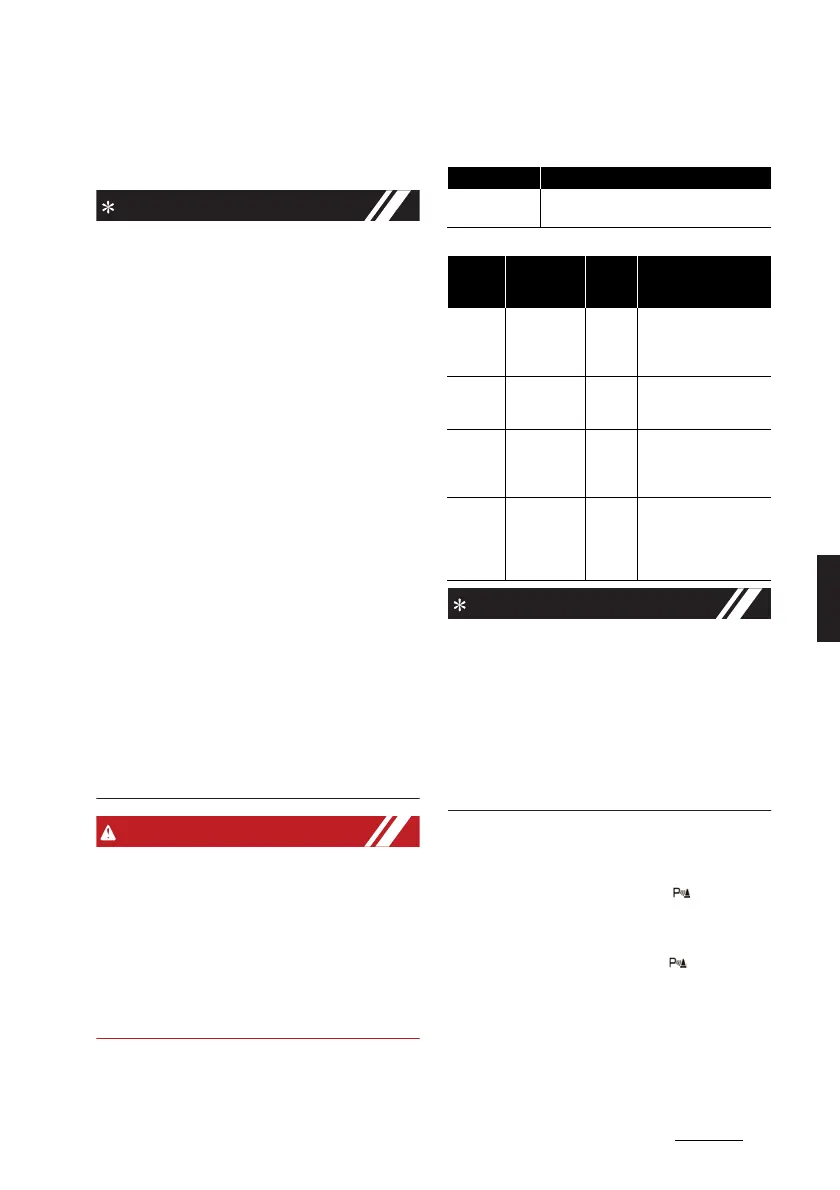
Operation status Turn signal
Under control
The turn signal of the parking direction
blinks until the first reverse is complete.
Opera
-
tion sta
-
tus
Smart key
LED
Hazard
warning
light
Turn signal
Under
control
Green LED
continuously
blinks
-
The turn signal of the
parking direction blinks
until the first reverse is
complete.
Pause
Red LED con
-
tinuously
blinks
Blinks -
Off
Red LED illu
-
minates for 4
seconds and
then turns off
Blinks 3
times
and
turns off
-
Complete
Green LED
illuminates for
4 seconds
and then
turns off
Blinks 1
time and
turns off
-



 To Next Page