177
6
6
Driving your vehicle Remote Smart Parking Assist (RSPA)
Remote Smart Parking Assist
malfunction and limitations
Remote Smart Parking Assist
malfunction
Remote Smart Parking Assist
check
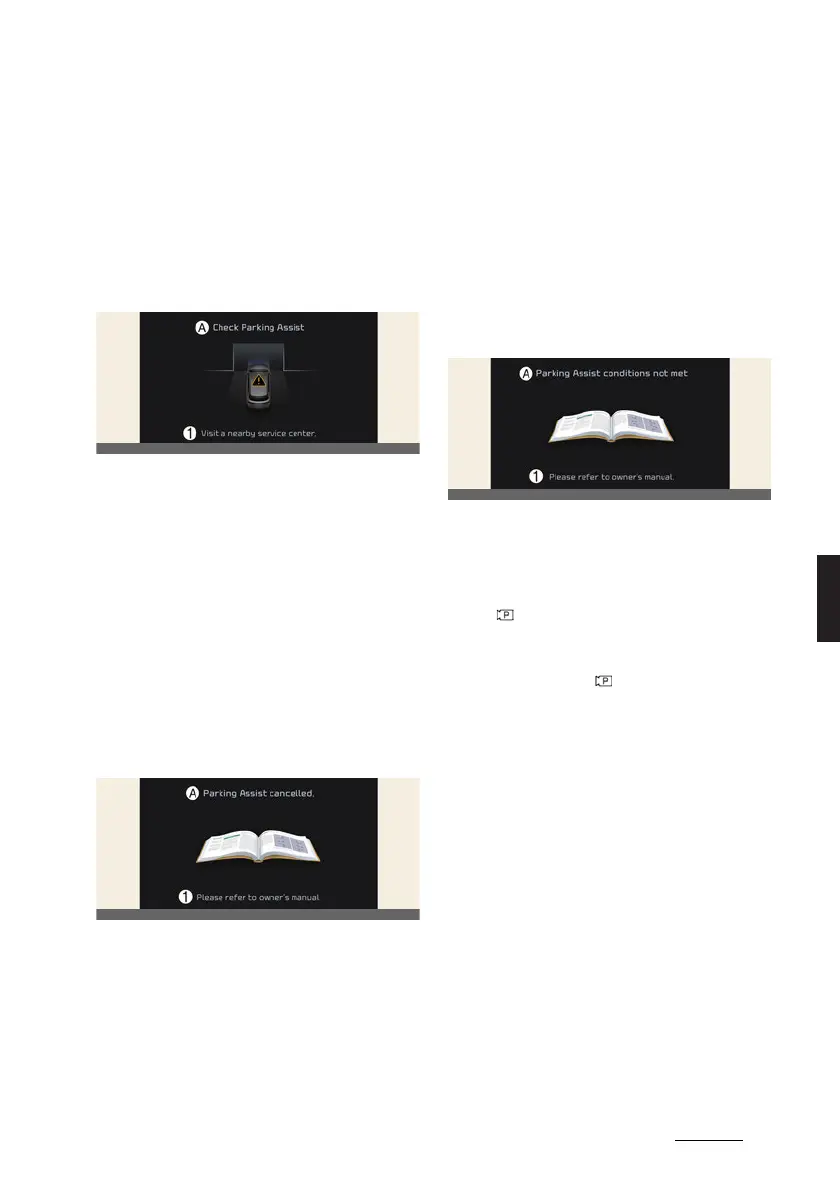
A:
Check Parking Assist
1 Visit a nearby service center.
When Remote Smart Parking Assist is
not working properly, the
Check Park
-
ing Assist
warning message will appear
on the infotainment system screen. If the
message appears, stop using the func
-
tion, and we recommend that the func
-
tion be inspected by an authorized Kia
dealer/service partner.
Remote Smart Parking Assist
canceled
A:
Parking Assist cancelled.
1 Please refer to owner's manual.
When Remote Smart Parking Assist is
operating, the function can be canceled,
and the
Parking Assist Cancelled.
warning message may appear regard
-
less of the parking order. Other mes
-
sages may appear depending on the
situations. Follow the instructions pro
-
vided on the infotainment system screen
while parking your vehicle with Remote
Smart Parking Assist. Always look
around and pay attention when using
the function.
Remote Smart Parking Assist
standby
A:
Parking Assist conditionst met
1 Please refer to owner's manual.
When
Parking Assist conditions not
met
message appears, when Parking/
View ( ) button has been pressed and
held, Remote Smart Parking Assist is in
standby. After a while, press and hold
the Parking/View ( ) button again to
see if the function works.
The message appears even when the
smart key's battery is low. Check the
smart key battery level.
Limitations of Remote Smart
Parking Assist
In the following circumstances, function
performance to park or exit the vehicle
may be limited, there may be a risk of
collision, or Remote Smart Parking Assist
may turn off. Park or exit the vehicle
manually if necessary.
僅An object is attached to the steering
wheel
僅 The vehicle is installed with a snow
chain, spare tire or different size
wheel



 To Next Page