KIC 2000 v2.4.0.x
8 KIC 2000 User Manual
SlimKIC 2000 Hardware Configuration
1. Install the KIC 2000 Software.
2. Connect the SlimKIC 2000 hardware to the computer (RS-232 Serial COM port)
3. Run KIC 2000 Software
If you have any questions or need assistance connecting your KIC hardware contact KIC Technical Support
tech@kicmail.com
.
The SlimKIC 2000 profiler connects to the computer through a RS-232 serial port. All necessary software
drivers will be installed during the KIC 2000 software installation. In the event that the computer has no
RS-232 COM ports or none are available, a Serial-USB adapter is required.
RF Mode
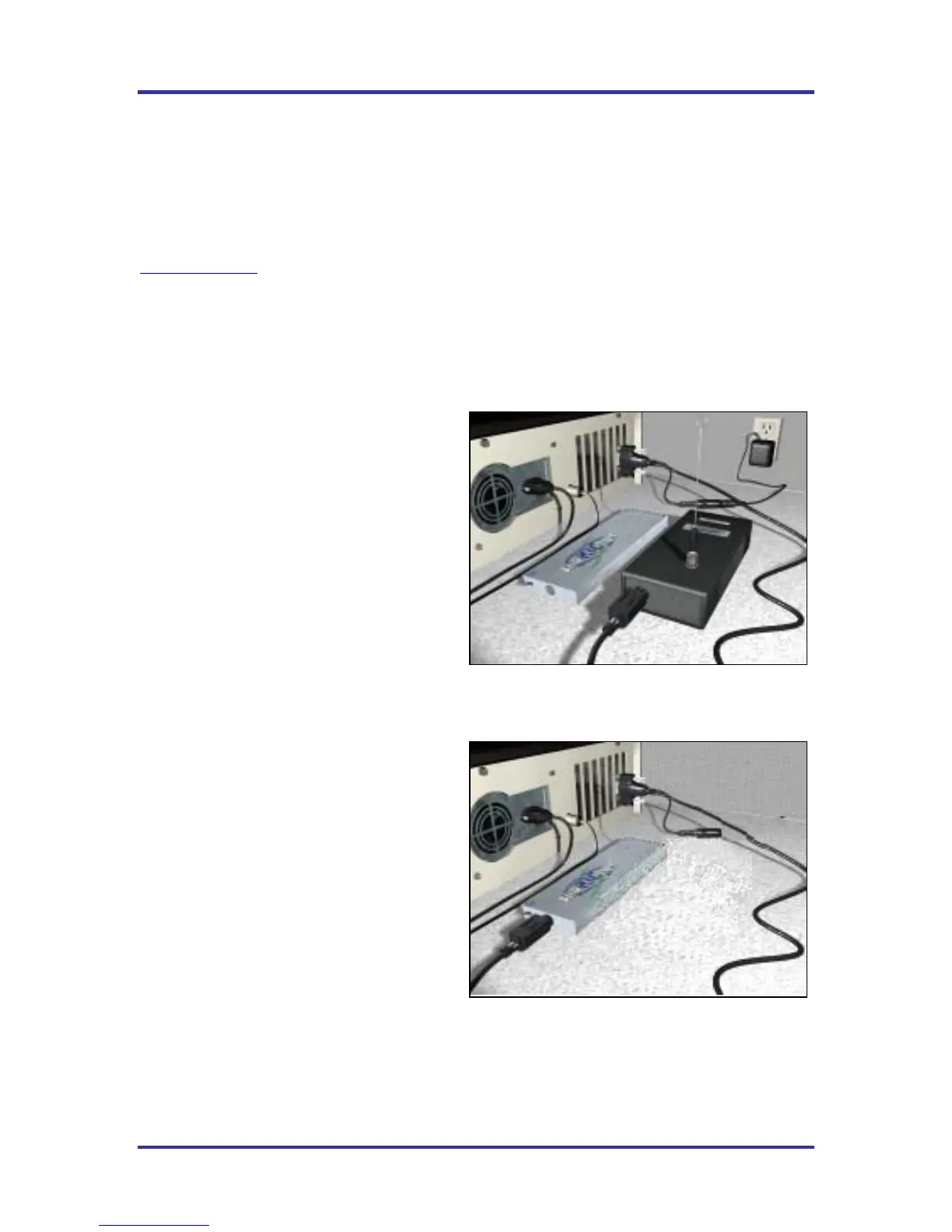
The SlimKIC 2000 - Receiver is plugged into the
COM port on the PC and the power supply is
plugged into the small jack on the cable and into
a power source. To initialize the SlimKIC 2000
plug the Receiver Cable directly into the
SlimKIC 2000. See
Figure 7.
Temperature vs. Time profiles must be run with
the communication cable connected throughout
the profile, even for SlimKIC 2000’s
with transmit capability.
Data log Mode
The SlimKIC 2000 – Data logger version will be
plugged in directly from the PC COM port. No
Receiver or power supply will be included in
your data logger version.
See
Figure 8.
Figure 7
Figure 8



 To Next Page