KIC 2000 v2.4.0.x
10 KIC 2000 User Manual
Data Log Mode
The standard mode of communication for the KIC Explorer is Data Log mode. The KIC Explorer USB
communication cable is used to transfer data to and from the KIC 2000 software computer from your
KIC Explorer. For Firmware upgrades, Data Log mode is required.
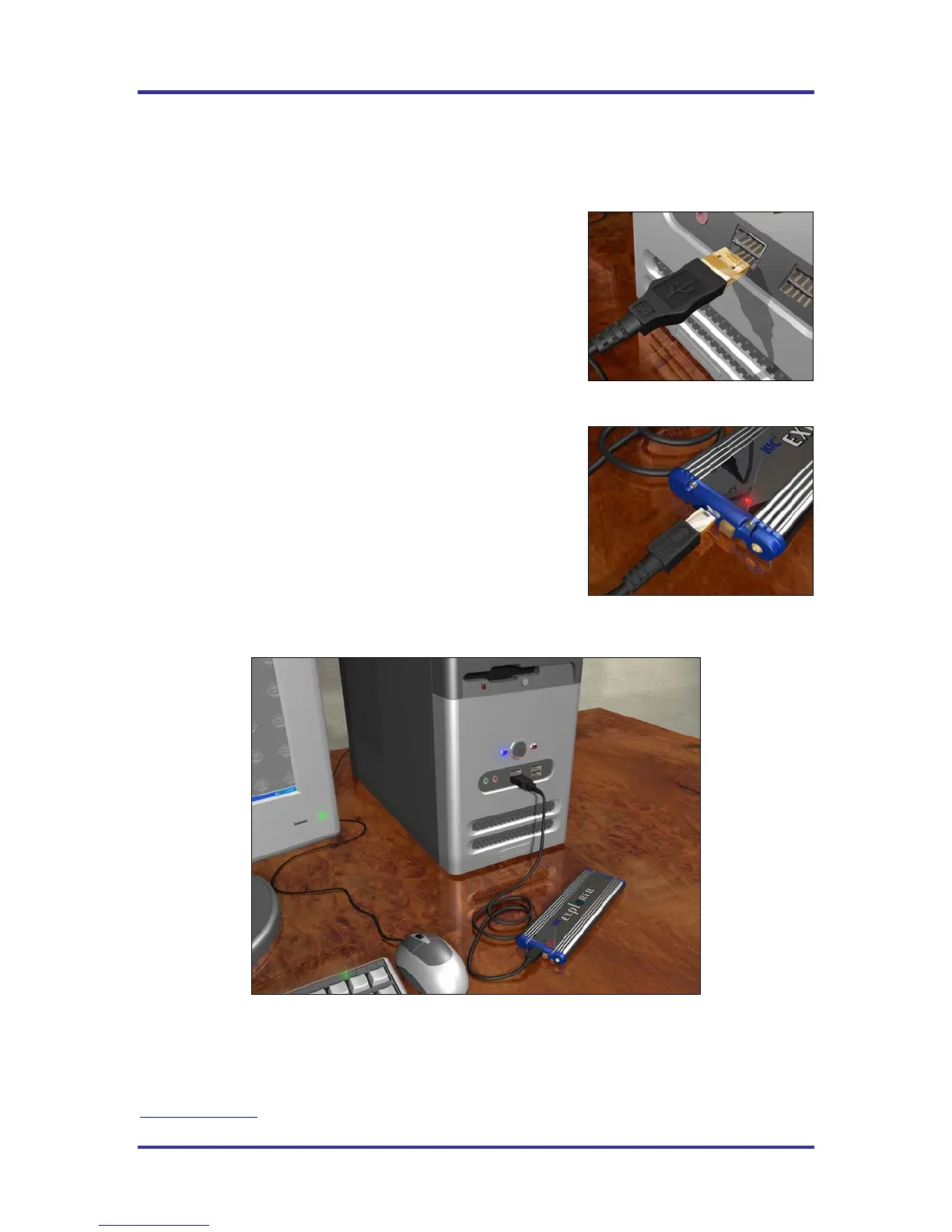
Connect the KIC Explorer USB communication cable to the
computer. See Figure 13.
Connect the other end of the KIC Explorer communication cable to
the KIC Explorer. See Figure 14.
The KIC Explorer is now connected to the computer via USB cable. See Figure
15.
Figure 15
Note: When connecting the KIC Explorer to laptop computers that utilize a floating ground connection
(2-prong power plug), the user will be required to manually ground the laptop prior to connecting the
KIC Explorer. This procedure will prevent unwanted electrical interference that may distort the
temperature data collected by the KIC Explorer. Contact KIC Technical Support for assistance,
tech@kicmail.com
.
Figure 13
Figure 14



 To Next Page