KIC 2000 v2.4.0.x
12 KIC 2000 User Manual
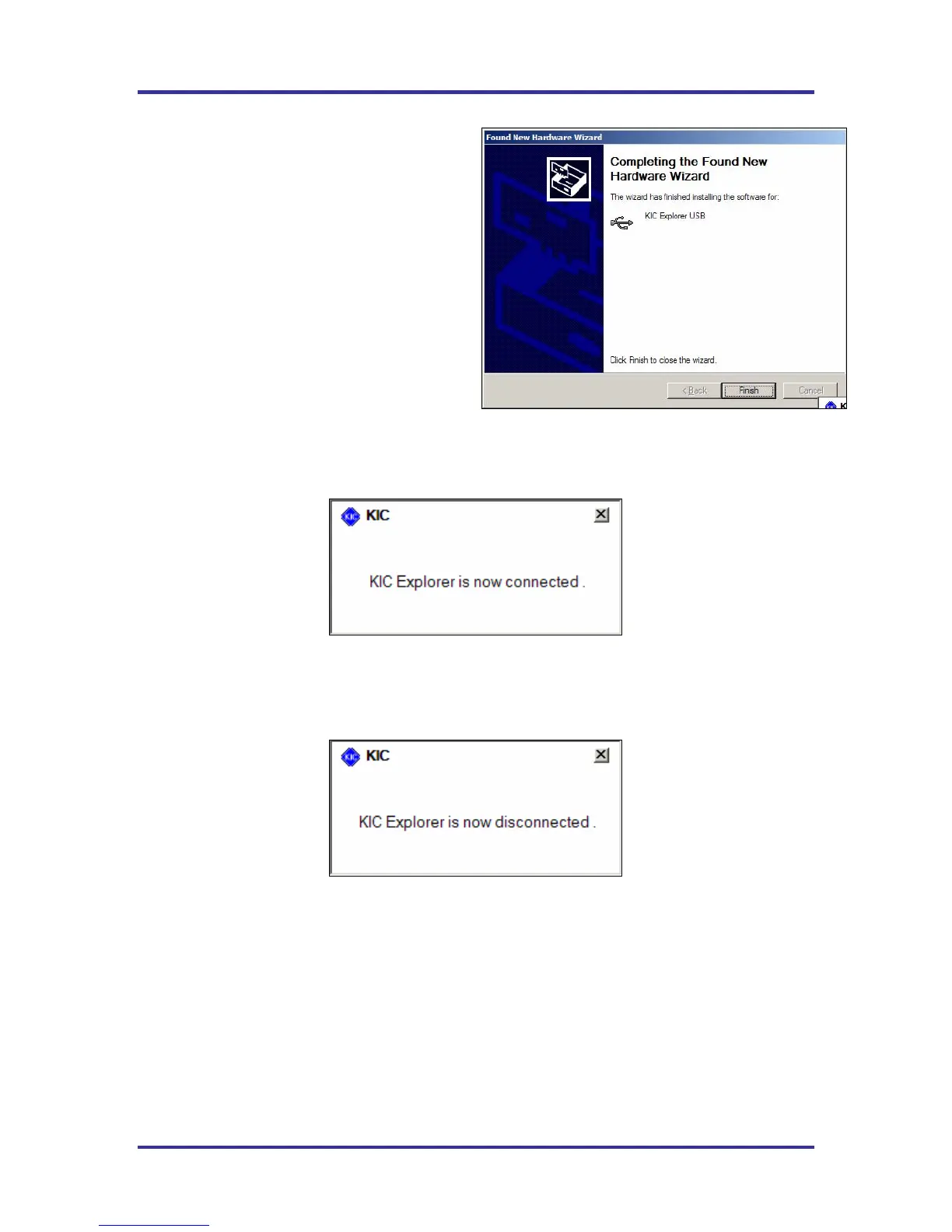
5. Windows will begin installing the USB
software drivers. When complete a
finished message will appear. Select the
“Finish” button. See Figure 18.
Your KIC Explorer USB drivers are now
installed and your KIC Explorer is ready to
communicate with the KIC 2000 software.
KIC Explorer Connection messages
Once the USB driver installation is complete
and whenever the KIC Explorer or KIC Explorer Base Station is connected to the computers USB port
a KIC message will appear telling the user that the KIC Explorer is connected. See Figure 19.
Figure 19
Whenever the KIC Explorer or KIC Explorer Base Station is disconnected form the computers USB
port a KIC Message will appear telling the user that the KIC Explorer is now disconnected.
See Figure 20.
Figure 20
Figure 18



 To Next Page