KIC 2000 v2.4.0.x
KIC 2000 User Manual 13
KIC Explorer Thermal Shields
KIC offers 2 models of KIC Explorer thermal shields:
• Cool Touch – The Cool Touch-KIC Explorer thermal shield is standard and is included with all
standard KIC Explorer profiling kits. The Cool Touch shield can be handled without gloves,
however gloves are recommended whenever heat is present. The Cool Touch thermal shield also
allows the KIC Explorer longer duration at given temperatures during use.
• Stainless Steel – The Stainless Steel -KIC Explorer thermal shield is optional accessory for the
KIC Explorer. The Stainless Steel thermal shield has no outer insulation and measures 1/8” lower
in Height than the Cool Touch shield.
Important Note about KIC Explorers and Thermal shields:
Both the 7 channel and 12 channel KIC Explorers are not intended to be used without a KIC
approved thermal shield and must remain inside their thermal shield at all times during use or
during the KIC Explorer calibration procedure. Failing to do so will yield inaccurate temperature
data and/or an inaccurate PWI value.
Loading the KIC Explorer into the Thermal Shield
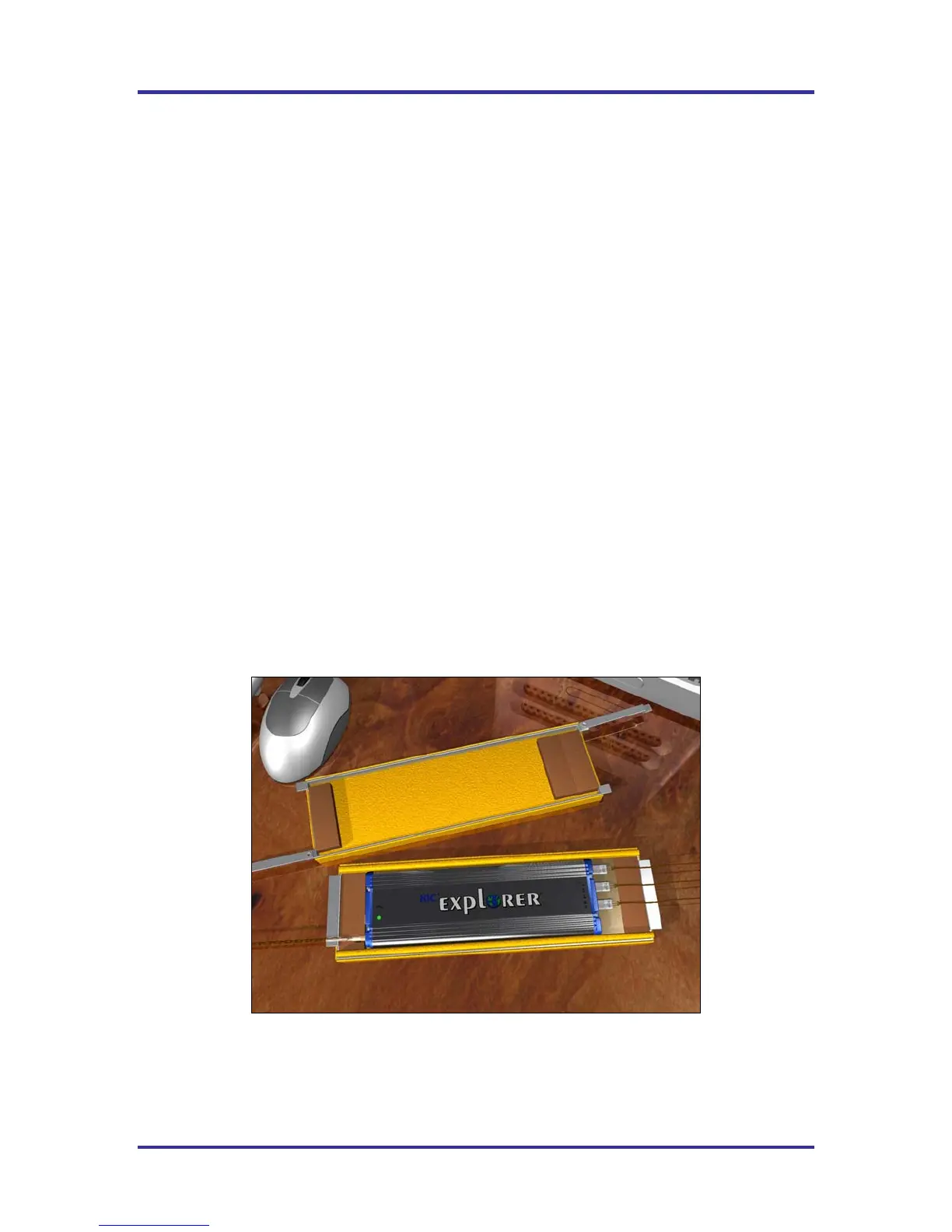
12 Channel -KIC Explorer – Place the KIC Explorer into bottom half of the KIC Explorer thermal shield.
• The Mini-TC harnesses should rest flat on the metal block inside the shield.
• The thermocouple wires should exit from the front of the thermal shield.
• The KIC Explorer antenna should extend fully, and exit from the back of the thermal shield.
See Figure 21.
Figure 21: 12 Channel KIC Explorer



 To Next Page