KIC 2000 v2.4.0.x
22 KIC 2000 User Manual
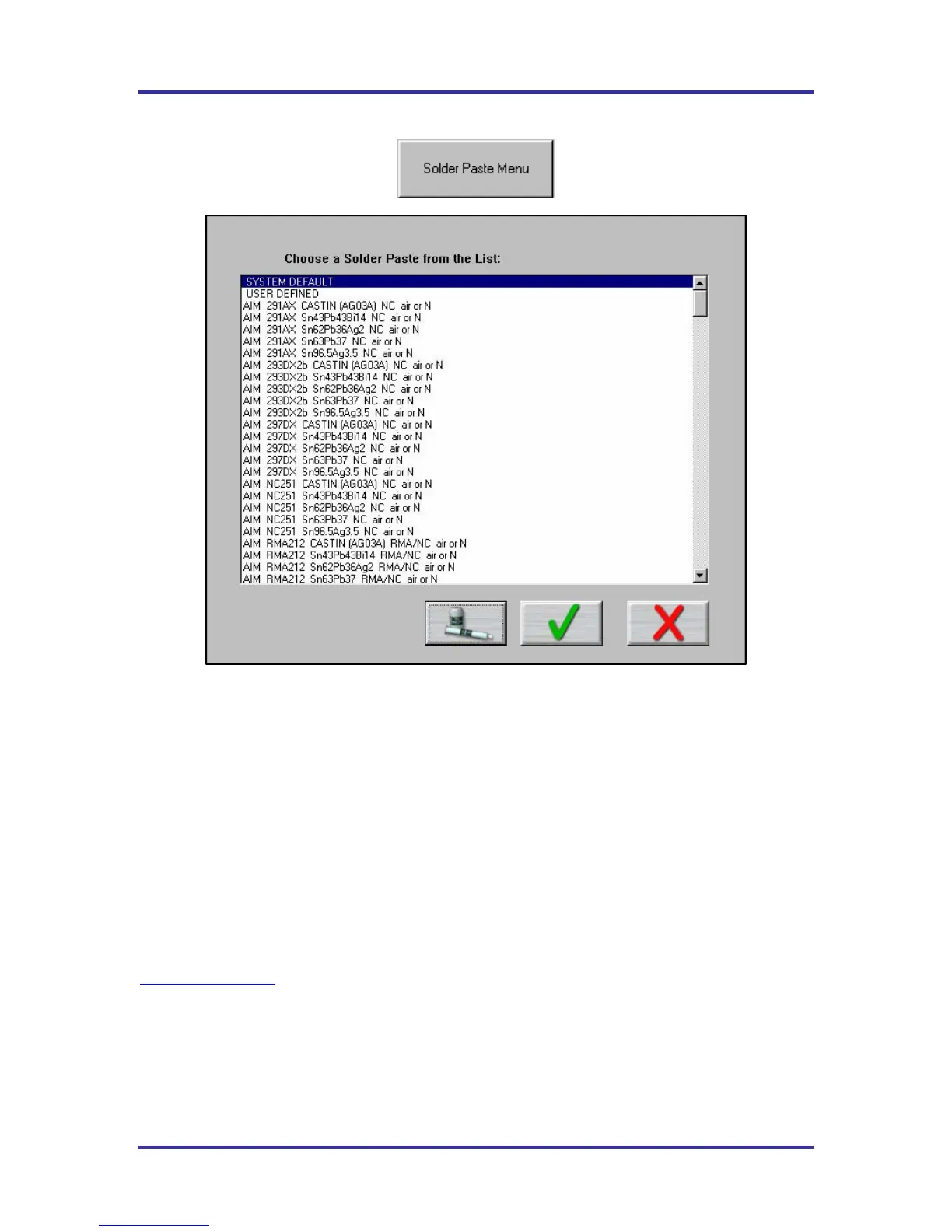
Solder Paste Menu
Figure 29: Solder Paste List
Solder Paste Menu - Once you have clicked on the Solder Paste Menu you will have a list of pastes to
choose from. Use the scroll bar on the right to find your paste, and then click on the paste in the list. See
Figure 29.
• Clicking on the Green Check will accept that paste and load its specs automatically. You will then
return to the Process Window screen, after being presented disclaimer information.
• Clicking on the picture of the paste jar and tube will give you technical support information for the
solder paste Mfg. that you chose.
• Clicking on the Red X will cancel your selection and return you to the Process Window screen without
making any changes.
KIC updates the solder paste list on a regular basis, check KIC on the Internet for updates,
www.kicthermal.com



 To Next Page