KIC 2000 v2.4.0.x
KIC 2000 User Manual 23
Edit Specs
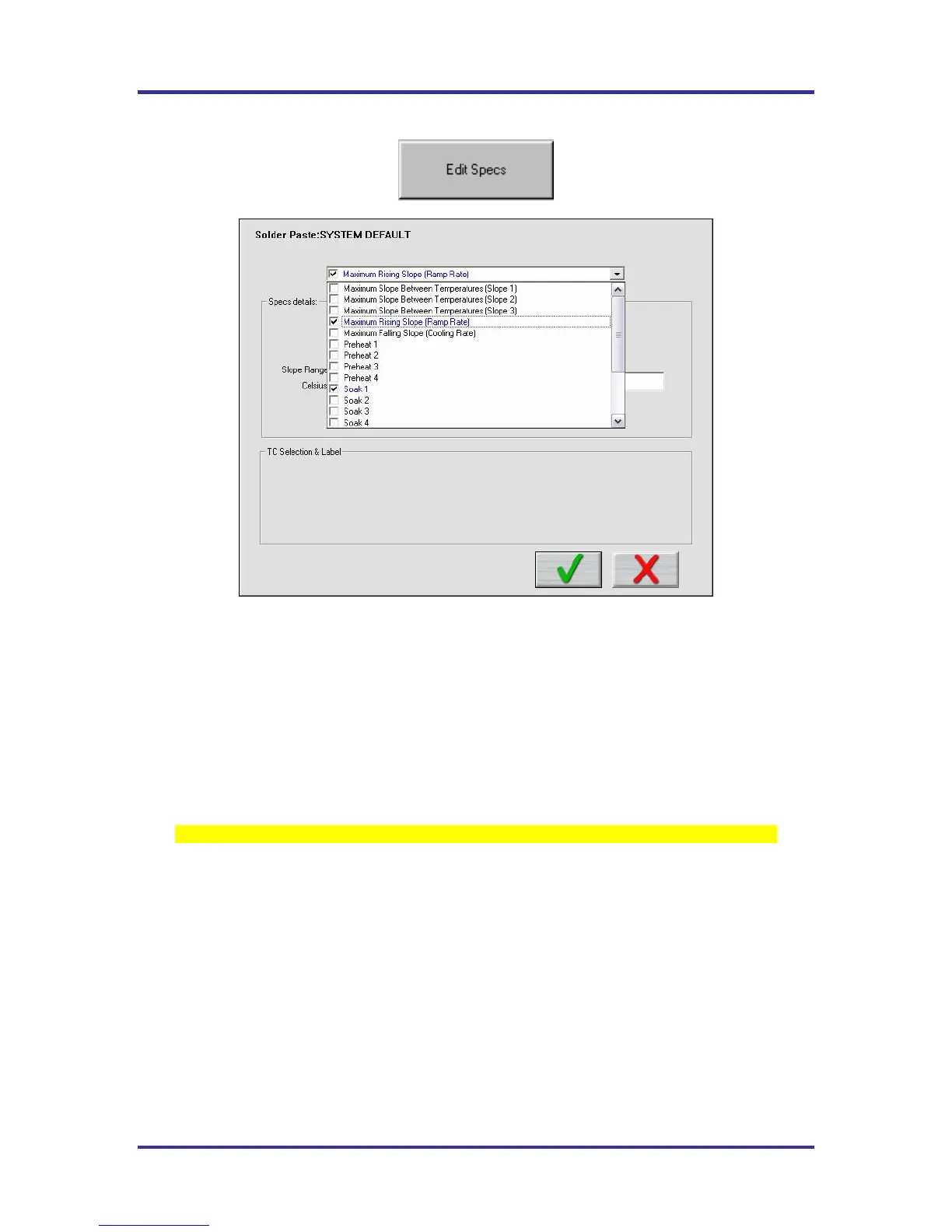
Figure 30: Process Window – Edit Specs
Process Window name is listed at the top of the screen. See Figure 30.
There is a single drop down list at the top that contains all of the available specifications that can be applied
to your Process Window. These specifications are specific limits or a group of limits that define the overall
Process Window for your product. These specifications include Slope, Preheat, Soak, Peak temperatures,
and Time above temperatures.
Spec Details – The Spec Details coincide with the selected Specification. For each Specification selected,
enter the Temperature, and Time limits. These limits are usually dictated by the solder paste used. The
KIC 2000 software uses the limits to measure the profile PWI.
Changes made within this screen will have a direct effect on the profile PWI value
Once you have completed all spec modifications you can click on the Green check “DONE” button and
your changes will be applied. Clicking on the Red X “CANCEL” button will cancel your changes and
exit.



 To Next Page