KIC 2000 v2.4.0.x
KIC 2000 User Manual 61
Once you have selected your thermocouples, you are ready to profile.
Make sure your KIC profiler hardware is properly connected to the computer. You will be able to view the
live readings for each selected thermocouple. If you don’t see the live readings, the KIC Profiler hardware
is not connected properly. Recheck the connections.
Select the Start Profile (Green traffic light) button to begin profiling.
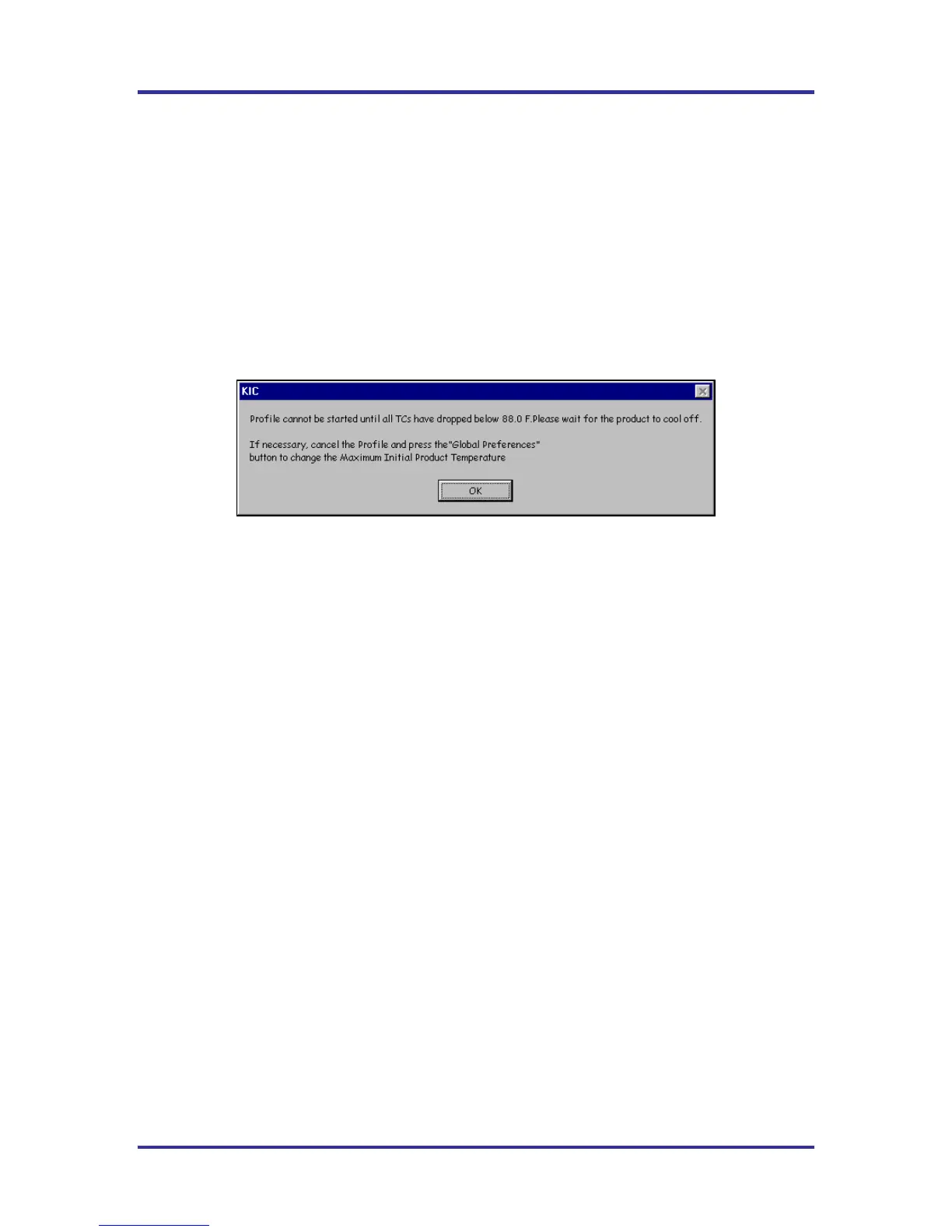
The KIC 2000 software requires that the selected thermocouples read valid temperatures below the
Maximum product temperature at start of profile as set in the Global Preferences screen. The default
setting is 31ºC/88ºC.
If any of the selected thermocouples read too high, the following message will appear:
See Figure 96.
Figure 96
When the KIC 2000 software detects valid temperatures for all of the selected thermocouples, it will allow
you to start the profile.



 To Next Page