KIC 2000 v2.4.0.x
62 KIC 2000 User Manual
In certain situations the KIC 2000 software may display other messages with directions in addition to
what is outlined below. Read these messages and follow these directions carefully.
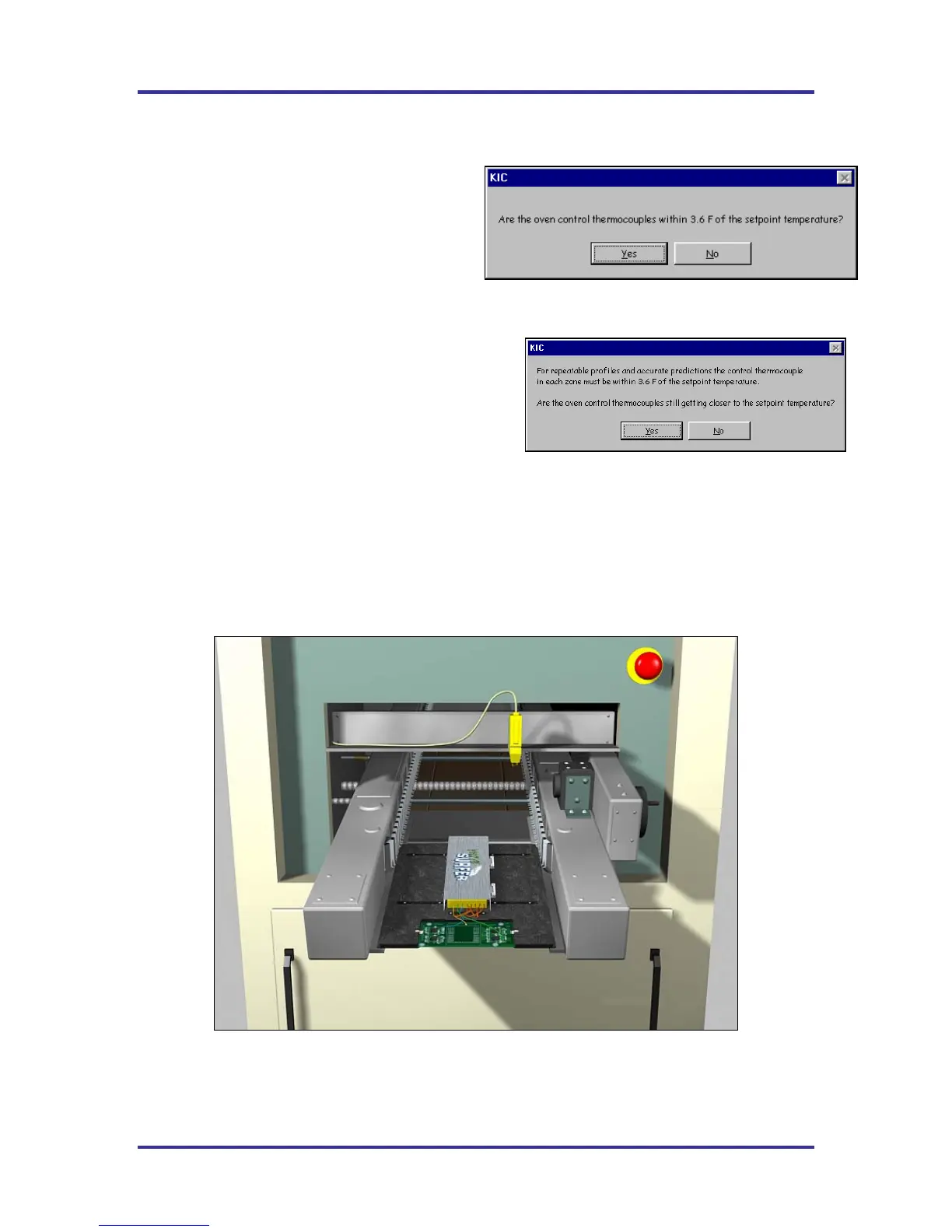
Next, the KIC 2000 software will ask you to verify
the oven is stable. See Figure 97.
• Yes – The software will prompt you to put
the KIC Profiler and the board in to the
oven.
• No – The software will ask if the oven is
getting closer to the set points.
See Figure 98.
• Yes – The software will return to previous screen
to wait till oven is ready, oven set points within
2.0º/3.6ºF.
• No – The software will ask you to change the
oven set point temperatures to the temperatures
that the control thermocouples are currently
reading, and then press OK.
• The KIC 2000 software will have you enter the new set points and then recalculate the capability of
your oven. Then continue forward through the Thermocouple Attachment screens until you get to the
Select thermocouples screen. Then select the Start Profile button (Green traffic light) to start the
profile, once the oven has stabilized.
If you selected yes, the software shows a picture of and instructs the user to put the SlimKIC 2000 and the
board into the wave machine, and then select the Arrow Forward button. See Figure 99.
Figure 99: Wave Surfer Device loading into Wave machine
Next, the software will display the Live Profile graph.
Figure 97
Figure 98



 To Next Page