TERRA 4K Operation Manual(KineOS 6.2)
©2019 Kinefinity Inc. Page 44 / 60
5.2 Connectors
This chapter introduces specification and pin-out of some connector/ports on camera body and KineBACK-
W including DC IN, CTRL, EXT and TC.
5.2.1 DC IN
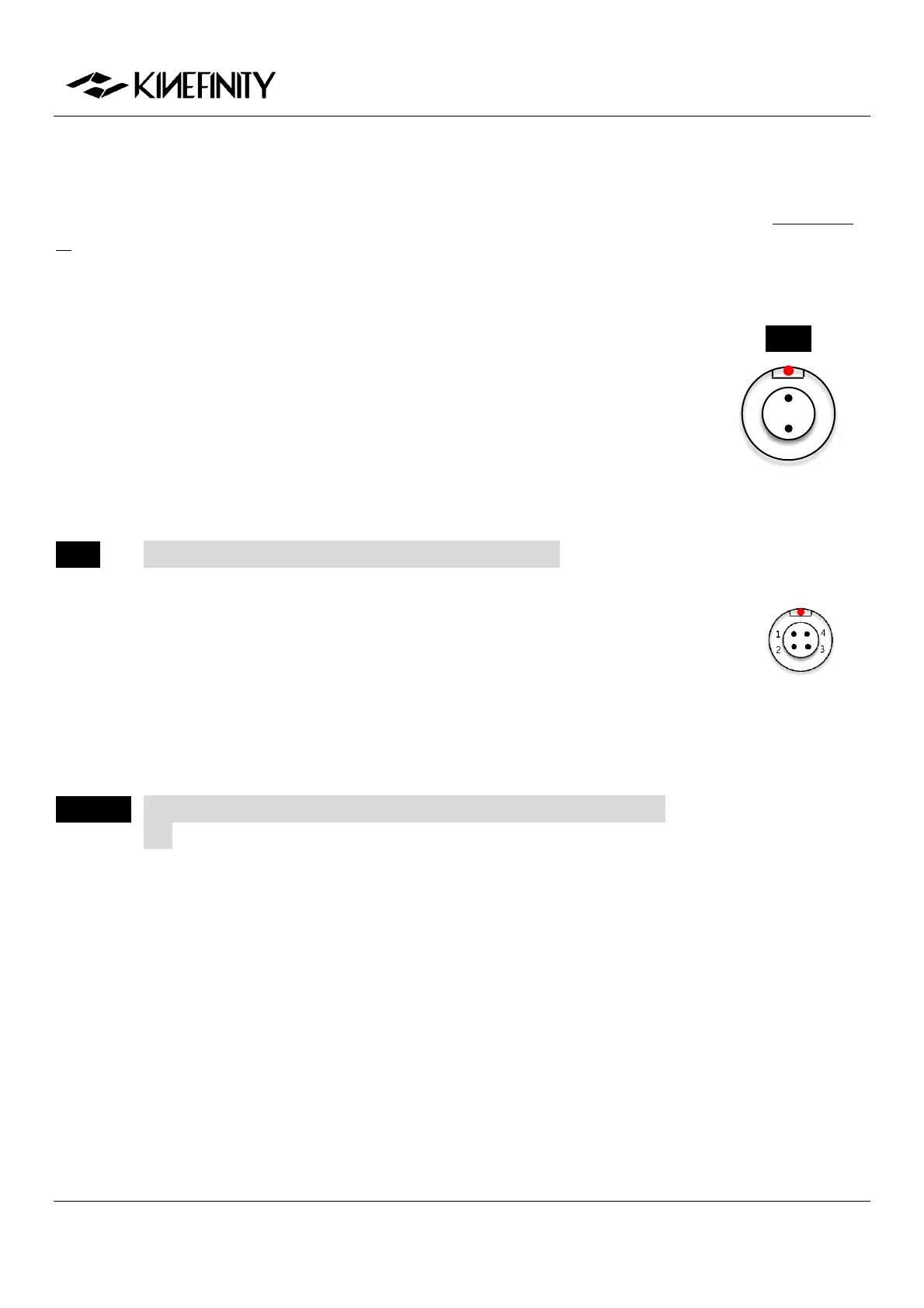
DC IN is on the lower right of camera body, a 1B 2-pin MOCO socket. The voltage
range for camera is 11V~19V, DO NOT use power source higher than 19V, or the
camera will be burned. Also, please note that:
Max current of external power is 3A;
Max consumption of camera body only is 25W;
With KineMON, max consumption is 30W.
NOTE Red dot and groove on the socket should match pin #1.
5.2.2 CTRL
CTRL is on the lower front of the camera body, a 0B 4-pin MOCO socket.
Shorten pin #1 and pin #3 can trigger on/off;
Pin #2 can output 3.3V, max 1A. Pin #2 and #3 are for power supply;
Pin #4 is reserved.
CAUTION The camera will shut down if the current through Pin #2 is higher than
1A .
DC IN
1. DC IN as VDD
2. Ground
1. REC;
2. 3.3V output;
3. GND;
4. Reserved


 To Next Page