TERRA 4K Operation Manual(KineOS 6.2)
©2019 Kinefinity Inc. Page 6 / 60
1. OVERVIEW
1.1 Interfaces and Buttons
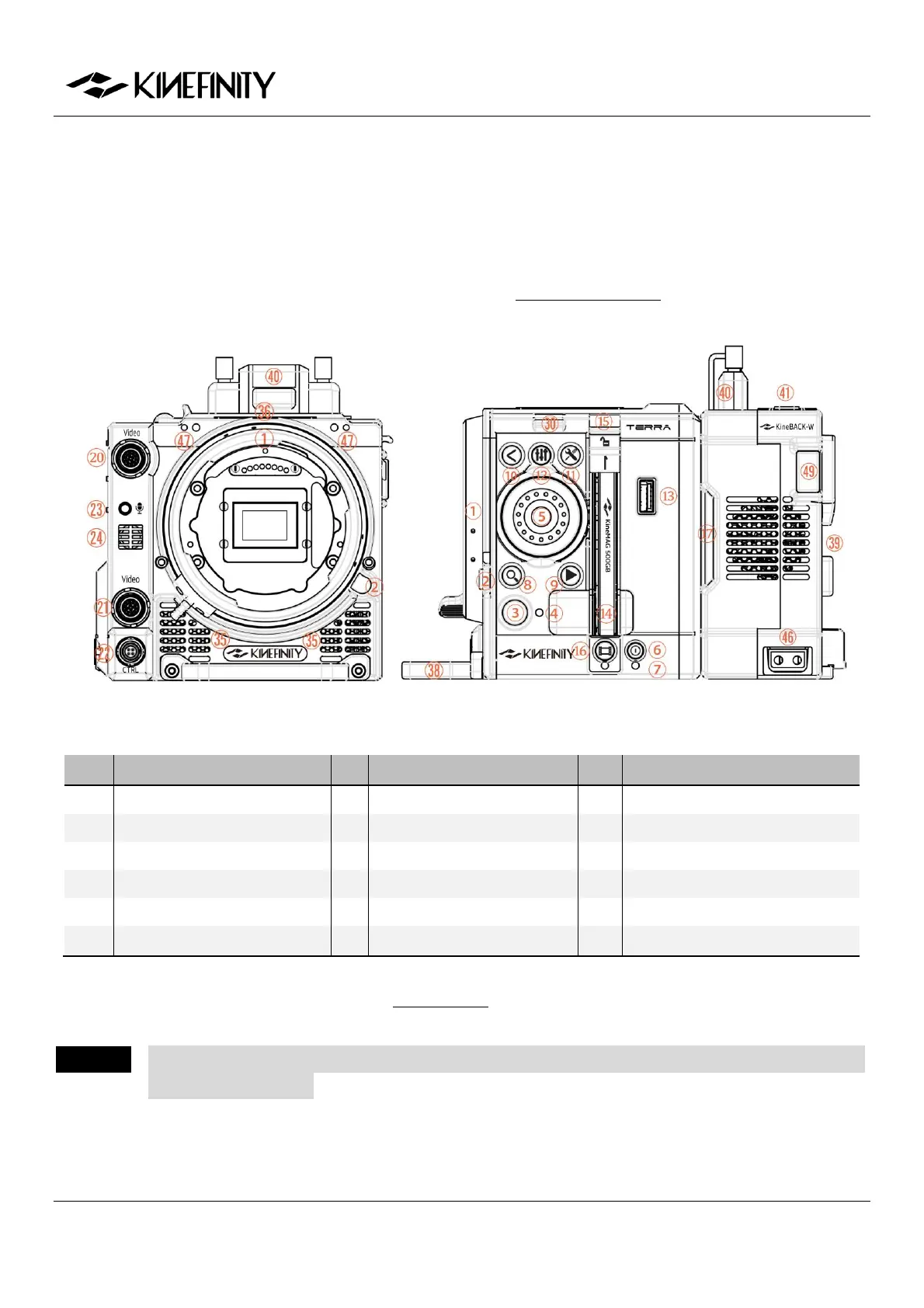
The native mount is KineMOUNT, which works together with Mounting Adapters for different lenses, but
only the lenses that are tailored for KineMOUNT can be mounted directly.
Front View (KineMOUNT) Left View of Body with KineBACK-W (KineMOUNT)
Shortcut List / Play Button
Configuration / Play Button
More details about the professional ports on KineBACK-W is introduced in the buttons review.
CAUTION Keep clear of the air intakes at both front and rear of the body as well as the air vents at top and
right side of the body.


 To Next Page