Troubleshooting
Issue: 08/2012
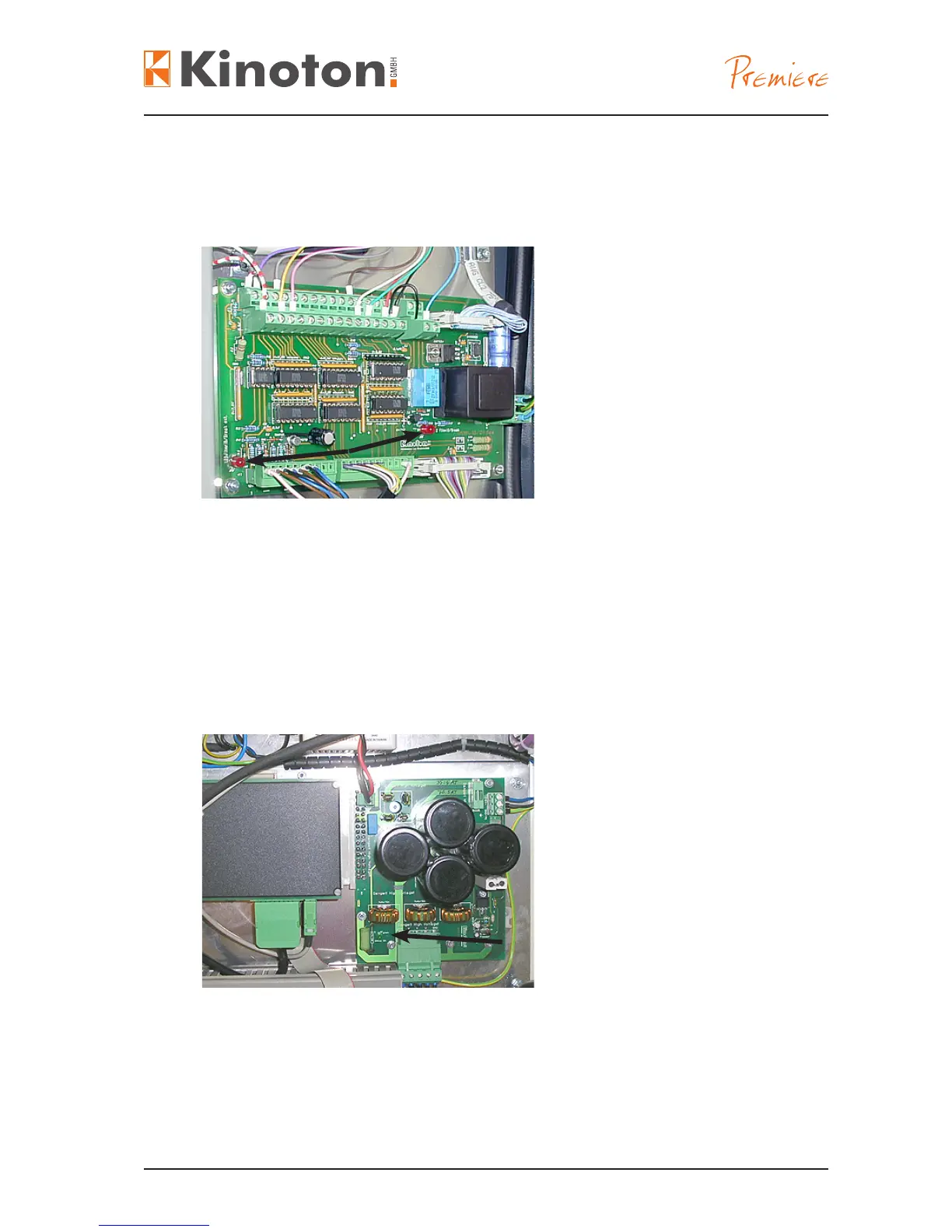
Two red break LEDs (arrows) are mounted on the interface board.
$The left LED (in the near of the projector door) labelled with Filmriss/break ext. illu-
minates only if there is an external lm break (e. g. on the non-rewind system).
$The right LED labelled with ∑Filmriss/ break illuminates with every lm break.
$If both LEDs illuminate an external break was happened. If LED ∑break illuminates
a break on the projector (internal) was happened.
The green LED (arrow) on the power supply unit of the intermittent sprocket motor il-
luminates if there is an intermediate circuit voltage available.



 To Next Page