23
3.9 No DC output
*later models had a fuse in the receptacle. Check the fuse before replacing the receptacle.
3.10 No Parallel Output (prior to 2011 model year)
■ Make sure that the parallel output cables are inserted into the parallel cable connectors on the
control panel..
.
■ Use only KIPOR parallel output cables.
■ Use only the KIPOR parallel output box.
■ Don’t use any control panel receptacles when running in parallel..
■ Don’t disconnect the parallel cables while either generator is operating.
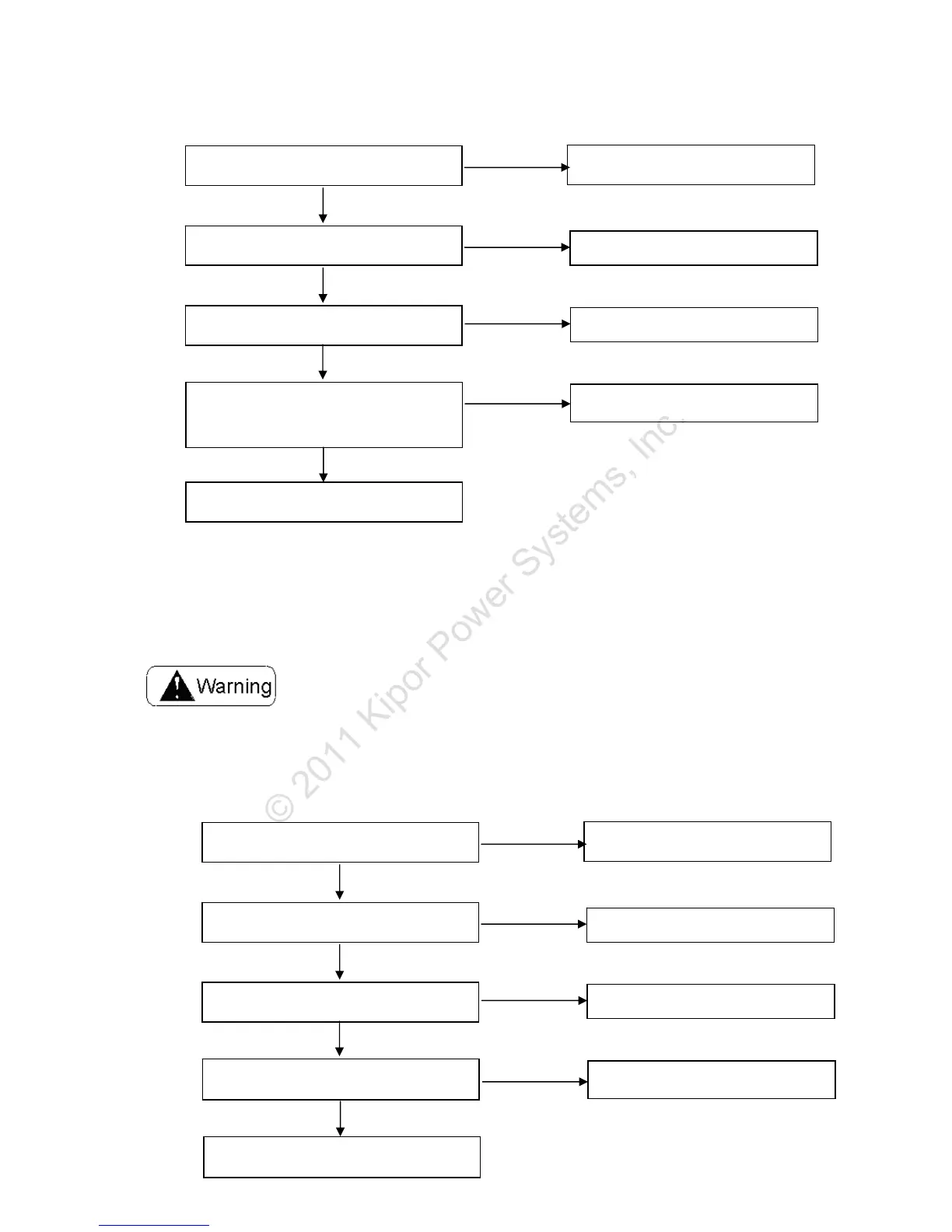
Is the engine speed normal?
Perform the throttle control system
test.
Abnormal
Normal
Check the DC output*
Replace the DC receptacle
Abnormal
Normal
Check the DC output
Measure the resistance between the
blue terminals of the rectifier.
Resistance: 0.12~0.15Ω
Check the wire harness, or replace
the stator.
Abnormal
Normal
Normal
Replace the rectifier.
Abnormal
Rotor losses magnetism and replace the
rotor.
Check whether the two generators could
work well separately.
Perform single generato
ut terminal
Off
On
Check the paralleled I/O communication
wire
Check the paralleled I/O communication
receptacle
Normal
Replace the parallel I/O
communication wire
Abnormal
Replace the inverter unit
Normal
Replace the parallel I/O
communication receptacle
Abnormal



 To Next Page
 Loading...