SANARIUM M, S
PAGE 22
5070189/02.03
6. Individual settings
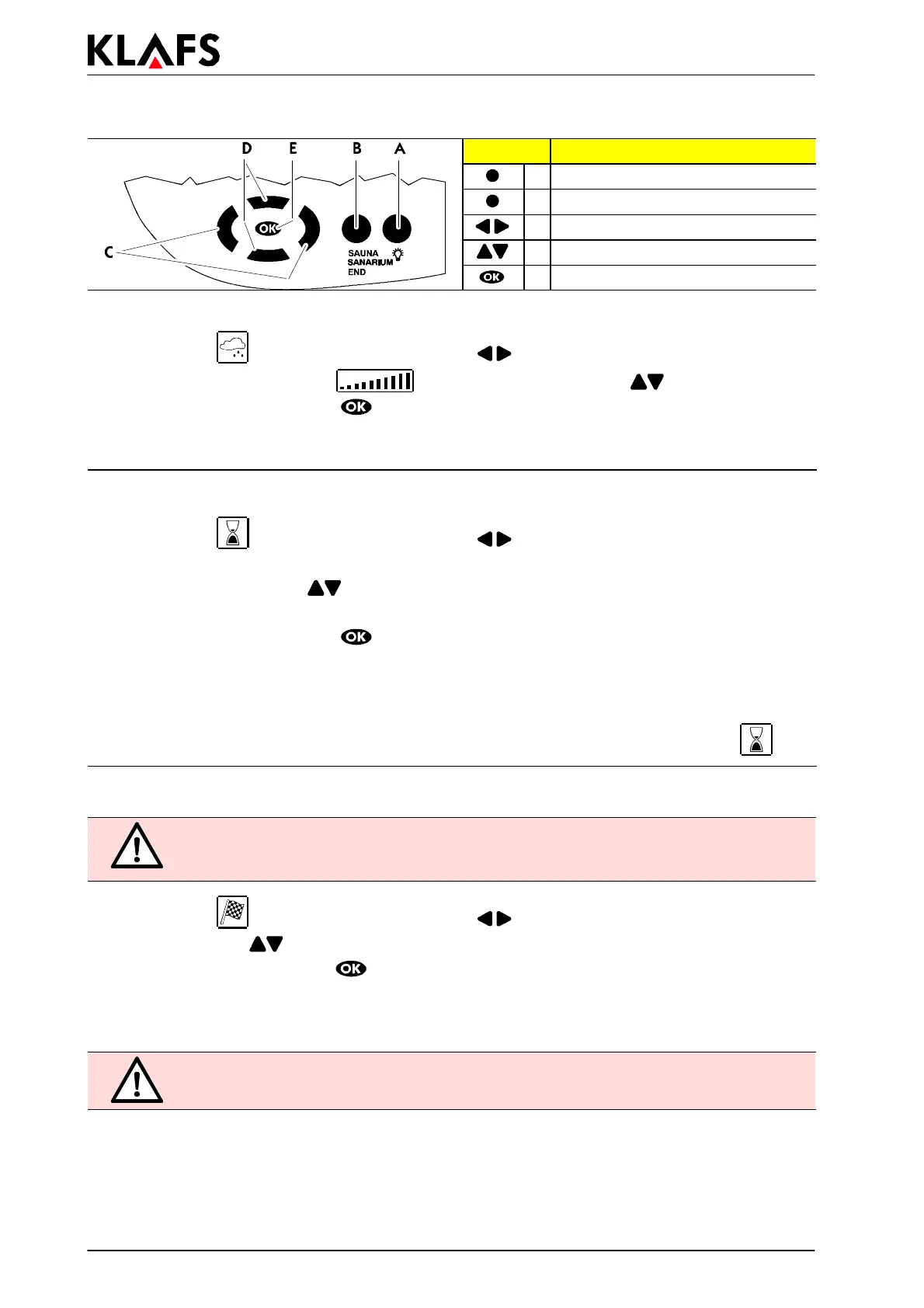
Button: Description:
A Light button
B Operatingmodebutton
C Left/Right buttons
D Up/Down buttons
E OK button
6.3. Setting the humidity, SANARIUM
1. To select the menu, use the left/right buttons .
2. To change the set value of the
bar display, use the up/down buttons.
3. Confirm the set value using the
button.
. If the value deviates from a standard program, the value will be automatically stored in the
individual program of the active bathing program (Sauna or SANARIUM).
6.4. Setting the bathing duration
1. To select the menu, use the left/right buttons .
. The value that can be changed flashes.
2. Use the up/down buttons
to change the flashing value.
. The standard bathing duration is 4 hours.
3. Confirm the set value using the
button.
. The flashing value changes to continuous display.
. If the value deviates from a standard program, the value will automatically be stored in the
individual program of the active bathing program (Sauna or SANARIUM).
. The remaining bathing time appears in the display together with the (hour-glass) symbol
.
6.5. Preselection mode
RISK OF FIRE!
Before operating the control unit, always make sure that there are no combustible
objects on or near the sauna heater.
1. To select the menu, use the left/right buttons .
2. Use the up/down
buttons to make the preselection.
3. Confirm the set time using the
button.
4. The program is started automatically, taking the heating-up period into account. The cabin will be
ready for bathing at the set time.
. Preselection mode can be ended by selecting the End operating mode.
The control unit starts prior to the set time!



 To Next Page