SANARIUM M, S
PAGE 23
5070189/02.03
6. Individual settings
6.6. Setting the fan (optional)
. The fan cannot be set when the climate manager is connected (symbol appears in the display).
1. To select the
menu, use the left/right buttons .
2. To change the
bar display, use the up/down buttons .
. Display: No bar = fan off. Display: 10 bars = maximum fan speed.
3. Confirm the set value using the
button.
. After confirmation the control unit operates with the new fan setting.
6.7. Setting the scent supply
. Start SANARIUM operation first. See Chapter 5.10.
. The cabin must be ready for bathing.
1. To select the
menu, use the left/right buttons.
2. To change the
bar display, use the up/down buttons .
Display: No bar = scent supply off. Display: 10 bars = fill scent line.
3. Confirm the set value using the
button.
. The control unit operates with the new scent supply setting.
6.8. Climate manager (optional)
Usable scents!
When the climate manager is operated, do not use any scents with eucalyptus!
Use original Klafs scents only.
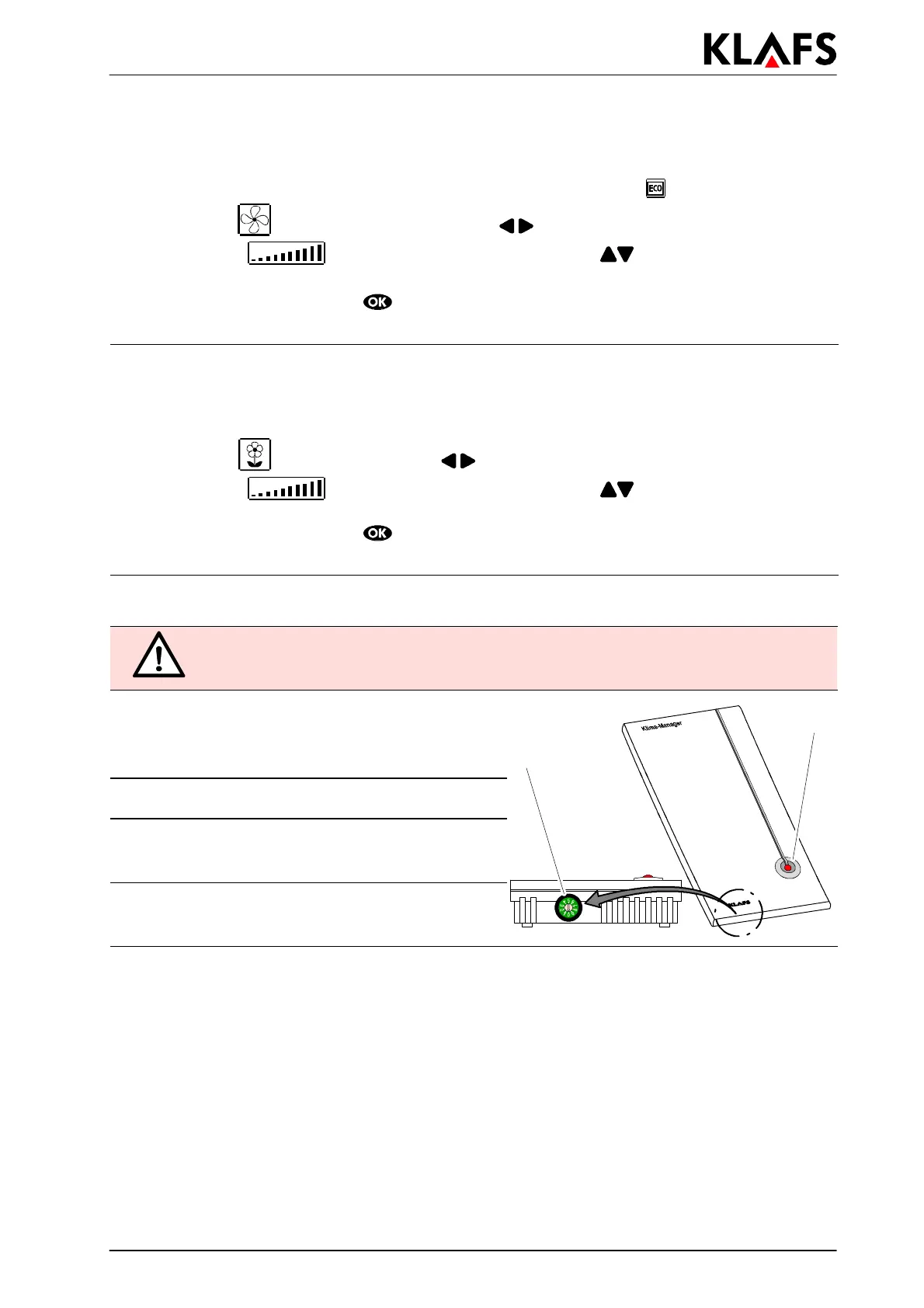
Operating LED (1) on the climate manager.
BCD switch (2) on the climate manager.
Sets the air flow in the sauna cabin.
2
1
Setting Effect:
0 d minimum air flow
d maximum energy savings
9 d maximum air flow
d minimum energy savings



 To Next Page