K5 Plus GNSS
- 14 -
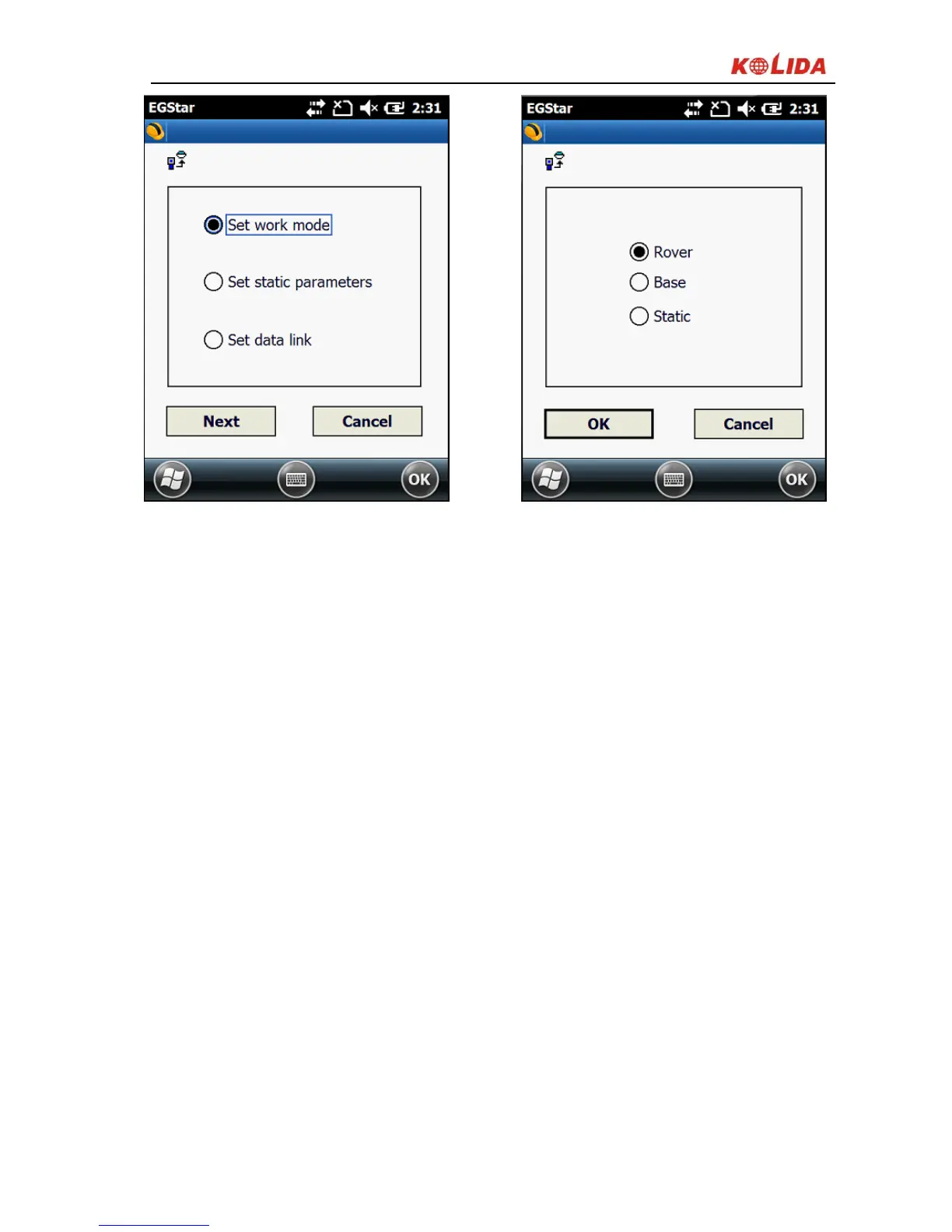
Figure 2-6
§2.1.5 Self -check
If the panel indicator is abnormal or not working properly, you can use the
automatic detection function to run the self-check.
Power on, press and hold the <Power> button about 8 seconds, until the BT
light turns on again and along with the beeping from receiver, then release the
button to and the receiver starts performing the self-check.
If all the function parts passed self-check, there is voice message to remind, wait
a few seconds, the instrument will turns off automatically.
If the self-check isn’t passed, there is also voice message to remind, and
instrument will stay in the status of self-check, doesn’t turn off, it is to identify
the problem.


 To Next Page