§2.2.3 Software installation and connecting
Professional surveying and mapping software are made for measurement
applications for different industry:"EGStar", "Power Star", "Mapping Star",
"Navigation Star” and so on. Here takes EGStar for example:
EGStar is the specific software for K5 PLUS measuring system, mainly for the
collection and calculation of the measuring points.
Before installing EGStar, you need to install Microsoft Active Sync. After
installing it on your computer, connect handheld to computer with a cable, and
install EGStar into the handheld, at the same time, keep the receiver power on,
then set as follows:
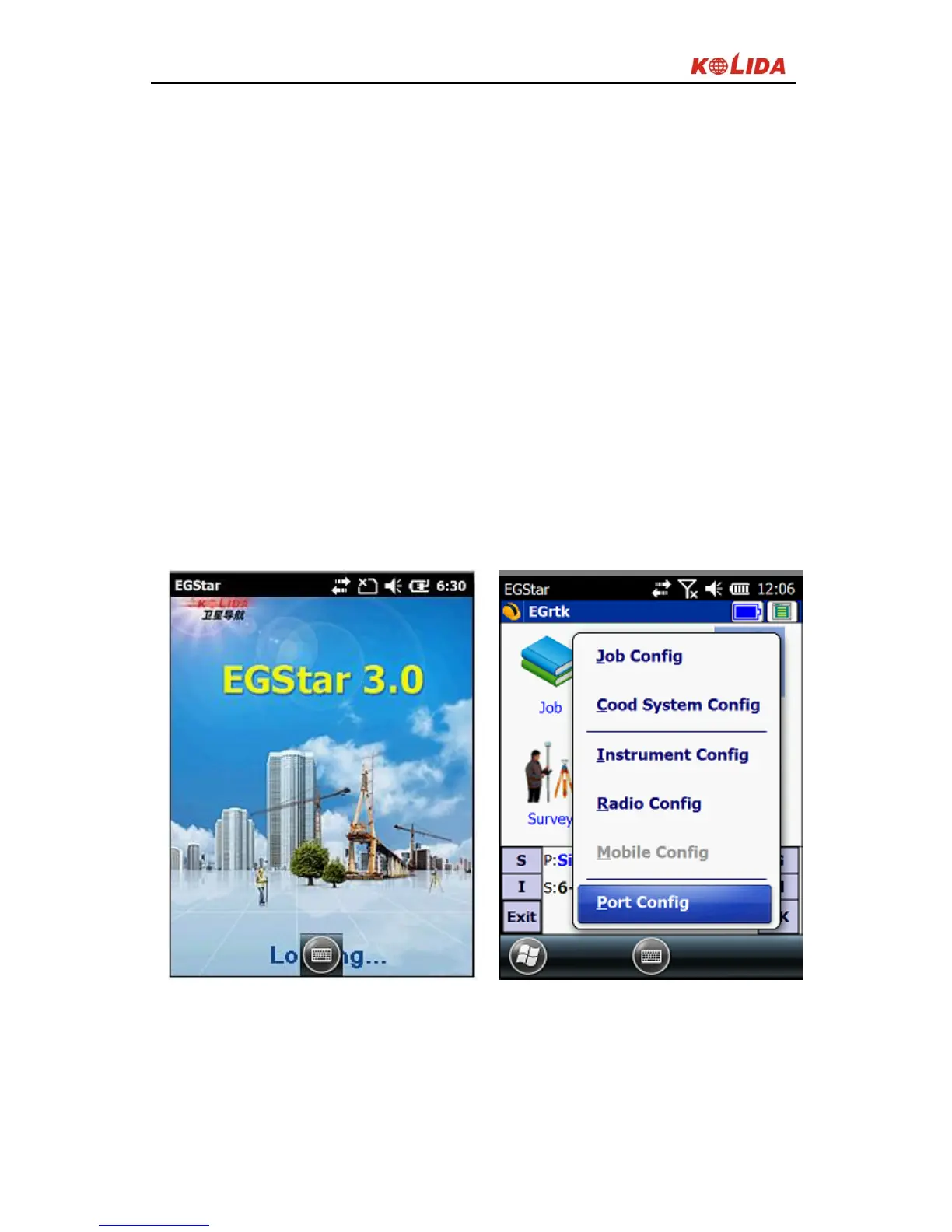
Open EGStar software and enter the main interface. Click “OK” on the "prompt"
window.
Figure 2-17
1. "Configure" → "Port Config", in the "Port Configuration “dialog box, select the
port “COM8 ", with the same serial number which you use to connect the
Bluetooth serial port service. Click "OK." If the connection is successful, the



 To Next Page