K5 Plus GNSS
- 24 -
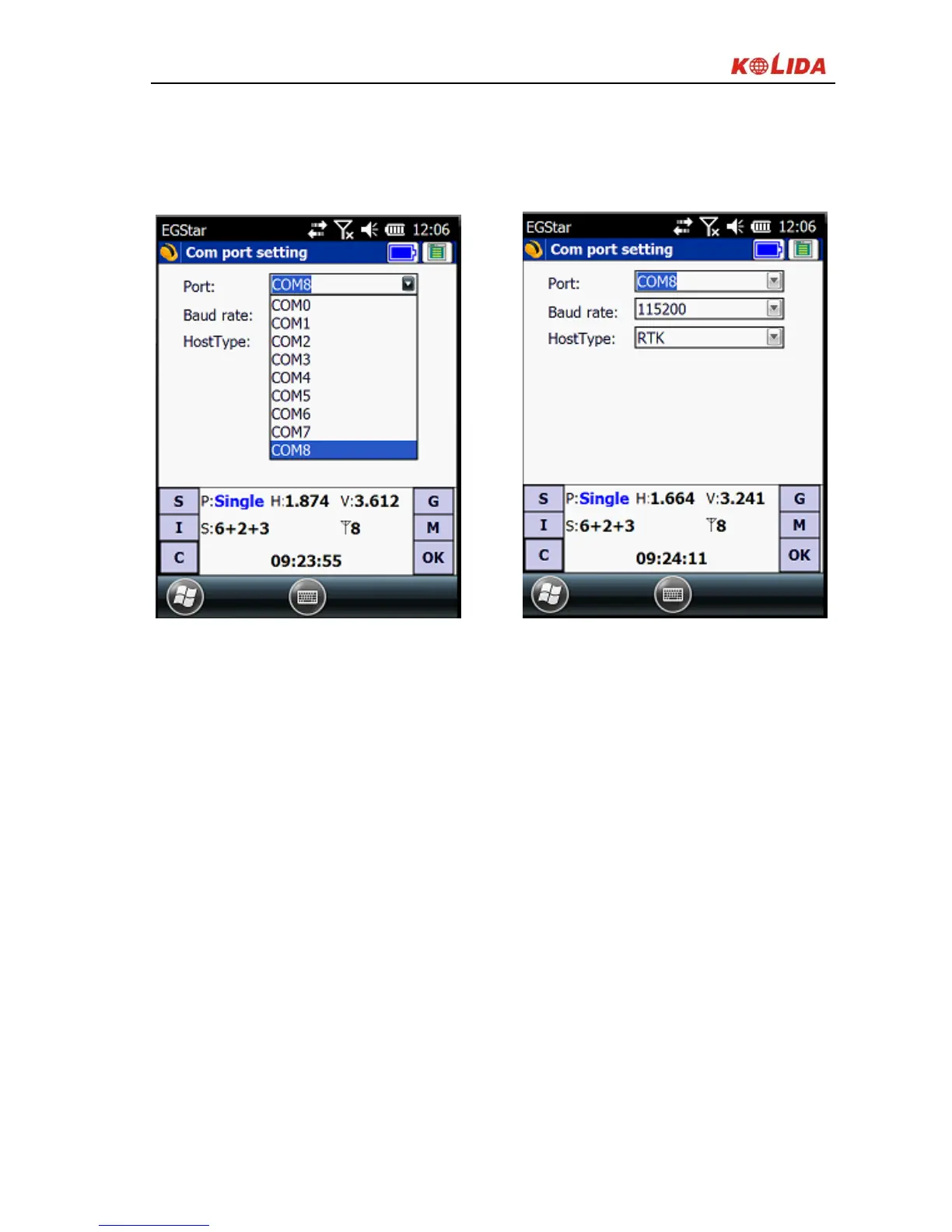
status bar will display related data. If there is barrier, exit EGStar to reconnect
(If the above settings are correct, then link directly). Handheld connecting with
the host PC can do the follow-up measurement.
Figure 2-18
2. Or go to “Bluetooth Manager”, in this interface tap on “Search” button and the
controller will search the surrounding Bluetooth devices, select the correct
serial number from the list and click on “Connect” button, controller will
connect to receiver without setting any COM port. If the prompt message
“Bluetooth connect success” appears, that means that controller has
successfully connected with receiver, then please check the Bluetooth indicator
on receiver.


 To Next Page