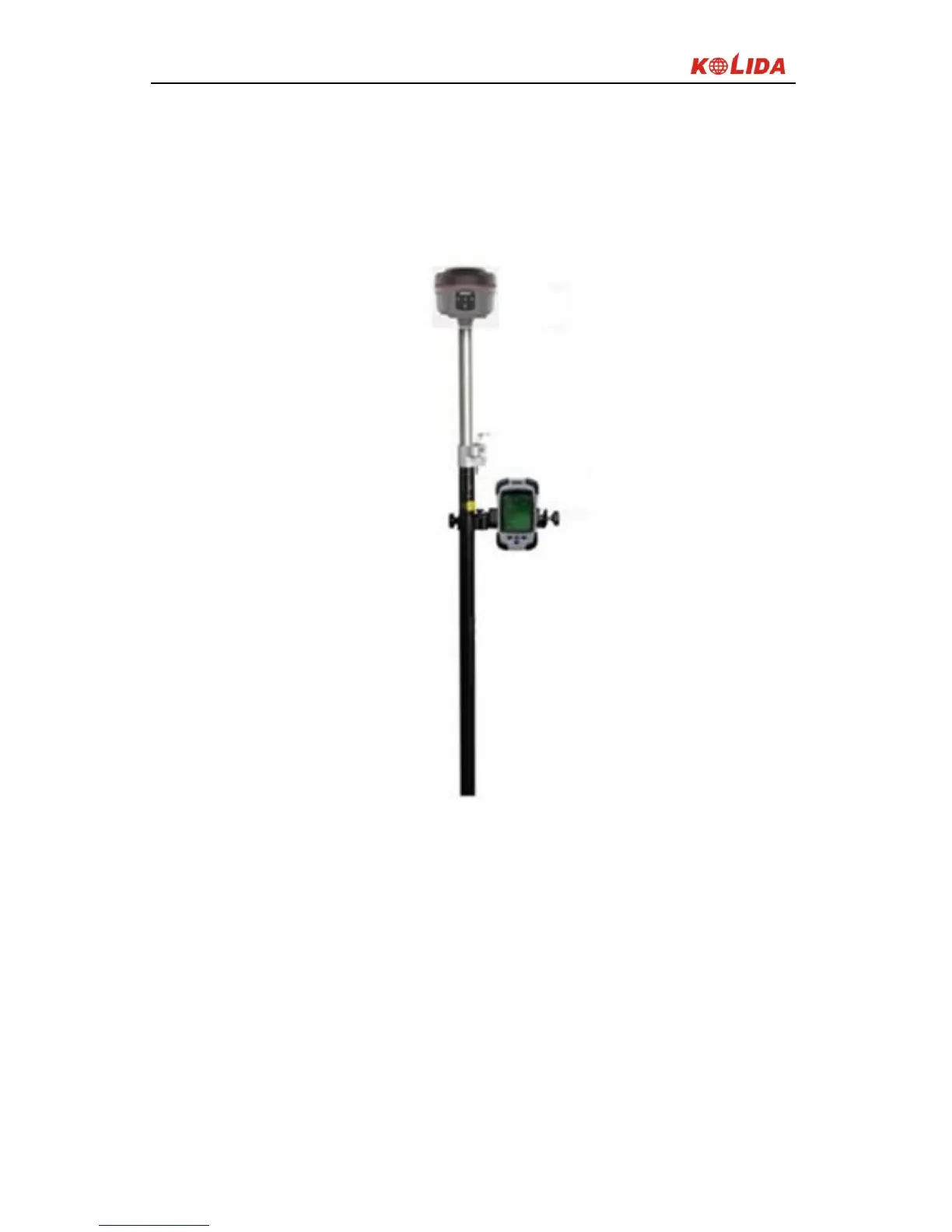
1) Set the receiver to the rover station radio mode;
2) Turn on the rover station receiver, fix it on the centering rod of the carbon
fiber pole, and screw on the UHF differential antenna;
3)Install the handheld bracket and the handheld data collector;
Figure 3-5 Rover station
§3.2.4 Set rover station
Set the rover station after installing the Rover station to achieve a fixed solution
status, follow these steps:
1)Connect the handheld and the EGStar(see § 2.2.3)
2)Rover station settings: Config → Instrument Config → working mode setting
(switch the receiver working mode into rover station mode and the data link to


 To Next Page