K5 Plus GNSS
- 42 -
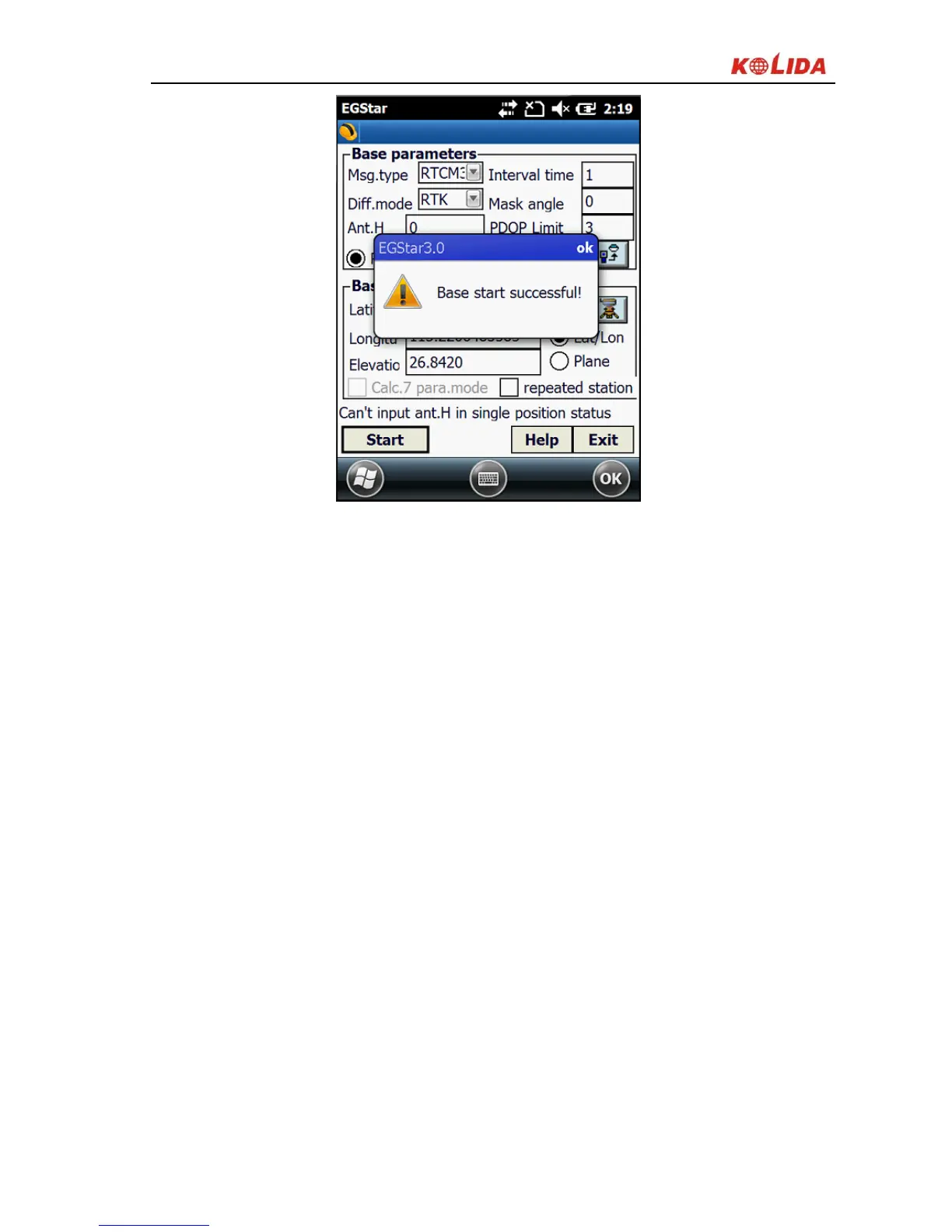
Figure 3-4
Note: If you start the base station successfully the first time, next time you can
directly turn on the Base station receiver and it will operate automatically if you
don’t want to change the configuration.
5)The radio channel setting
Set the radio channel on control panel of the external radio.
Set the radio channel, there are eight channels to choose;
Set the radio power, if the working distance is not far, and interference is
low, you can choose the low power transmitting;
If the radio is successfully transmitted, the TX indicator will flash at
intervals;
§3.2.3 Set up rover station
After verifying the successful transmitting of the Base station, you can start the
erection of the rover station. The steps are as follows:



 To Next Page