K5 Plus GNSS
- 50 -
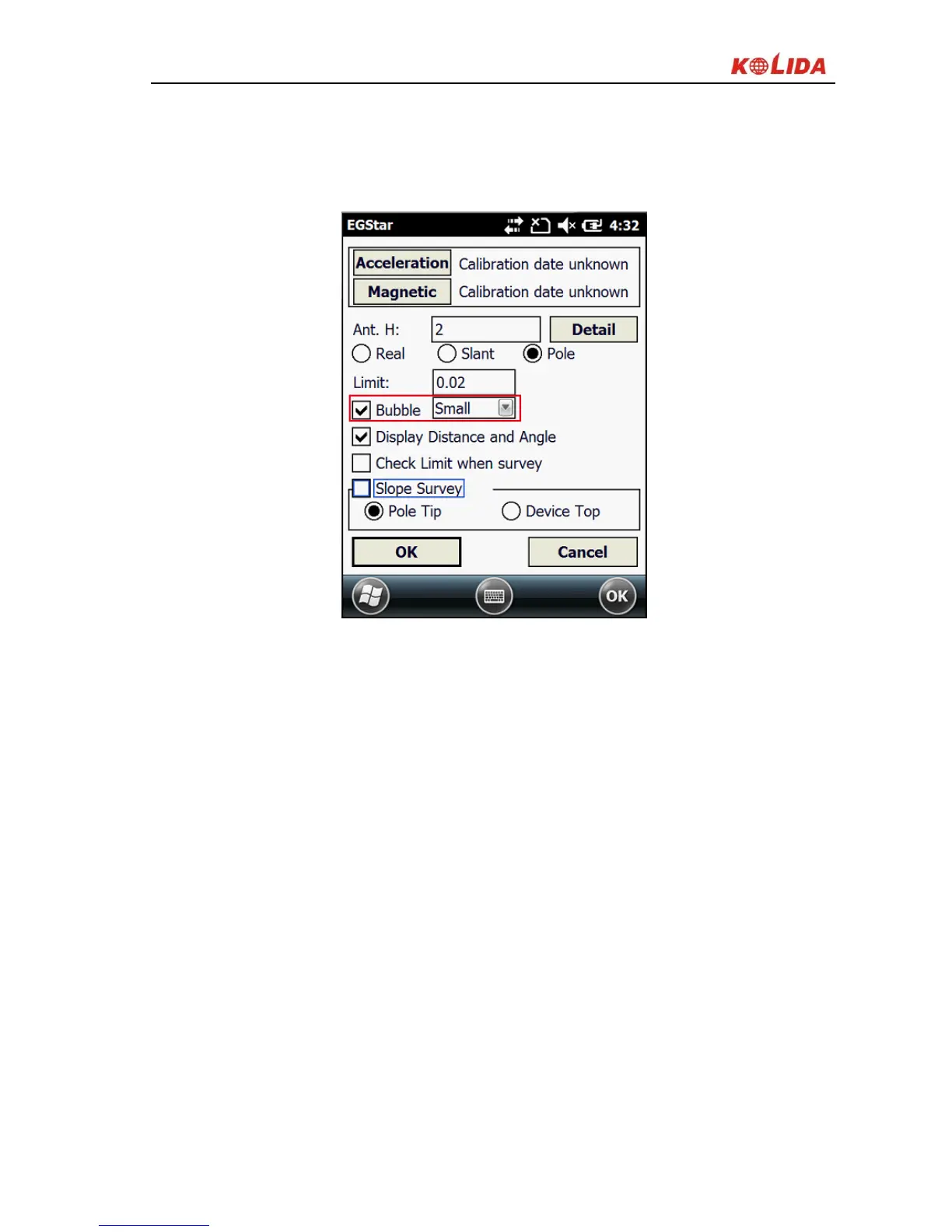
Mark on the checkbox of “Bubble” option in the setting screen, click ‘OK’ to
return to Point Survey screen, you can see the electronic bubble on the upper
left of the screen.
Figure 3-15 Calibration setting
2. The use of electronic bubble
3. Swing the carbon fiber pole, until the electronic bubble is centered, the
bubble will turn to green color from red in the meantime, and you can
collect the points now.


 To Next Page