K5 Plus GNSS
- 52 -
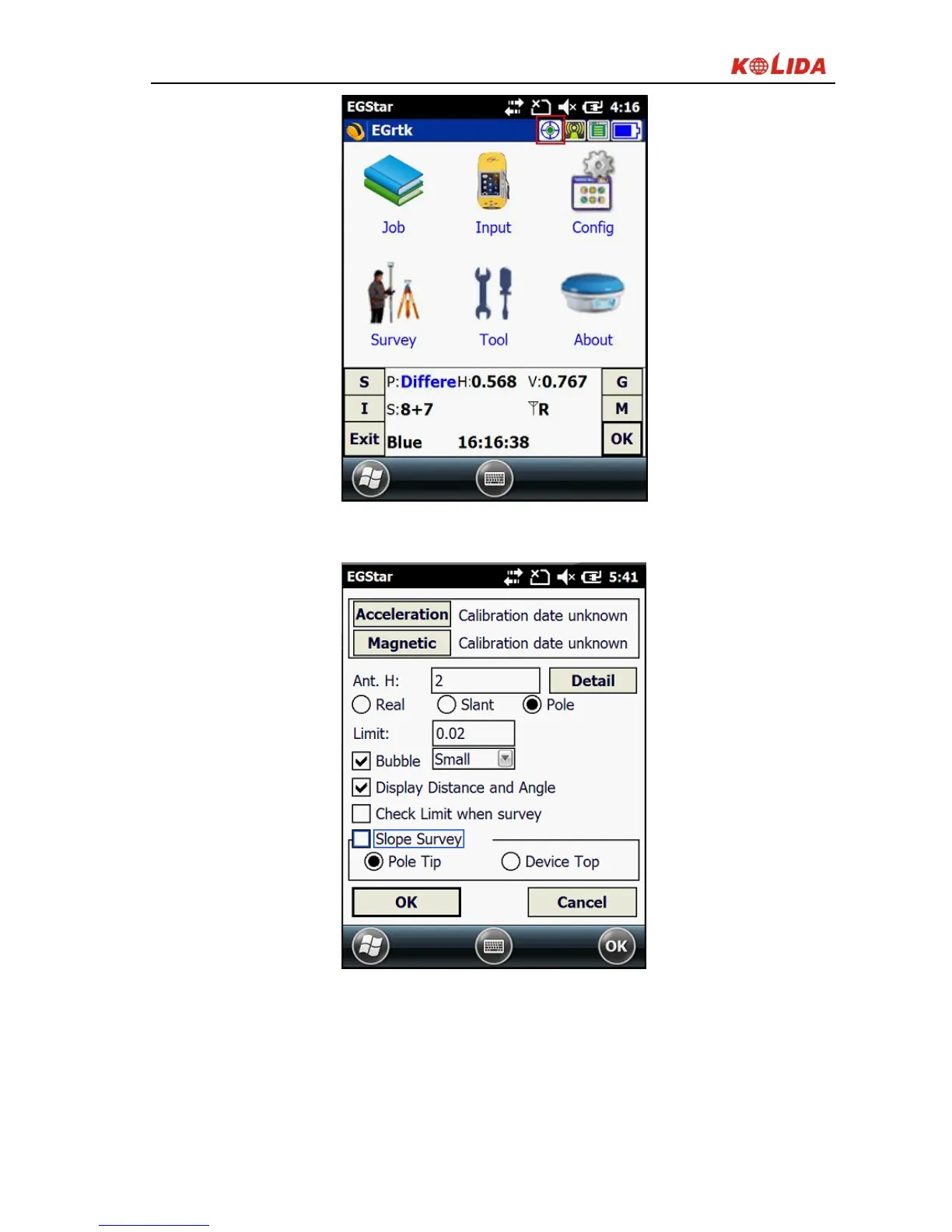
Figure 3-17 Main menu
Click “Acceleration” in the calibration setting screen,
Figure 3-18 Calibration setting
In the acceleration calibration screen, make sure the device is leveled, hold and
click “Begin calibrate” to start calibrating, until it’s finished.


 To Next Page