Operation - Section 32 OM3223
Page 32-16 Operator Cab and Controls
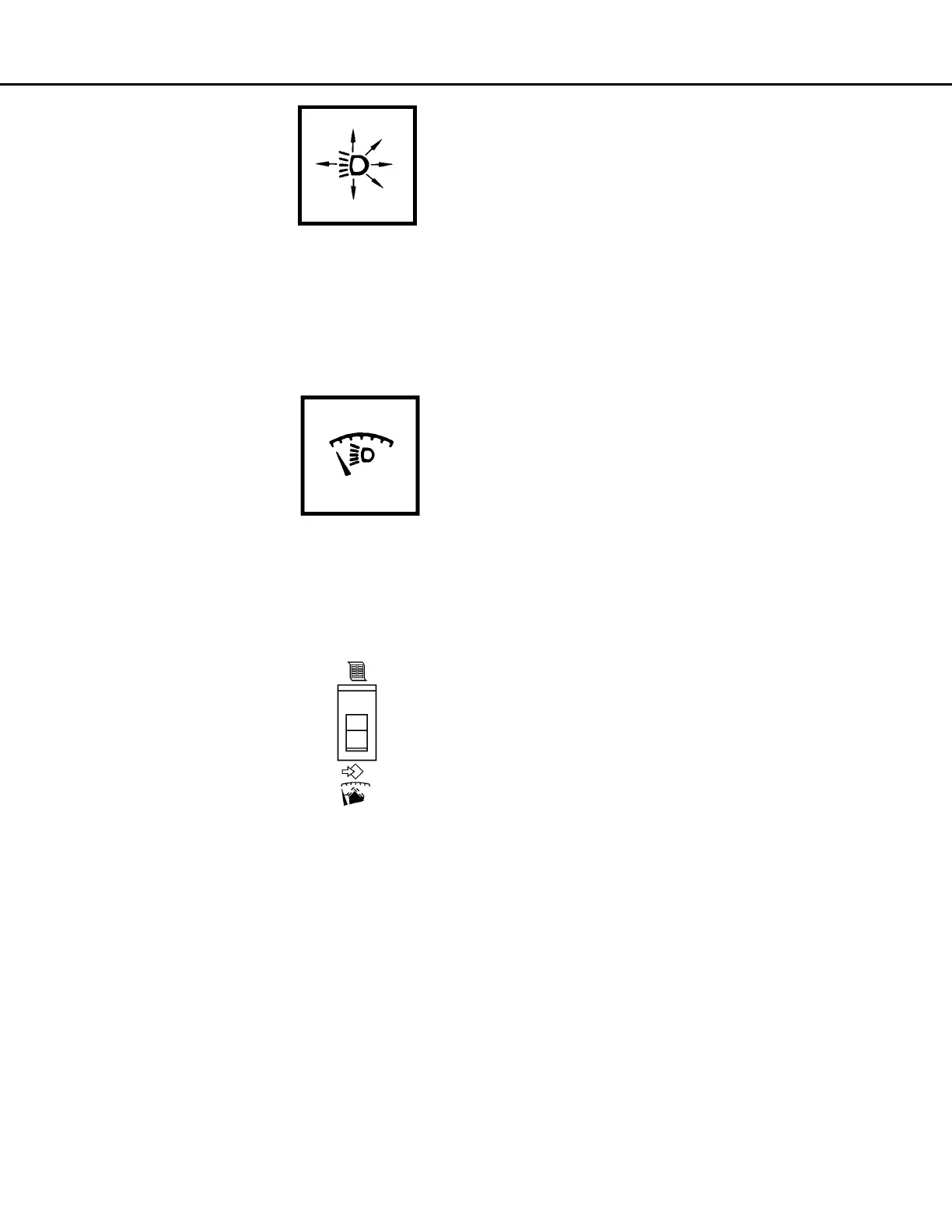
Light Switch
The instrument panel lights,
clearance lights, and the head-
lights are controlled by this three
position light switch (27). The
OFF position is selected by
pressing the bottom of the
switch. Press the top of the
switch until it reaches the first detent to select the
panel, clearance, and tail lights only. Press the top of
the switch again, until it reaches the second detent to
select headlights, as well as panel, clearance, and
tail lights.
Panel Light Dimmer
Panel light dimmer control (29) is
a rheostat which allows the oper-
ator to vary the brightness of the
instruments and panel lights.
Rotating the knob to the full
counterclockwise position turns
the panel lights on to the brightest condition. Rotating
the knob clockwise continually dims the lights until
the OFF position is reached at the full clockwise rota-
tion.
Payload Meter Switch
Payload meter switch (30) is a
two-way, momentary switch.
The top position is the SELECT
position. The SELECT position
is used to step through the differ-
ent displays. The lower position
is the SET position. The SET
position is used to set the opera-
tor ID or clear the load and total ton counters. Refer
to Section 60, Optional Equipment, for a more com-
plete description of the payload meter system and its
functions.



 To Next Page