Basic Operations
3
7216/7220 3-3
3.2 Loading Paper
While loading paper, be sure to observe the following precautions.
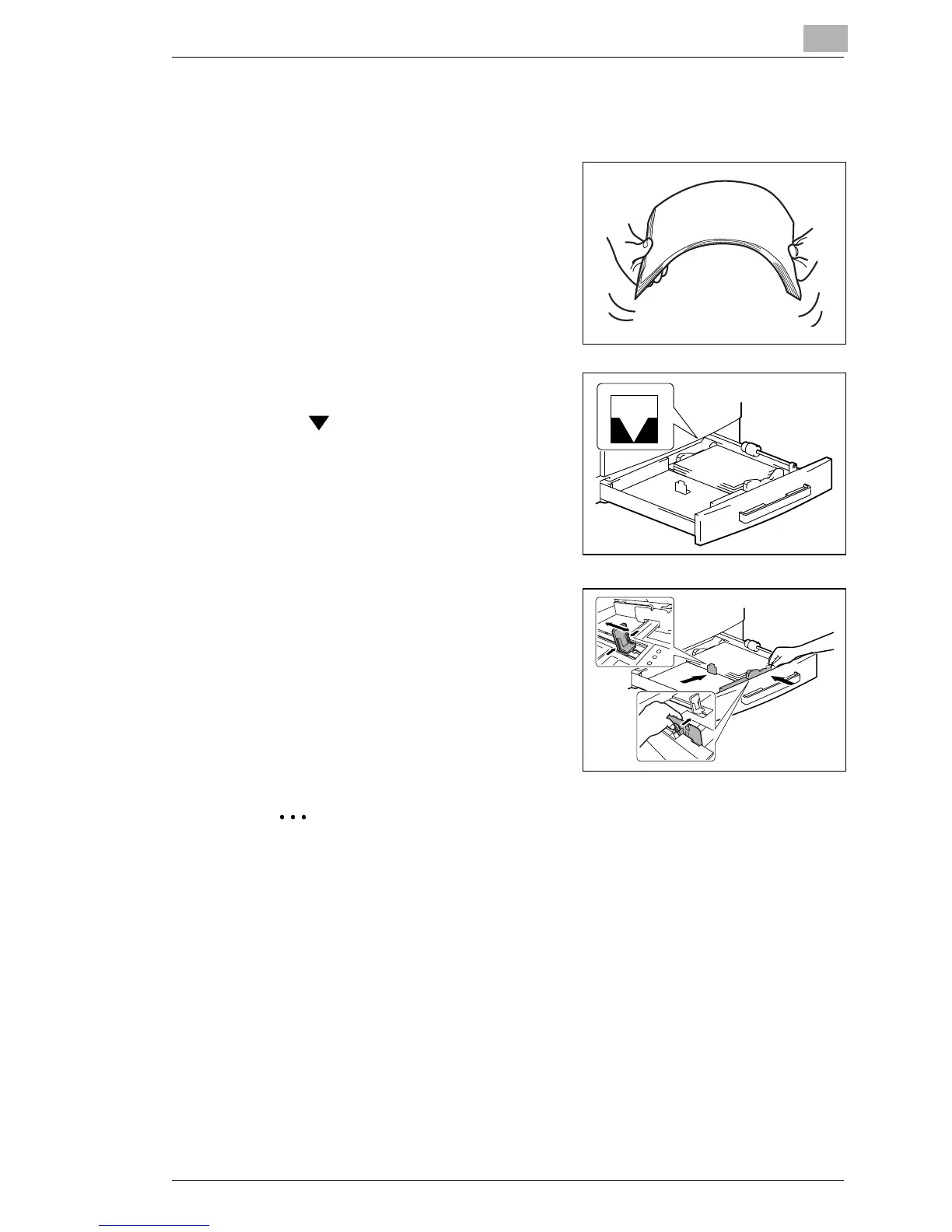
G If the paper is curled, flatten it
before loading it.
G Do not load so much paper that the
top of the stack is higher than
the
mark or exceeds the
specified number of sheets.
G Make sure that the paper guides are
pushed up against the edges of the
paper.
Tip
We recommend replenishing the paper only after all of the paper in the
drawer has been used.










 To Next Page