5
Before Making Copies
5-18 7216/7220
To copy with a manually selected paper size
1 Load the document to be copied.
H Refer to “Loading the Document” on page 3-8.
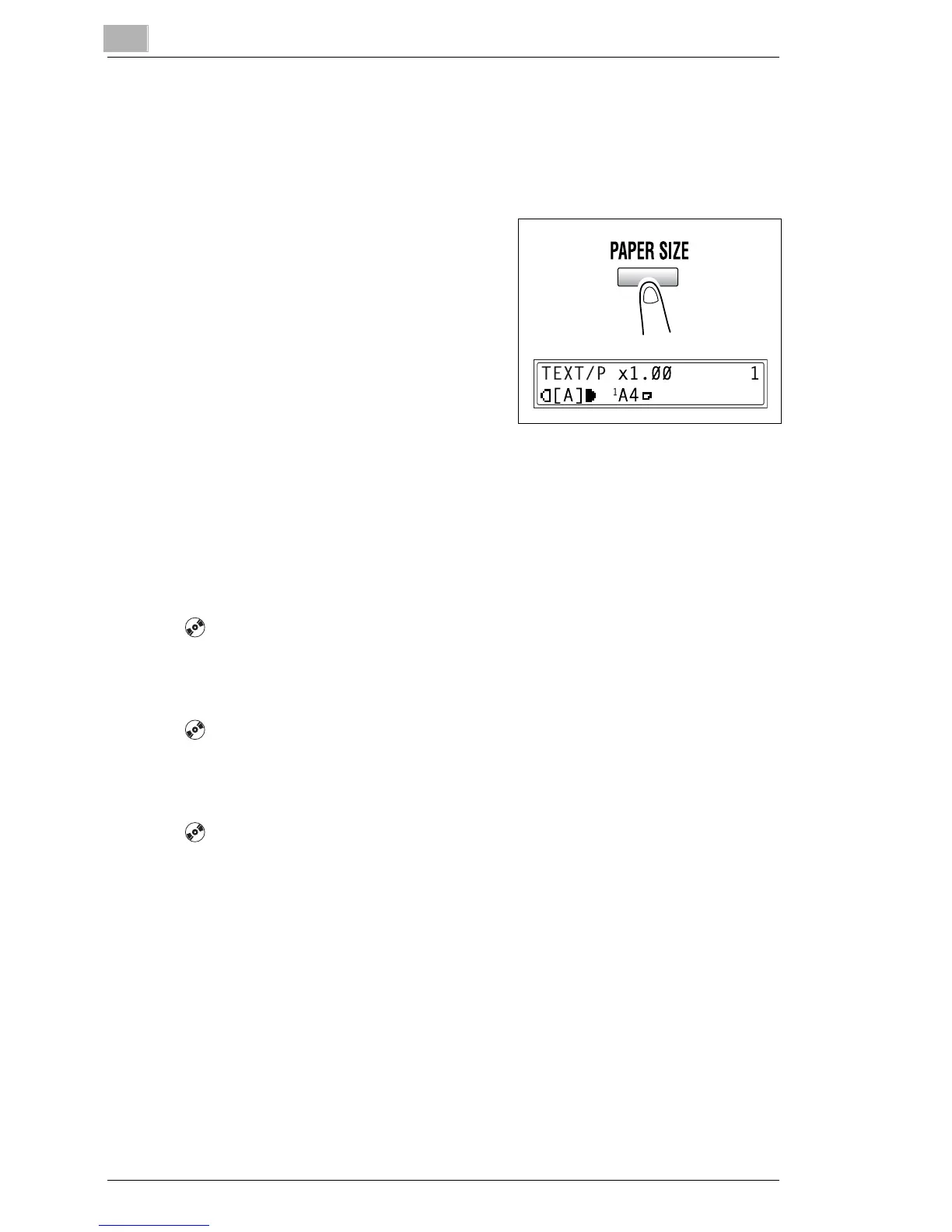
2 Press the [Paper Size] key, and
then select the desired paper size.
H Check that the correct paper
size appears in the bottom line
of the screen.
3 If necessary, specify any other copy
settings.
H Zoom (p. 5-22)
H Copy density (p. 5-26)
H Advanced Copy Operations (p. 6-1)
4 Using the 10-Key Pad, enter the desired number of copies, and then
press the [Start] key.
To load special paper into the 1st Tray [CD]
For further information, see “5 Before Making Copies” in the extended
manual on the CD-R.
Automatically Selecting the Paper Source [CD]
For further information, see “5 Before Making Copies” in the extended
manual on the CD-R.
Order for Automatically Switching Paper Drawers [CD]
For further information, see “5 Before Making Copies” in the extended
manual on the CD-R.










 To Next Page