3
Basic Operations
3-12 7216/7220
3.4 Stopping/Restarting/Canceling a Copy Job
Follow the procedure described below to stop a copy job.
1 Specify the copy settings, and then press the [Start] key.
Copying begins.
2 During printing, press the [Stop]
key.
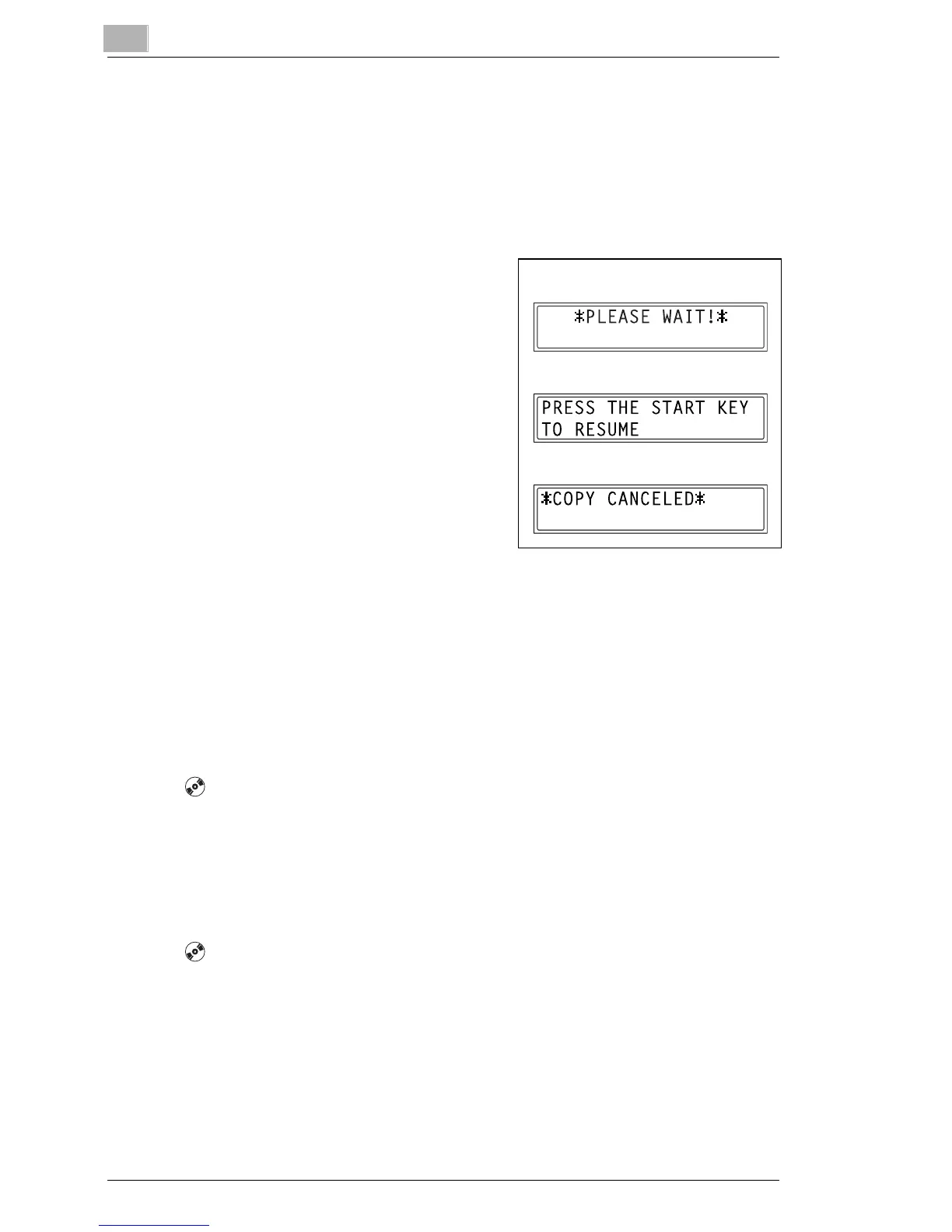
The message “*PLEASE WAIT!*”
appears, and printing is stopped.
?
How can the stopped job be
restarted?
§ When the message “PRESS
THE START KEY TO RESUME”
appears, press the [Start] key.
Printing continues.
?
How can the stopped job be
canceled?
§ When the message “PRESS THE START KEY TO RESUME”
appears, press the [No/Clear] key.
The message “*COPY CANCELED*” appears, and the job is
canceled.
3.5 Confirmation Mode [CD]
The number of operations performed since this machine was installed can
be checked using the functions available when the [Status] key is pressed.
For further information, see “3 Basic Operations” in the extended
manual on the CD-R.
3.6 Reducing Electricity Usage [CD]
The Sleep and Auto Power-off modes are extremely useful for conserving
energy.
For further information, see “3 Basic Operations” in the extended
manual on the CD-R.
Stop
Restart
Cancel










 To Next Page