Before Making Copies
5
7216/7220 5-17
5.5 Selecting the Paper Source
The paper used for making copies can be selected in two ways.
G APS:
If the APS function is selected, the paper tray containing the most
suitable size of paper is selected based on the size of the document
and the specified zoom ratio.
G Manual paper selection:
The paper that you wish to use for copying can be selected.
To make copies using the APS function
1 Load the document into the ADF.
H Refer to “Loading the Document” on page 3-8.
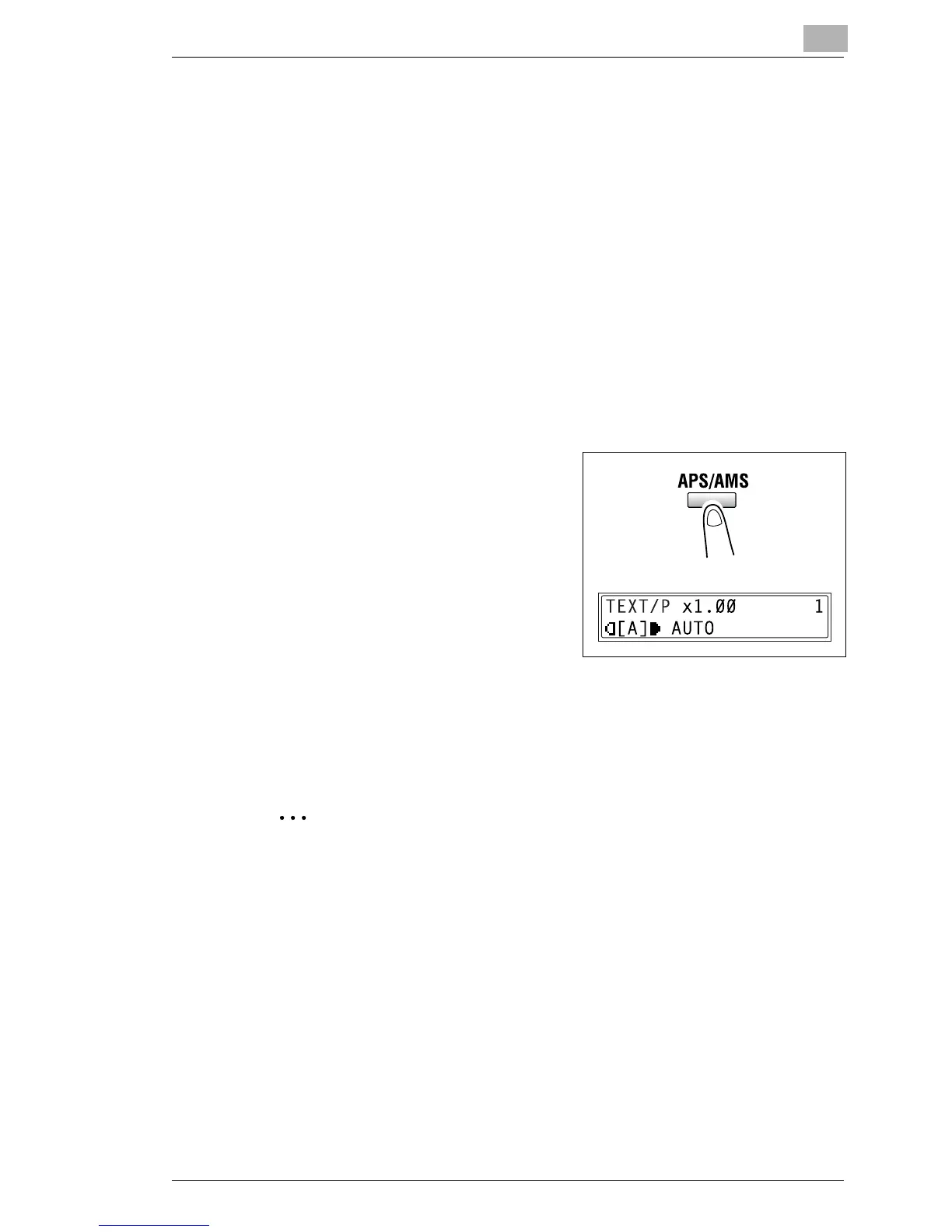
2 Press the [APS/AMS] key until the
APS function is selected.
H Check that “AUTO” appears in
the bottom line of the screen.
3 If necessary, specify any other copy
settings.
H Zoom (p. 5-22)
H Copy density (p. 5-26)
H Advanced Copy Operations (p. 6-1)
4 Using the 10-Key Pad, enter the desired number of copies, and then
press the [Start] key.
Note
If “APS SIZE ERROR” appears in the display immediately after the
[Start] key is pressed, no tray is loaded with paper of the most suitable
size. Either load paper with the appropriate size, or press the [Paper
Size] key and select the desired paper size, and then press the [Start]
key again.










 To Next Page