Before Making Copies
5
7216/7220 5-15
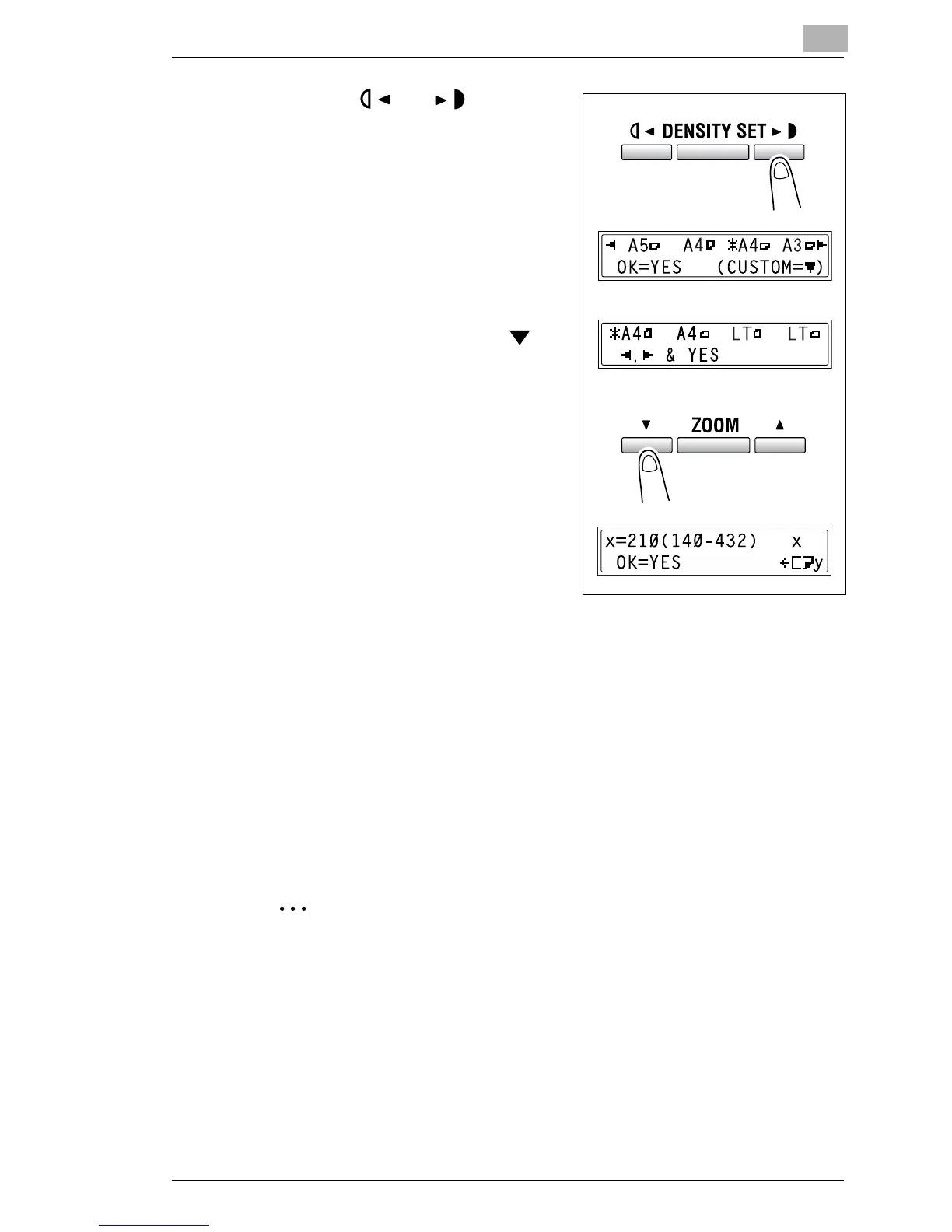
7 Using the and keys, select
the size of the paper loaded.
H If “OHP” was selected in step 5,
select from the following four
paper size settings.
“A4 L”
“A4 C”
“Letter L”
“Letter C”
H If paper with a non-standard
size is loaded, press the
key
(“CUSTOM”), and then use the
10-Key Pad to enter the paper
size. (For details, refer to
“Copying Onto Various Types of
Media” on page 4-1.)
?
Do you know the size of F4
paper?
§ The default F4 size is 210 mm ×
330 mm. To change the F4 size,
contact your service
representative.
8 Press the [Yes] key.
The main screen appears.
9 If necessary, specify any other copy settings.
H Zoom (p. 5-22)
H Copy density (p. 5-26)
H Advanced Copy Operations (p. 6-1)
10 Press the [Start] key.
Tip
If paper other than plain paper is specified and the MSBT is used, the
screen changes as shown below.










 To Next Page