115
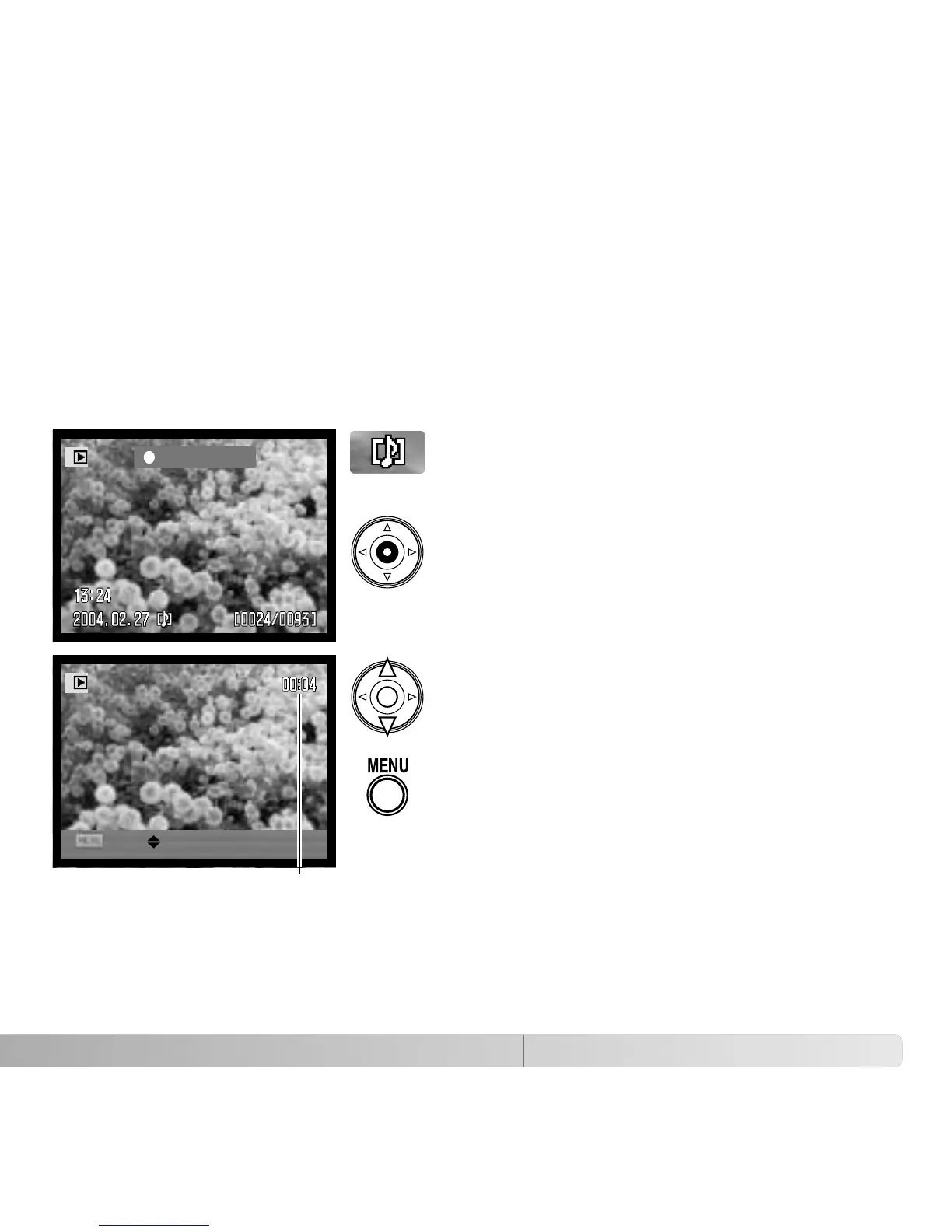
PLAYING BACK VOICE MEMOS
Press the central button of the controller to start
the audio playback.
Voice memos are indicated by the voice-memo
indicator displayed at the bottom of the monitor
image.
ADVANCED PLAYBACK
This section covers how to playback voice memos as well as the playback mode’s menu
functions. The menu navigation section covers basic menu operation. It is followed by
detailed descriptions of the menu settings.
Voice memos can be played back in Quick View and the playback mode. See page 101
on how to record voice memos.
Play
VolStop
During playback, use the up/down keys of the
controller to adjust the volume.
Press the menu button to cancel audio
playback.
Playback time















 To Next Page