Section 2 of the playback menu controls the slide-show
function. This function automatically displays all still images
in a folder in order.
124
A
DVANCED PLAYBACK
SLIDE SHOW
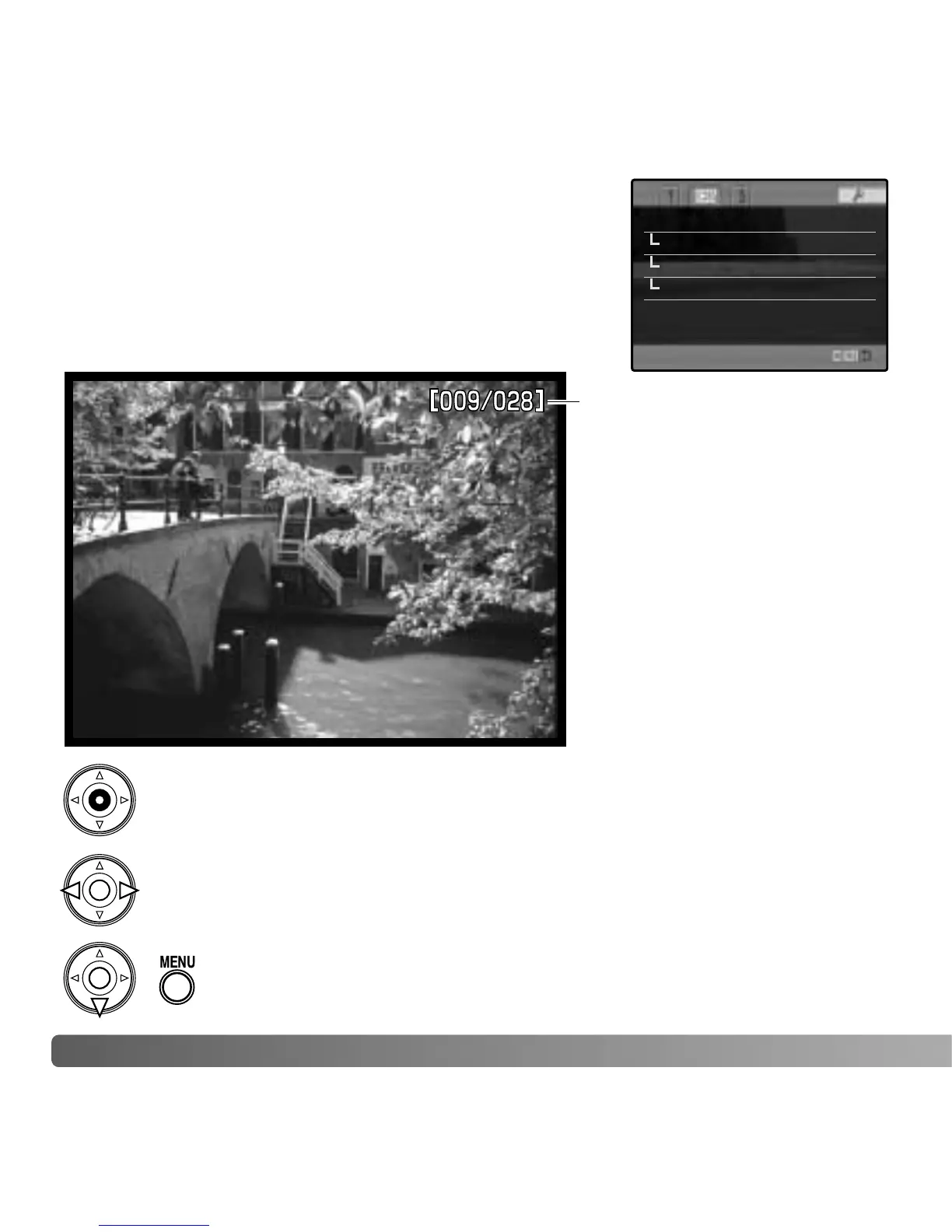
Number of images displayed /
total number of images in the
presentation.
Press the central button of the controller to pause and restart the presentation.
To cancel the presentation, press the menu button or the down key of
the controller.
Slide show –
Playback All frames
Duration 5 sec.
Repeat No
Use the left/right keys of the controller to advance to the next image or return
to the previous one.















 To Next Page