77
DEPTH-OF-FIELD PREVIEW
The aperture controls depth of field; the area in front of the
camera that appears in focus. The smaller the aperture,
the greater the depth of field. Depth-of-field preview sets
the aperture to the setting used in the exposure.
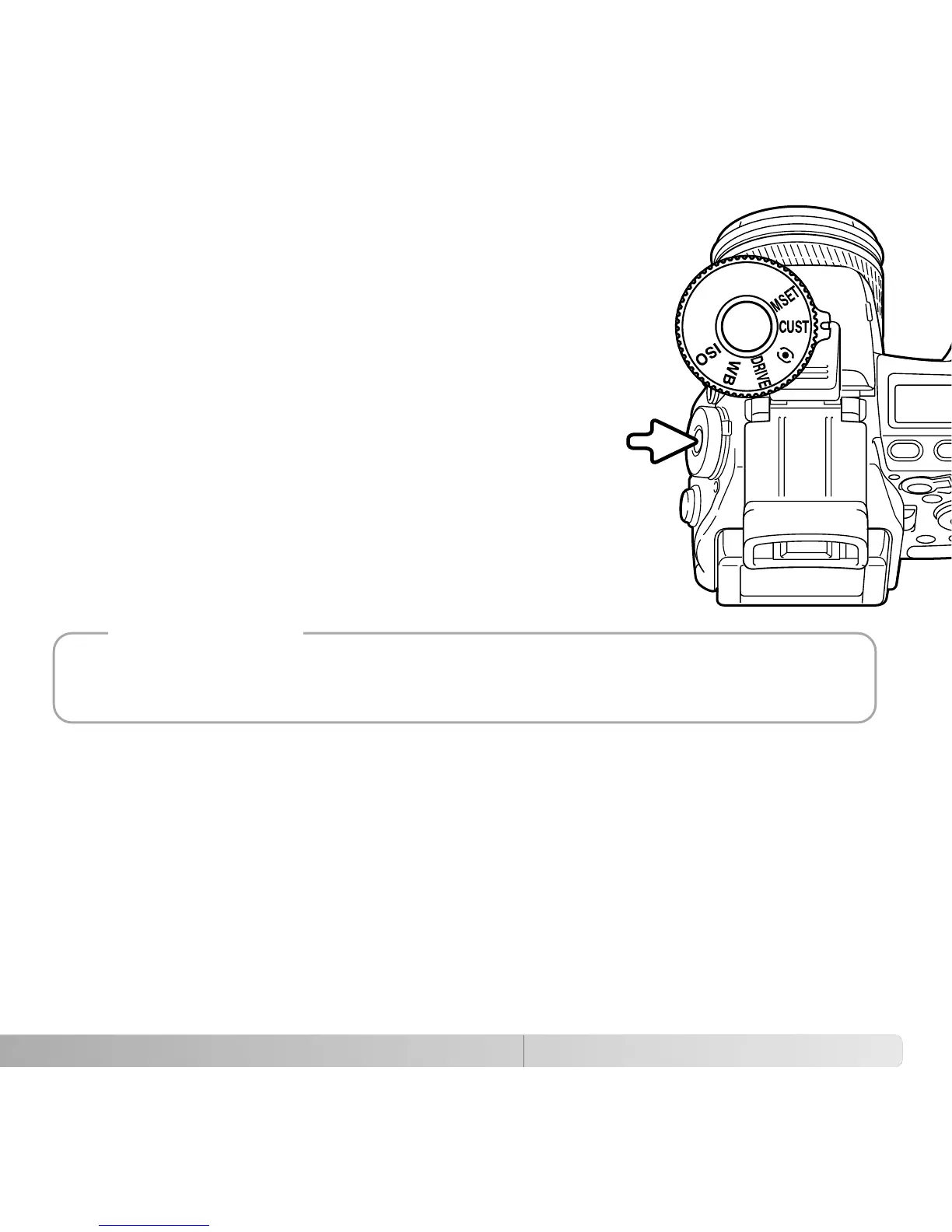
Turn the function dial to the custom position (1). Press and
hold the function button to view the affect of the aperture
setting on the live image. The shutter can be released
during depth of field preview.
In Auto, P, and S exposure modes, the aperture value is
automatically displayed. Except for the manual exposure
mode, the exposure is not fixed and changes with the
lighting conditions. The aperture can be changed during
depth of field preview in A and M exposure modes; the live
image may flash as the aperture is adjusted.
1
2
The function assigned to the custom position of the function dial can be changed with the
custom-setup option in section 2 of the setup menu (p. 136).
Camera Notes















 To Next Page