148
D
ATA-TRANSFER MODE
CONNECTING TO WINDOWS 98 / 98 SECOND EDITION
The driver needs only to be installed once. If the driver cannot be installed automatically,
it can be installed manually with the operating system’s add-new-hardware wizard; see
the instructions on the following page. During installation, if the operating system
requests the Windows 98 CD-ROM, inset it into the CD-ROM drive and follow the
accompanying instructions on the screen. No special driver software is required for other
Windows operating systems.
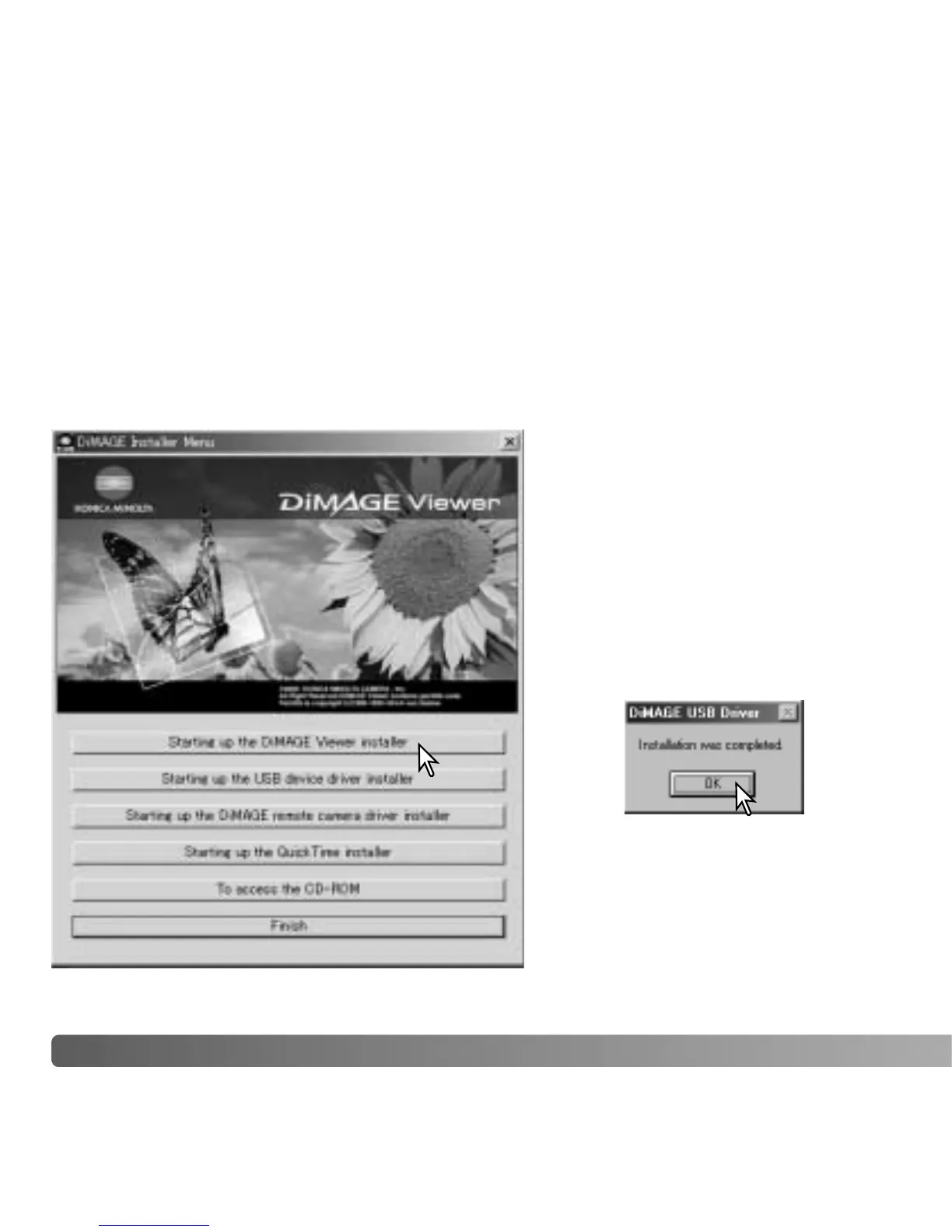
AUTOMATIC INSTALLATION
Before connecting the camera to the
computer, place the DiMAGE Viewer
CD-ROM in the CD-ROM drive. The
DiMAGE installer menu should
automatically activate. To
automatically install the Windows 98
USB driver, click on the starting-up-
the-USB-device-driver-installer
button. A window will appear to
confirm that the driver should be
installed; click “Yes” to continue.
When the driver has been
successfully installed, a window will
appear. Click “OK.” Restart the
computer before connecting the
camera (p. 147).















 To Next Page