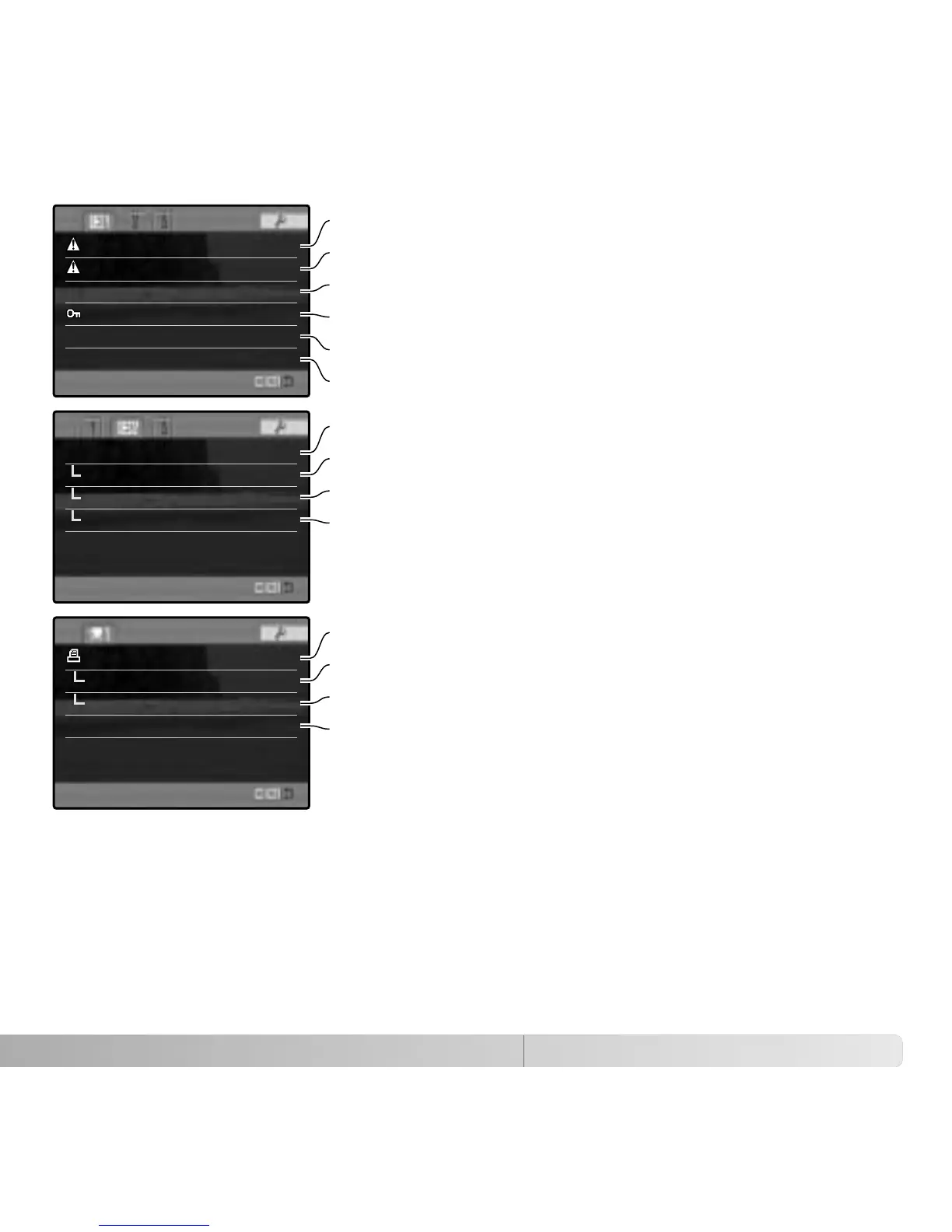
DPOF set –
Date imprint Off
Index print –
Cancel print –
Slide show –
Playback All frames
Duration 5 sec.
Repeat No
Delete –
Format –
View folder
Lock –
Copy –
Index format 9 frames
117
To delete images on the memory card (p. 119).
To format the memory card (p. 120).
To select the folder to view in playback mode (p. 120).
To copy images from one memory card to another (p. 122).
To protect images from deletion (p. 121).
To specify the index playback format (p. 121).
To play back images automatically (p. 124)
To select the images for the Slide Show (p. 124).
To specify how long each image is played back (p. 124)
To repeat the Slide Show presentation automatically (p. 124).
To select images for DPOF printing (p. 126).
To print the date of capture with each print (p. 127)
To create an index print with the DPOF order (p. 127)
100KM003
To cancel DPOF print orders on the memory card (p. 127).















 To Next Page