Loading Media114
6 Select PAPER MENU/PAPER SOURCE/TRAY 1/PAPER SIZE and
PAPER TYPE in the configuration menu, and then select the setting for
the size and type of media that is loaded. See also “PAPER MENU” on
page 37.
Loading Label Sheets/Postcards/Thick Stock/Glossy
Media and Transparencies
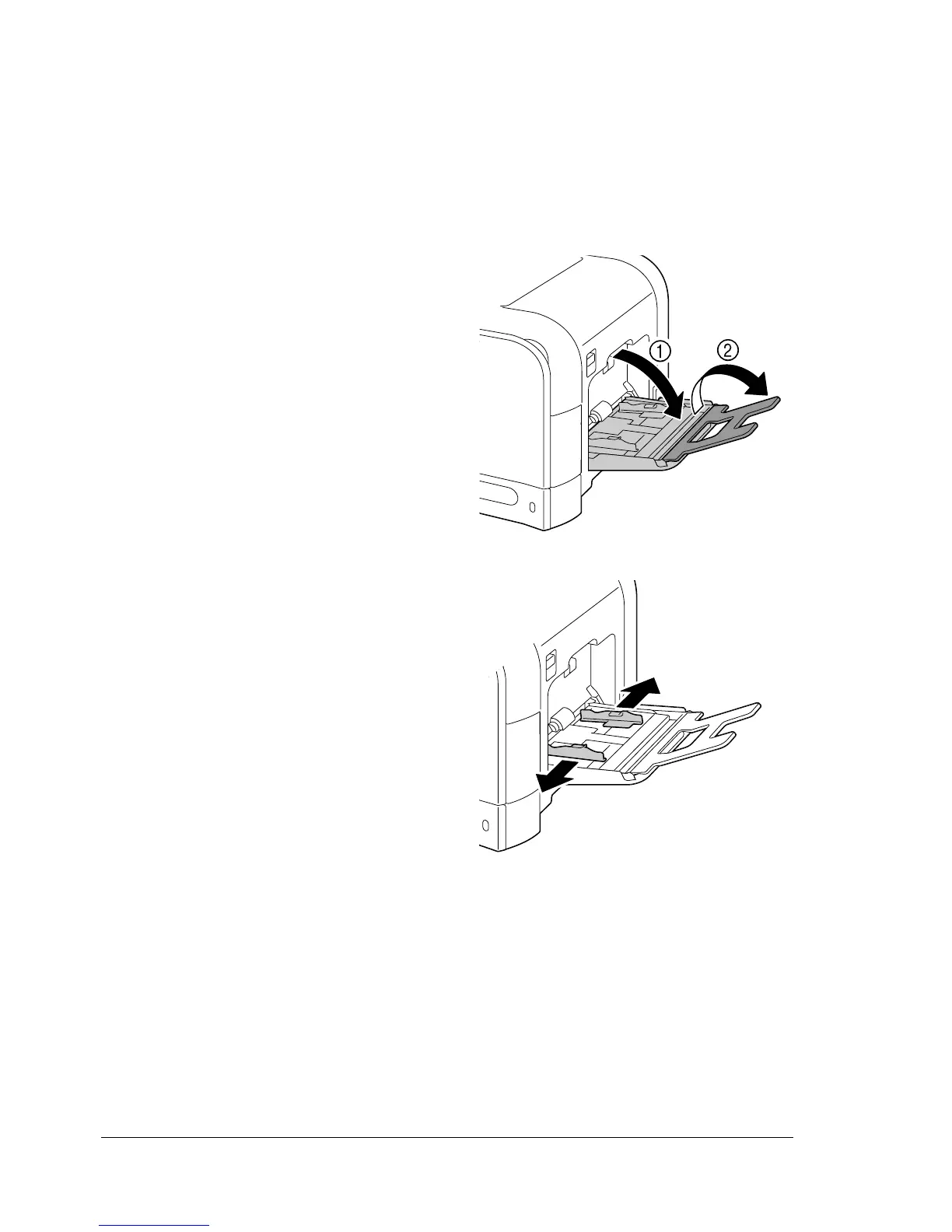
1 Open Tray 1.
2 Slide the media guides to pro-
vide more space between them.














 To Next Page