About the Control Panel26
About the Control Panel
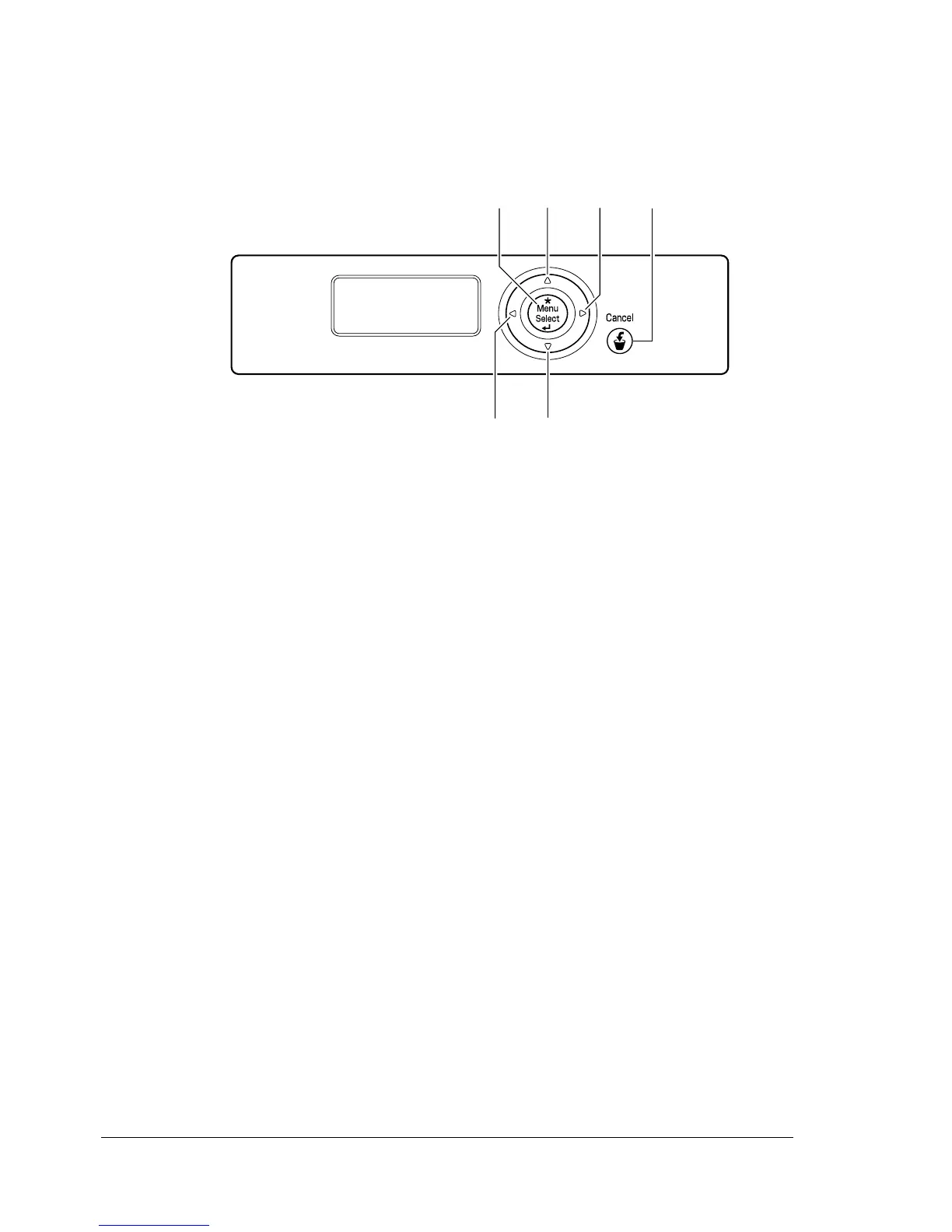
The control panel, located on the top of the printer, allows you to direct the
printer’s operation. In addition, it displays the current status of the printer,
including any condition that needs your attention.
23 41
65
MESSAGE
WINDOW














 To Next Page